Page 172 951/952 Operator’s Manual Rev. B
Chapter 11 - Customizing the Unit
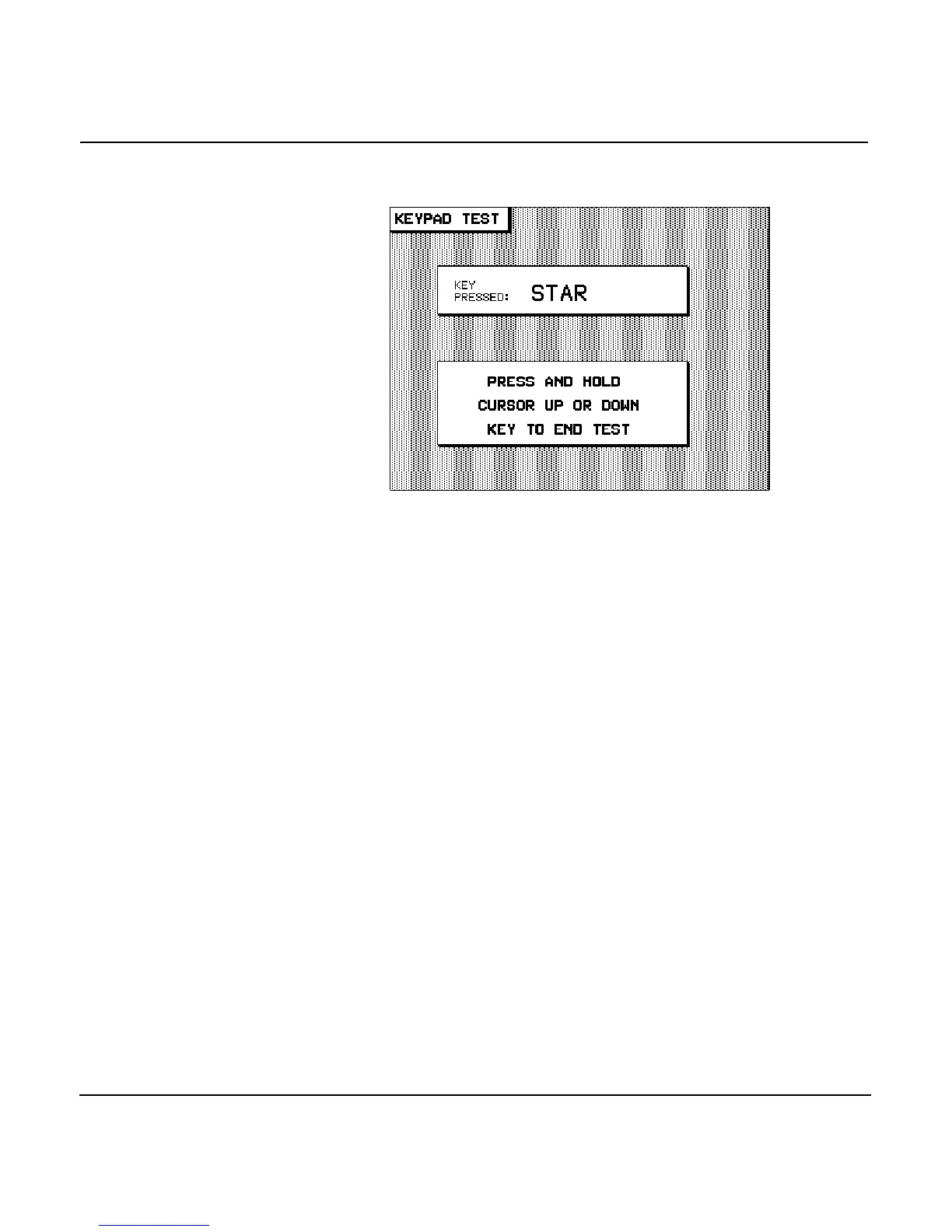
the menu key, then each key you press is iden-
tified in the KEY PRESSED display box.
This function works for all but the , , and
keys (pressing during the keypad test saves a
waypoint instead of testing the key).
When you’re done, press and hold the up or
down until you return to the SERVICE INFORMATION screen.
Viewing the wiring
information
Press the menu key to display a complete listing
of the unit’s interface cable wiring colors and their correspond-
ing interface port functions. The wires are also numbered
according to their respective positions in the interface connec-
tor. (They’re listed in the Northstar 951/952 Installation Man-
ual.)
Turning off the
“ignore door”
feature
To help protect the installed Nav-Chart cartridge—as well as
the unit’s internal components—from water and salt spray, a
switch in the unit’s cartridge door-latch senses if the door is
open or closed. When open, the unit:
•
won’t use or display information from the chart cartridge
•
won’t display the cartridge’s ID name or date information
on the CHART SETUP/STATUSscreen
•
won’t display chart edges (if turned ON)



 To Next Page