Chapter 6 - Creating Waypoints
951/952 Operator’s Manual Rev. B Page 81
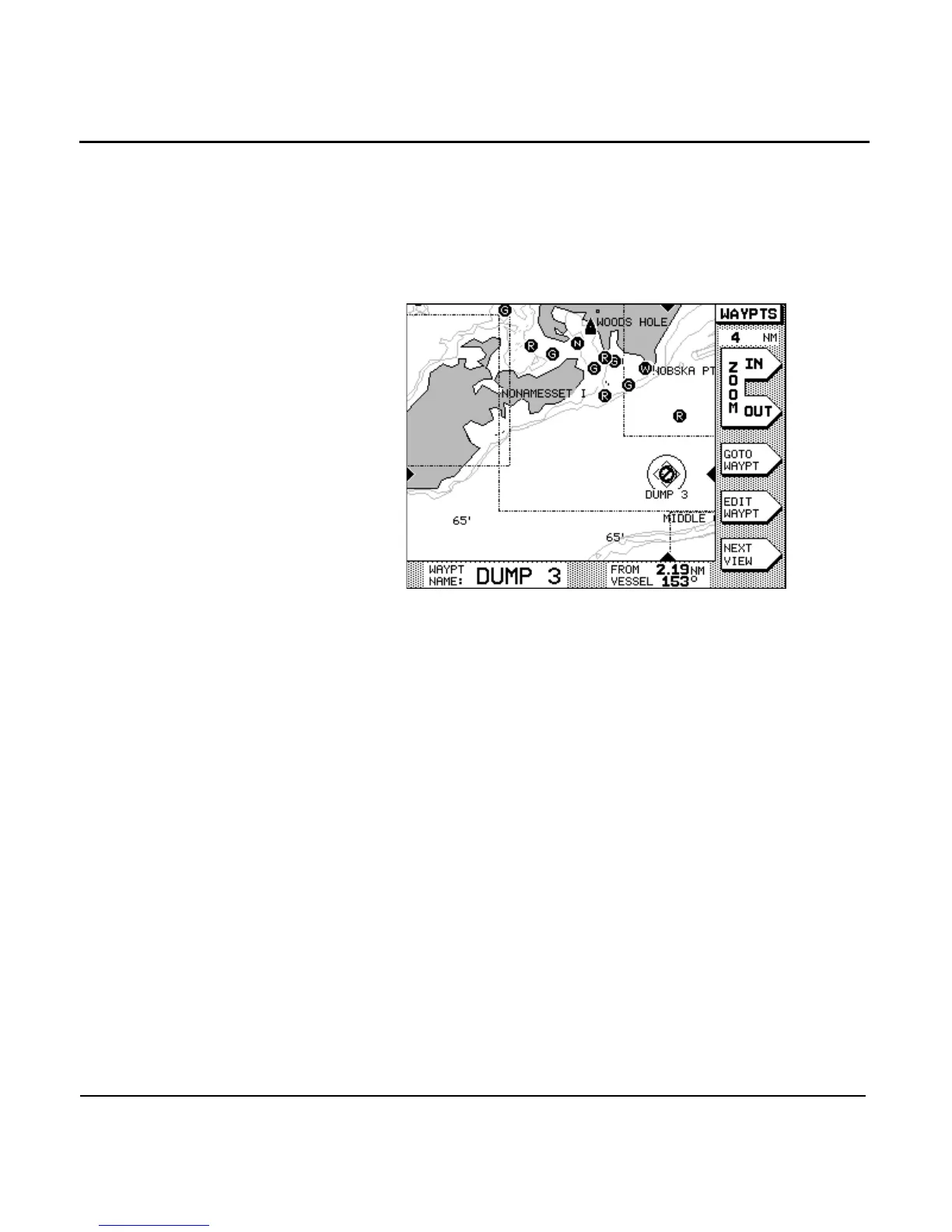
fying symbol to help in quickly identifying it as a warning area
on the CHART screen. You can change this symbol, if you
want to. If you travel into an avoidance area, an alarm is given
both as an audio beep and a flashing exclamation point on the
screen.
Just using the slashed circle symbol doesn’t cause the way-
point to be treated as an avoidance point; that is, with the cir-
cular area displayed and the alarm active. The waypoint is only
treated as an avoidance point if you specify a warning radius
larger than zero.
To designate a waypoint as an avoidance-area waypoint, enter
a distance in the WARN RADIUSbox at the bottom of either
the NEW WAYPT or EDIT WAYPT screen. The warning radius
may be as large as five nautical miles. Be sure to include a little
extra distance around the hazard so that you’ll have time to
respond by turning or stopping after you hear the alarm, and
to allow for the typical accuracy of the navigation source
you’re using.
For existing waypoints, press the key, the
menu key, and then the menu key
(as necessary) to display a waypoint list screen. Select the
appropriate waypoint with the , and press the
menu key. Move the cursor to the WARN RADIUS box at
the bottom of the screen and enter the warning radius.



 To Next Page