Page 82 951/952 Operator’s Manual Rev. B
Chapter 6 - Creating Waypoints
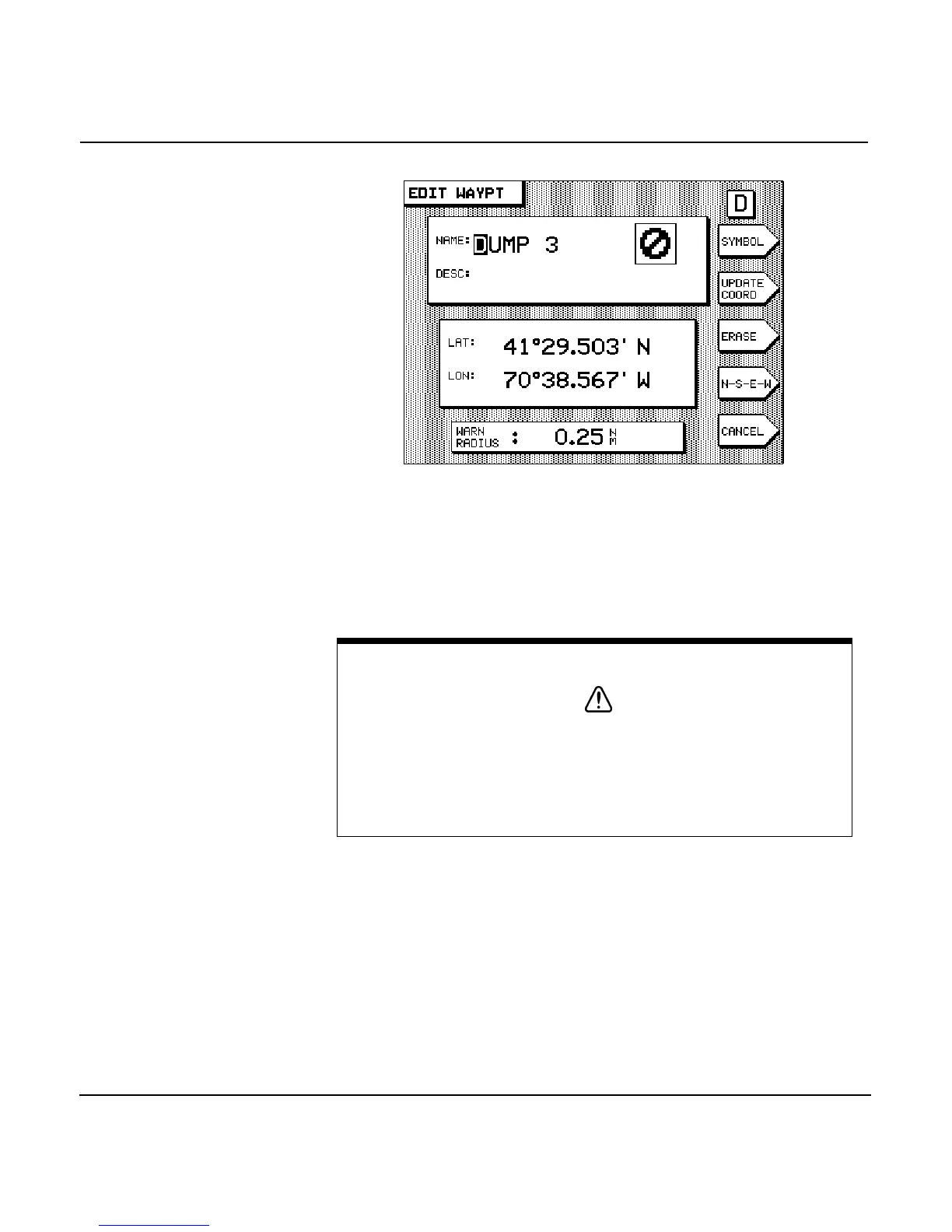
For new waypoints, proceed as if entering a new way-
point--either graphically or numerically, as described ear-
lier--and then enter a warning radius in the WARN RADIUS
box.
Avoidance area
alarm
Once you’ve designated a waypoint as an avoidance area, the
unit alerts you if you penetrate that area.
To set the audible avoidance area alarm:
1. Press the key once to display the ALARMS screen
(on the 952) or ALARMS & BACKLIGHT screen (on the
951).
CAUTION!
The unit’s avoidance alarm is intended only as an extra safety
feature to help make you aware of possible hazards. It doesn’t
replace local knowledge, proper use of charts, the person on
watch, or any other aspects of good seamanship that are
required for safe navigation.



 To Next Page