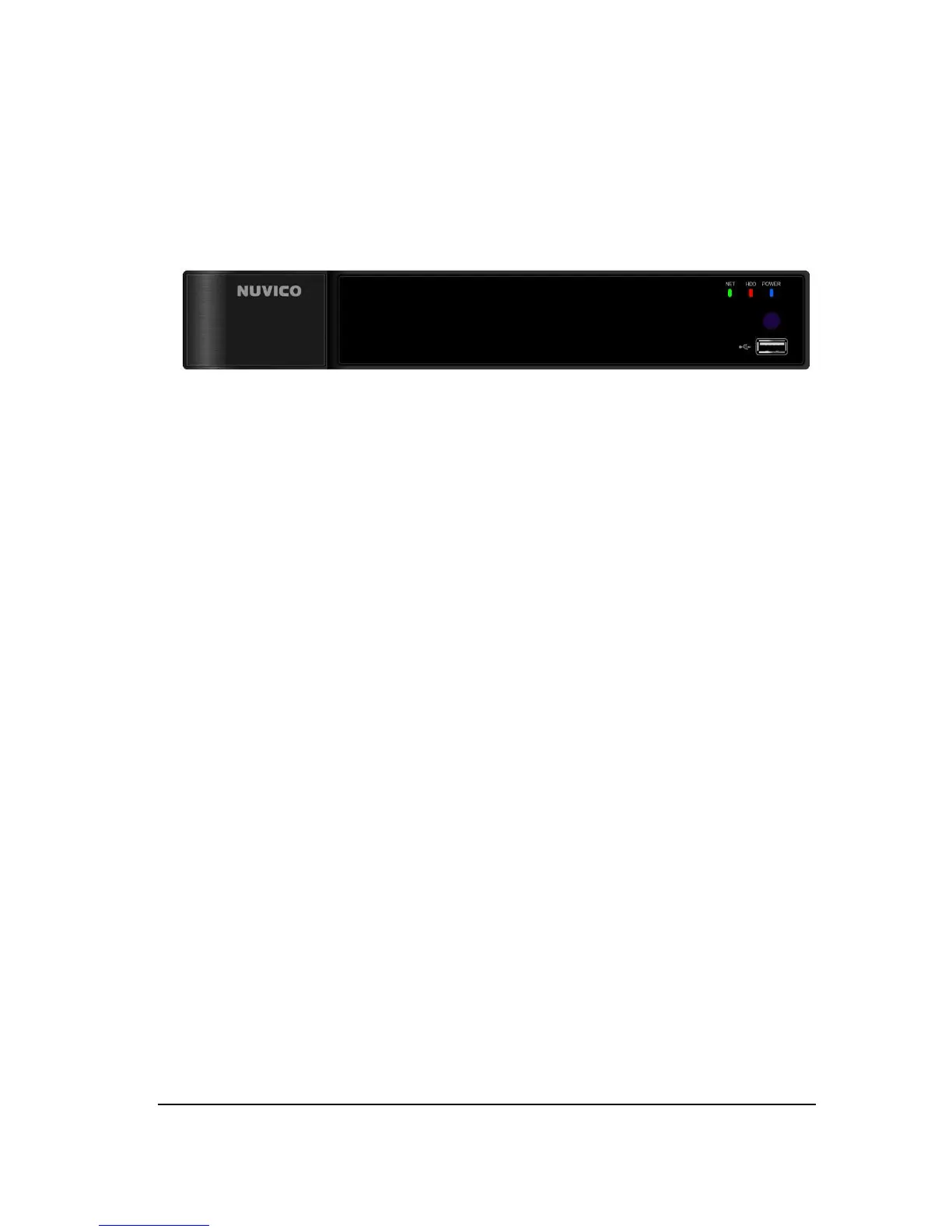
9 EV2 Series DVR
I. Controls
1. Front Panel
1) USB port :
USB port allows light backups of video files to devices
.
2) Remote control signal receiver :
IR sensor to receive control signal from
remote controller. Blocking the receiver port may result in malfunctioning use
of the remote control.
3) LED PWR :
PWR will be red when the system on.
4) LED HDD :
HDD will blink as red during recording.
5) LED NET :
NET will be red when any remote connection is active.



 To Next Page