31 EV2 Series DVR
2.5. Camera Title
Allows you to create a unique name for each camera. The camera title has the
Following guidelines:
- Characters: A to Z, 0 to 9. Special characters are supported by network.
- Length: up to 12 including space.
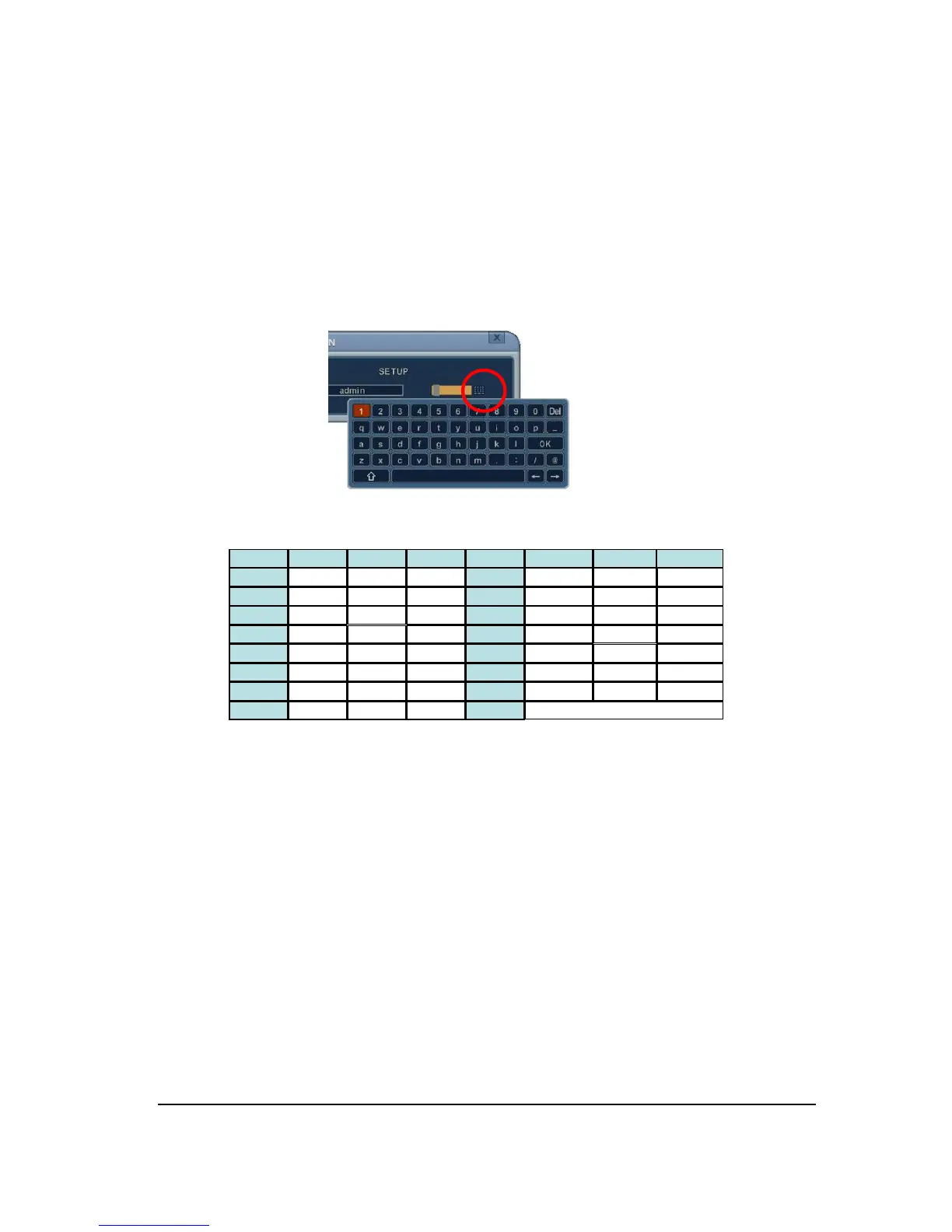
To create a camera title, using the virtual keyboard, or pressing appropriate
Numeric button on IR Remote or front panel.
<Virtual Keyboard by Mouse>
<on IR Remote Controller>
4. Select SAVE to save changes and press [ENTER] button to exit the menu.
Exit the menu without making changes, press [CANCEL] button.
No 1st 2nd 3rd No 1st 2nd 3rd
1 A B 1 6 Q R 9
2 C D 2 7 S T 10
3 E F 3 8 U V 11
4 G H 4 9 W X
5 I J 5 10/0 Y Z
6 K L 6 14 . @
7 M N 7 15 - _
8 O P 8 16 SPACE



 To Next Page