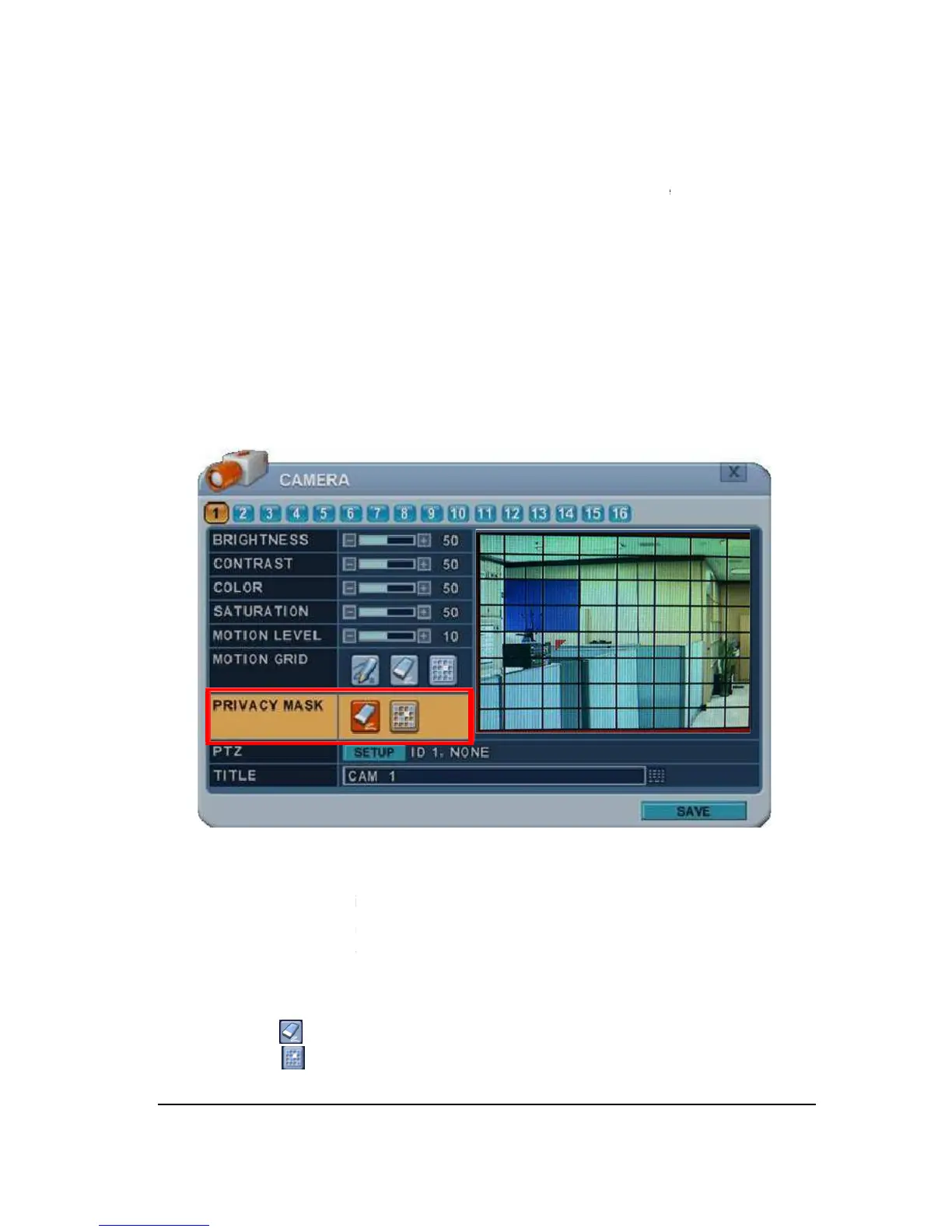
Privacy Mask allows you to mask certain areas in the surveillance video for
related laws, policies and regulations
will not be displayed. Once you
video masking, the covered placement
To Configure Privacy Mask:
Select Camera number button to configure the desired camera.
Mask creates a masking rectangle
the video image. To define the Privacy Mask area, do the following;
The area property is highlighted and privacy mask can now be observed in the
: Select specific. Press [
Privacy Mask allows you to mask certain areas in the surveillance video for
related laws, policies and regulations
Areas applied with privacy masks
will not be displayed. Once you
set up the Privacy Mask, by selecting
video masking, the covered placement
isplayed in Live View, Recording and Play
To Configure Privacy Mask:
Select Camera number button to configure the desired camera.
Mask creates a masking rectangle
of a selected size then positions it
the video image. To define the Privacy Mask area, do the following;
, or remote control, press any of directional
and the cells are highlighted in a
The area property is highlighted and privacy mask can now be observed in the
: Select specific. Press [
Privacy Mask allows you to mask certain areas in the surveillance video for
Areas applied with privacy masks
set up the Privacy Mask, by selecting
isplayed in Live View, Recording and Play
of a selected size then positions it
The area property is highlighted and privacy mask can now be observed in the



 To Next Page