59 EV2 Series DVR
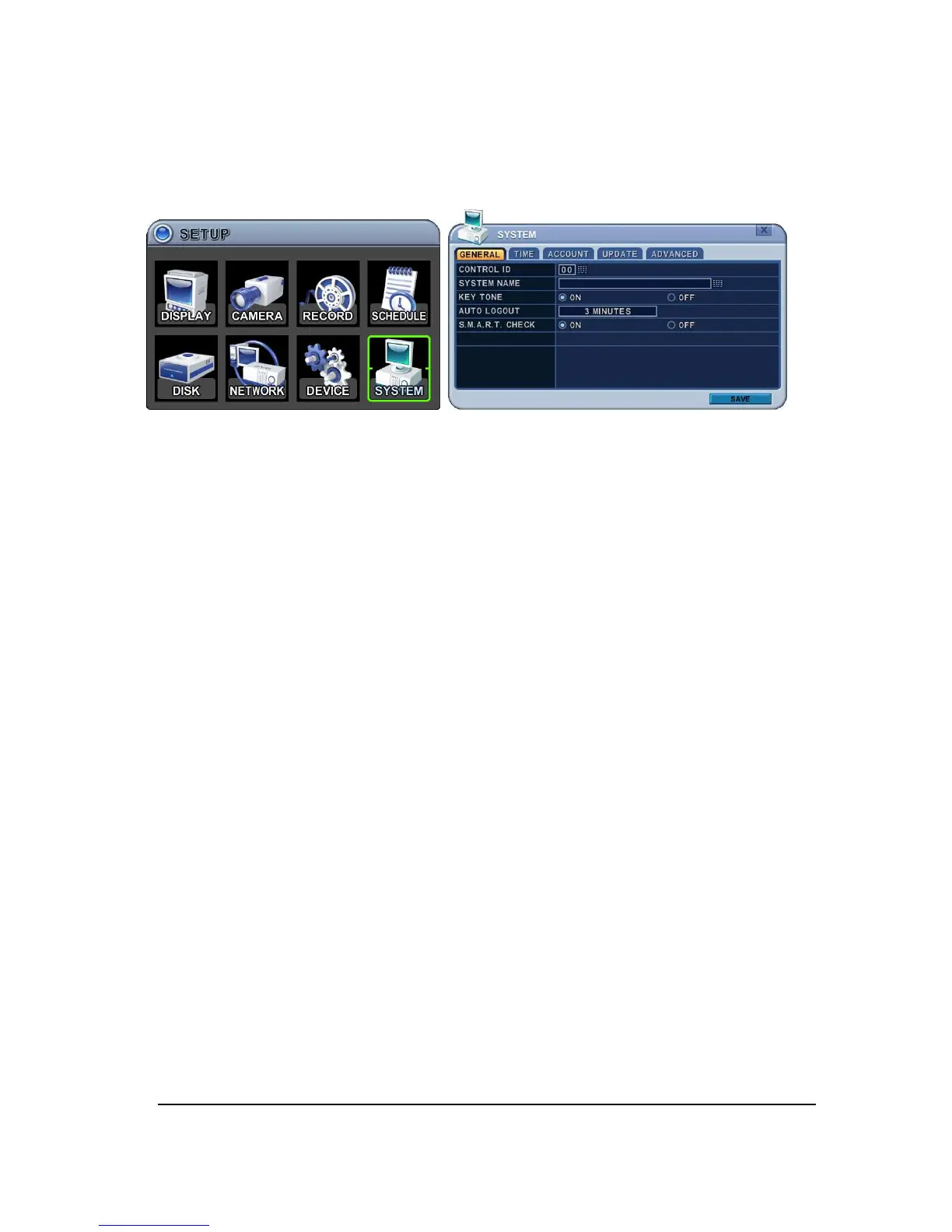
8. SYSTEM
8.1. GENERAL
1.
Control ID: Each DVR that is preconfigured with the control ID is enabled to respond
to and be operated by the remote control.
- To select the DVR to be controlled with the remote controller, press and hold the DVR
ID button. While holding the DVR ID button, press the appropriate DVR ID number.
For example, enter 05 for DVR ID 05, enter 43 for DVR ID 43, and such. Set the ID of
IR controller on “00” to control DVRs at the same time, whatever DVR ID is.
2.
SYSTEM Name: Type the SYSTEM name to distinguish location when you have
several DVRs on Network.
3.
KEY TONE: By default, the DVR emits a beep every time a button is pressed. Set
the key tone to off to turn button beep off. Default by “ON”
4.
AUTO LOGOUT: You can configure the DVR to automatically log out users. Default
by “OFF”.
[OFF 1 Minute 3 Minute 5 Minute 10 Minute]
5.
S.M.A.R.T. MONITOR: Turn ON or OFF to display HDD information in SMART
STATUS tab of DISK menu.



 To Next Page