73 EV2 Series DVR
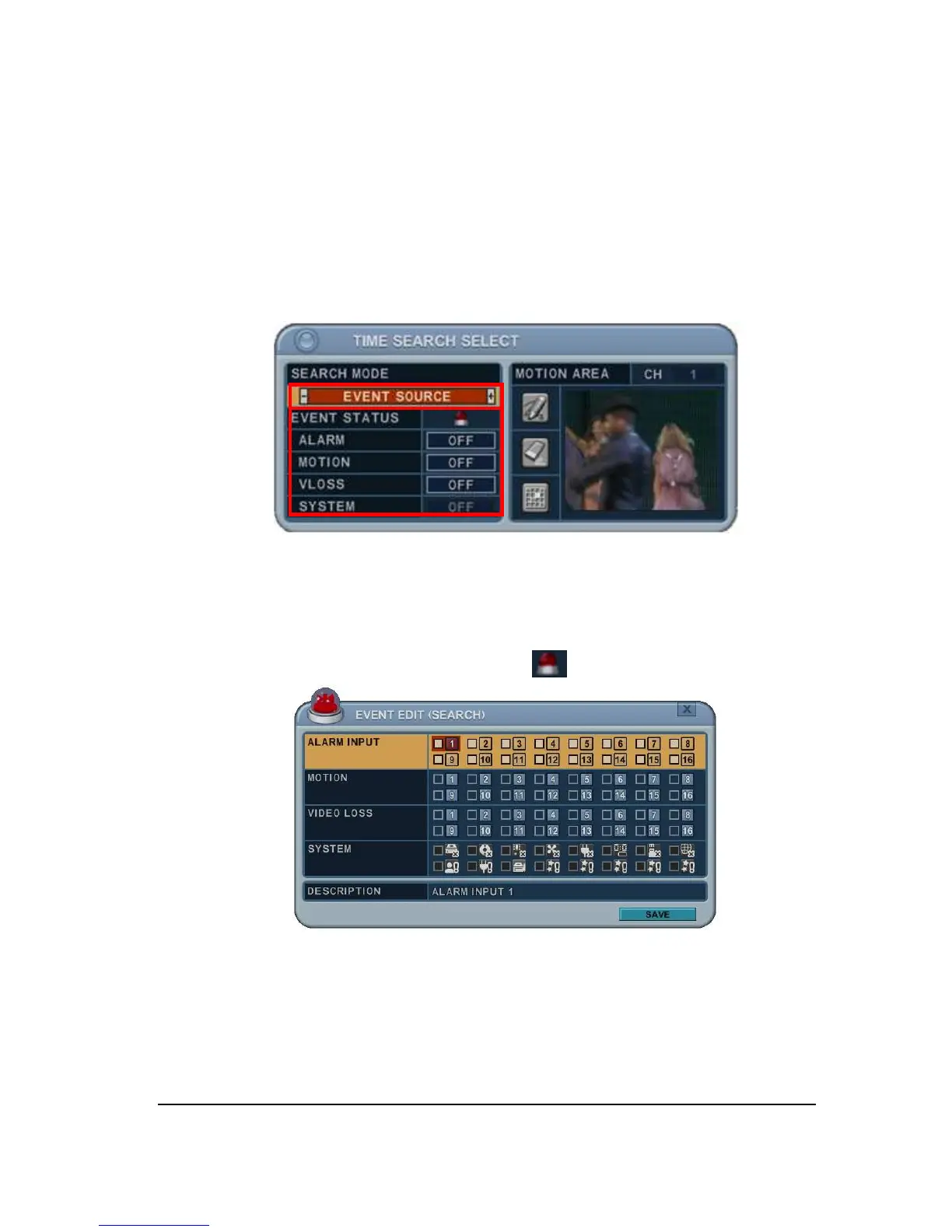
2.4. Event Source Search
Event source search feature allows you to search the recording data in events of
ALRAM, MOTION and VLOSS triggered on DVR previously.
1. Press [+/-] button to select “event source” in searh mode.
And select event source (Alarm, Motion, or Video loss) which you want to search.
1) ALARAM : Select alarm input 1~4.
2) MOTION : Select the channel 1~16.
3) VLOSS (Video loss) : Select the channel 1~16.
4) SYSTEM :
Inactivated
2. User can have multiple selections by pressing icon as below.



 To Next Page