74 EV2 Series DVR
Example)
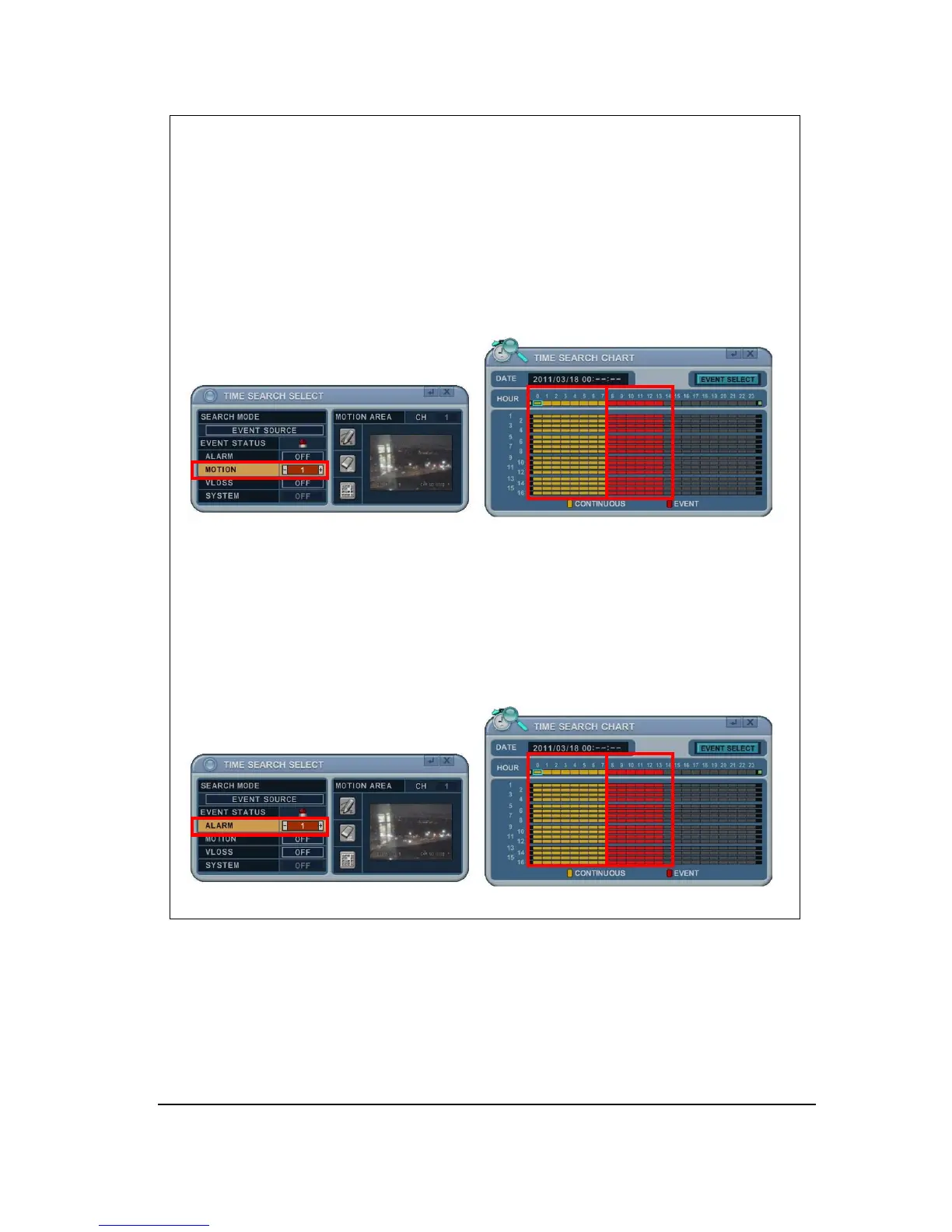
1. If you select MOTION 1 and press MENU button on the remote controller, TIME
SEARCH CHART will display the recording data in red at the time of motion
triggered on channel #1. The other recording data will turn in yellow. So users
can easily search the recording data and playback to see what happened when
motion was triggered on channel #1.
2. If you select ALARM 1 and press MENU button on the remote controller, TIME
SEARCH CHART will display the recording data in red at the time of alarm 1
input triggered. The other recording data will turn in yellow. So users can easily
search the recording data and playback to see what happened when alarm 1
was triggered.



 To Next Page