76 EV2 Series DVR
3. Go to Search
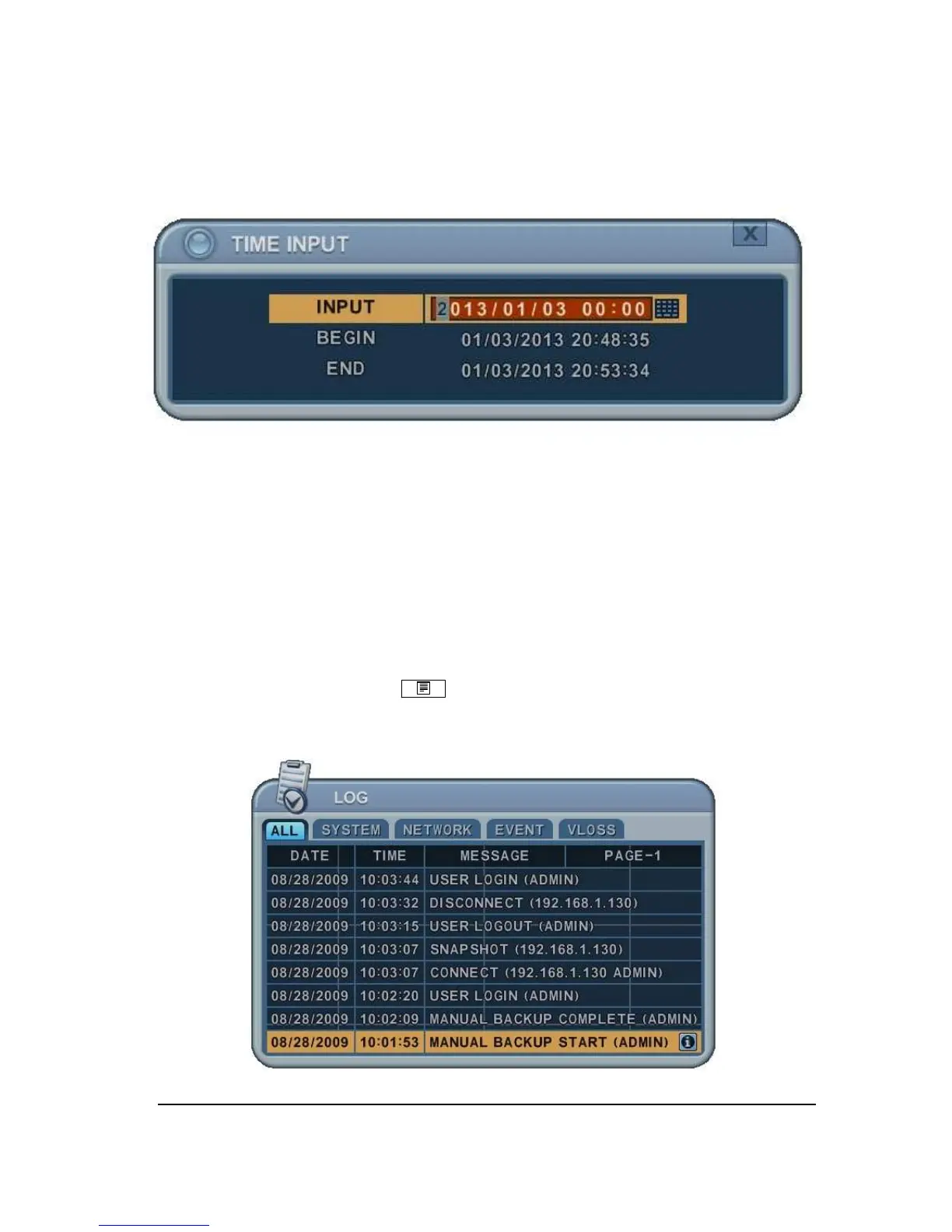
1. Press [Time Search] button for 2 seconds. Then [Time Input] menu will pop up.
2. Set the date and time you wish to search.
3. Press [ENTER] to start search.
4. Log List Search
The logs can be used to search and review directly to a point in time of the recorded data.
Alarm, motion, video loss and system related logs can be searched and played back directly
from the time of the incident.
1.
To start Event Search, press [Log] button on IR Remote, then Log List Menu
pops up, as shown below.



 To Next Page