79 EV2 Series DVR
3. If there is not enough space on the media the NVR automatically ejects the disk when
it’s full and resume the process once new media is inserted into the drive.
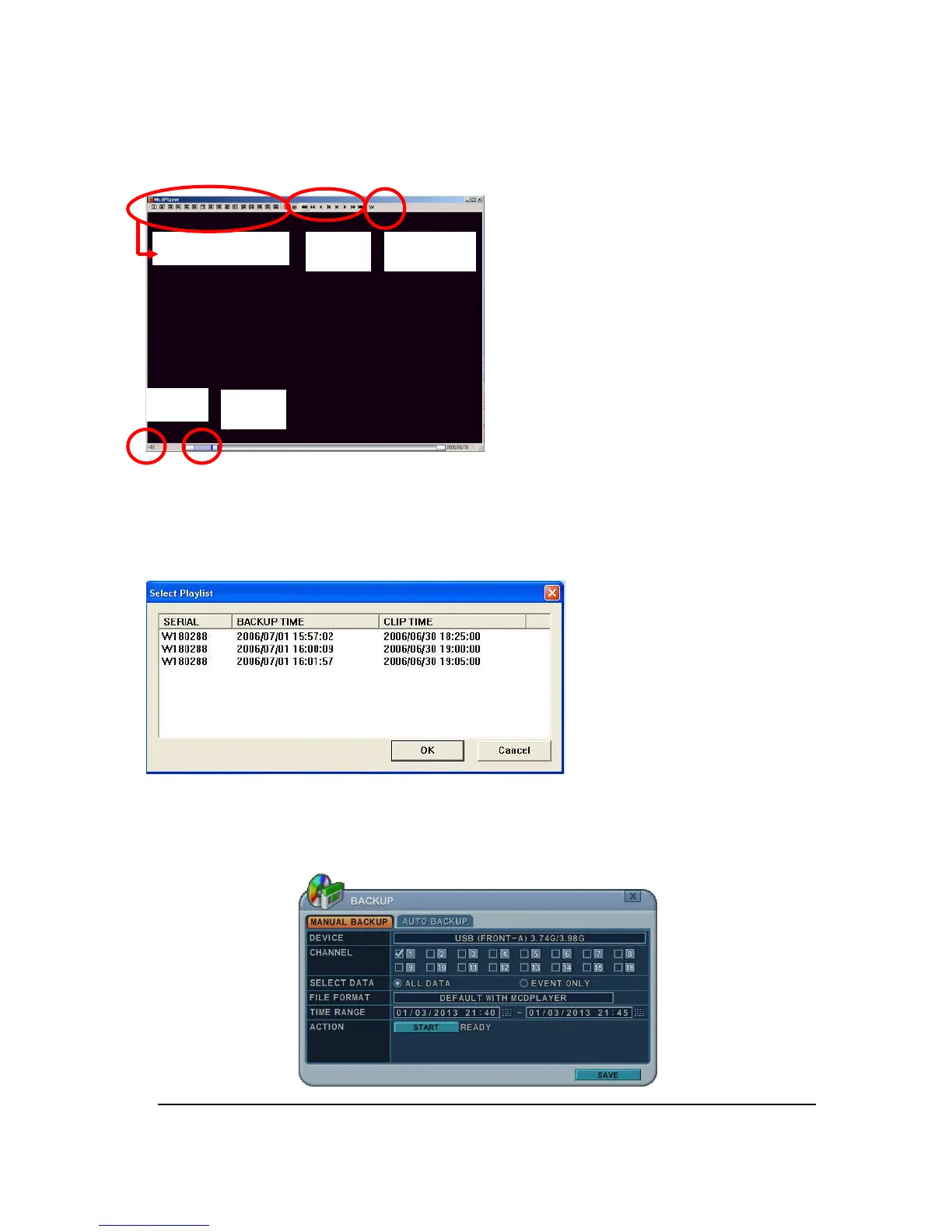
* The CD Playback software will simply “auto-
run” and does not require any software
installation on your PC.
<Note 1> Please Refer to [LOCAL PLAYER] section to read about backup devices.
<Note 2> When you back up as Multi-Section the Play List pops up instead of Auto Run.
1.2 External USB Memory Stick
The external drive procedure is the same as using the internal CD/DVD-RW for backup.
Channel Select FF/FR Watermark
Play
Stop



 To Next Page