EasyManua.ls Logo

Nuvico EV2-400 - Smart Status

Nuvico EV2-400
86 pages
Print Icon
To Next Page IconTo Next Page
To Previous Page IconTo Previous Page
Loading...
3. Status
1) Stable
: The HDD is in stable status.
2) Sync
: Copy Master HDD
3) Re-sync:
To force all pending buffered disk writes to the
4) Recover: To
force all pending buffered disk writes to
5) Faulty.
4. Action
: Remove HDD.
The “Are you sure?”
dialog box opens.
Press up/down [ ]
buttons to YES or NO, then
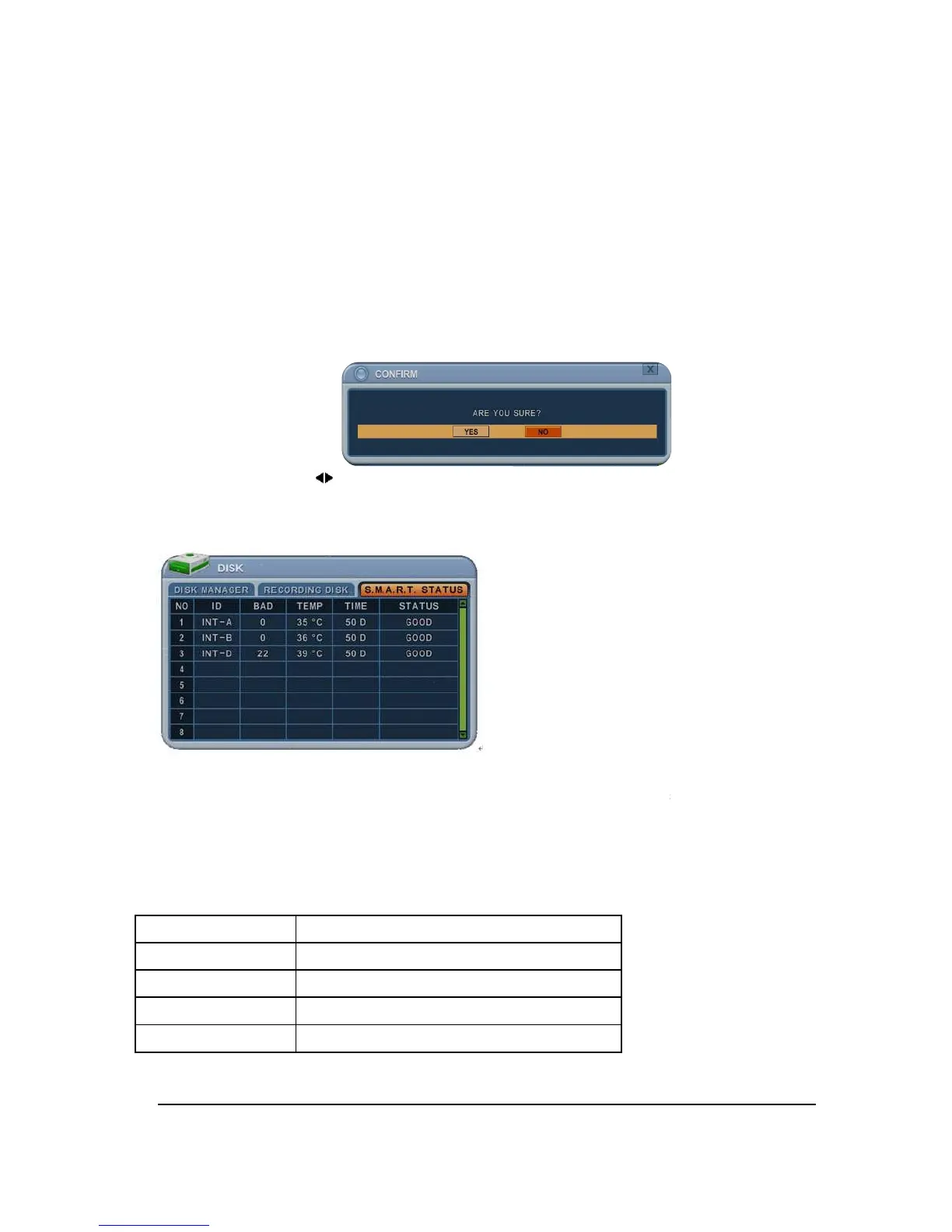
5.3. SMART STATUS
It displays HDD
information
S.M.A.R.T information
has slight
It recommended exchanging
the HDD when the HDD status is
*NOT
: Please refer to STATUS explanation
Status
GOOD
GOOD
PRE
-
FAIL
Alerts that may have
PAST PRE
-
FAIL
PRE
-
FAIL
Find problem / need to replace
43
: The HDD is in stable status.
: Copy Master HDD
to the Slave HDD.
To force all pending buffered disk writes to the
NEW installed
force all pending buffered disk writes to
the slave
: Remove HDD.
dialog box opens.
buttons to YES or NO, then
press [-, +]
button to
information
such as Bad sector, temperature, HDD running time.
has slight
different
between different HDD manufactures.
the HDD when the HDD status is
in <PRE-
FAIL>
: Please refer to STATUS explanation
Explanation
Alerts that may have
problem
-
FAIL
was occurred before
Find problem / need to replace
EV2 Series DVR
NEW installed
disk.
the slave
disk.
button to
select.
such as Bad sector, temperature, HDD running time.
between different HDD manufactures.

FAIL>

Table of Contents

Related product manuals