21 EV2 Series DVR
4. Zooming
During live view mode, it is possible to zoom into a section of the screen to get a close-up
view of the screen.
1. To activate the digital zoom, select the full screen display of the camera you wish to
zoom.
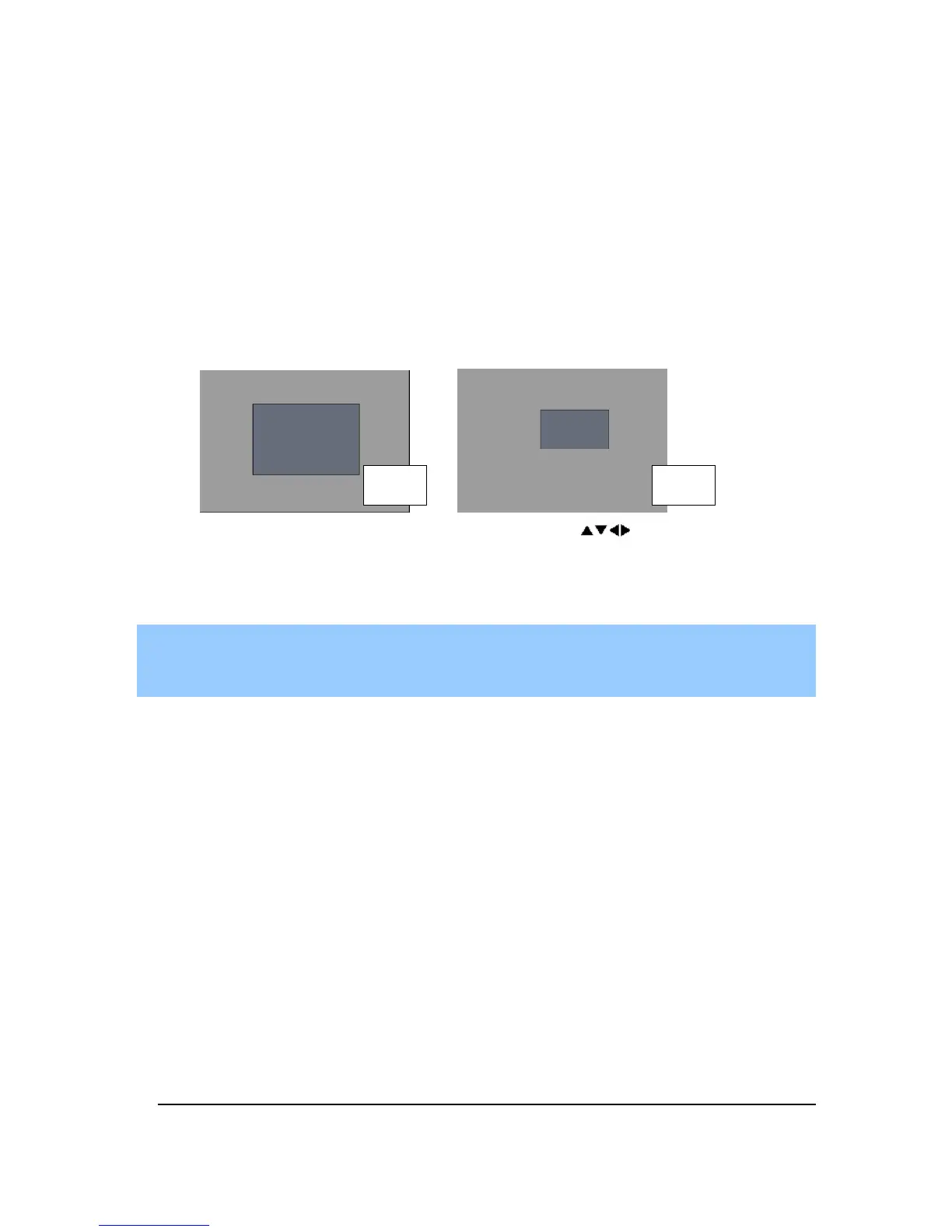
2. Then press the [ZOOM] button on IR Remote controller. Zoom area box pops up, as
shown below.
3. Move the box to the desired position using Direction [ ] buttons.
4. Press [+] button to enlarge the image. Press [ - ] button to zoom out the image.
5. Press [ESC] button to return normal mode.
<Note>
If the Zoom button is pressed while in a multi-screen display, zoom operation will be
activated on selected channel as full screen mode automatically.
x 2 x 4



 To Next Page