11 EV2 Series DVR
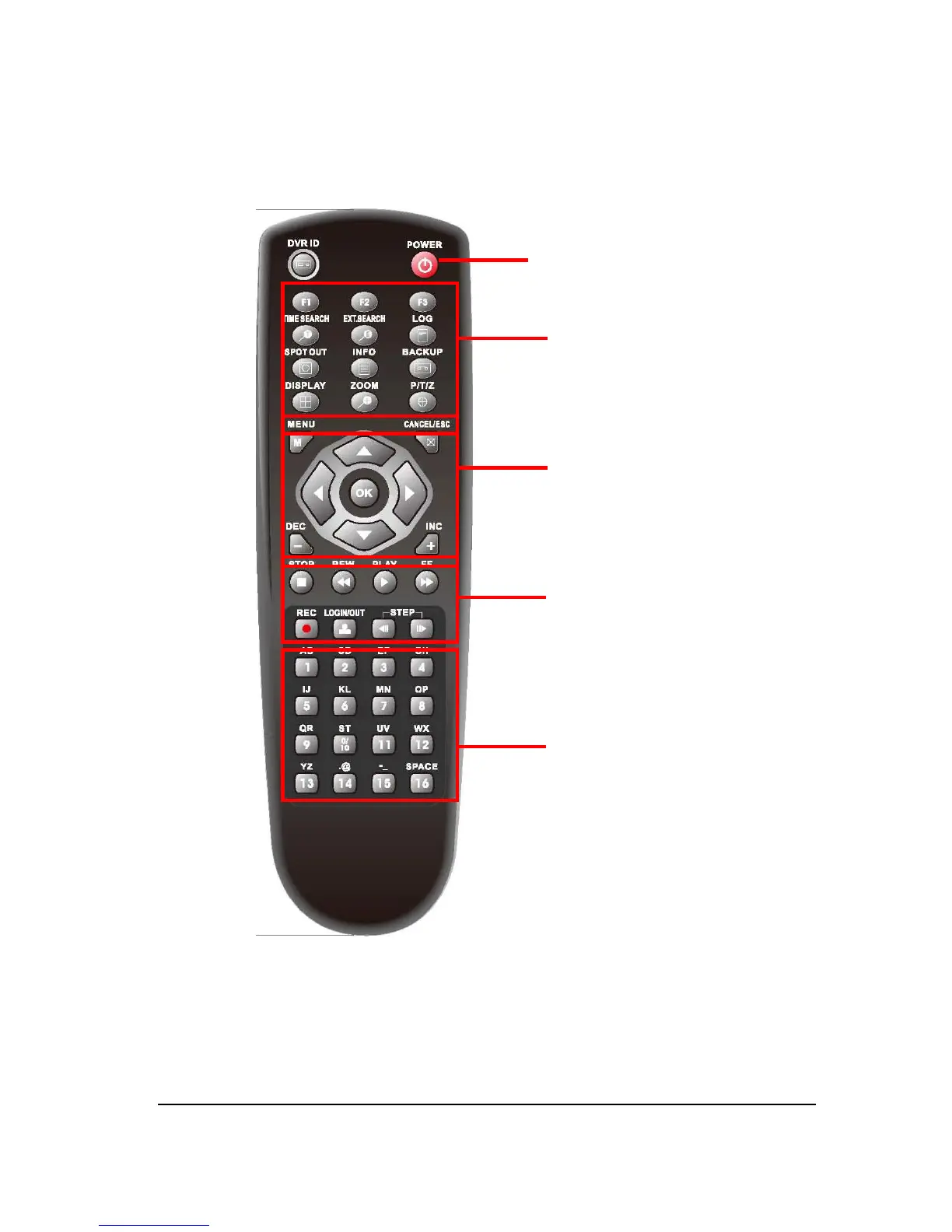
3. Remote Controller (Optional)
DVR ID: Set the proper DVR System ID through which to operate. Press the ID button, and
then press the number button within two seconds to select the system ID of the DVR. If you
set the System ID to Zero, you can control multiple DVRs at the same time.
① DVR ID
② Power
③ System Configuration Buttons
④ Navigation / OK
⑤ Playback Controls
⑥ Channel Buttons



 To Next Page