35 EV2 Series DVR
3.4. Event Recording
Users may set different event recording parameters on a camera by camera basis. Set the
continuous recording as [OFF] and configure the Event recording speed and Quality for each
camera.
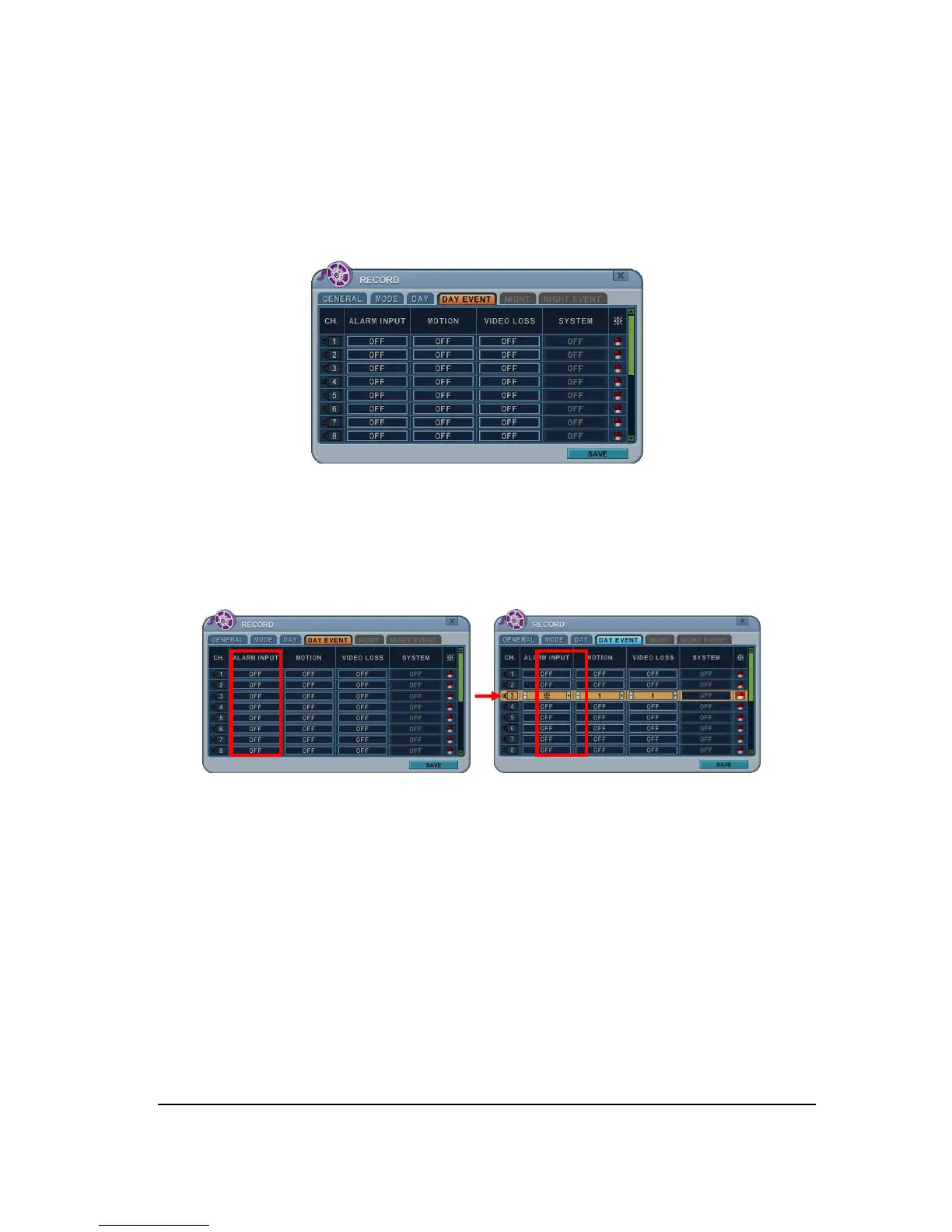
Determine whether Alarm, Motion, Video Loss for EVENT recording on [DAY EVENT] Tap.
1) Alarm Recording
One Alarm input can be configured to one channel. One camera channel can be
assigned to multiple alarm inputs.
a. Press [-, +] button to change the value or select options. By mouse, using
Wheel.
b. [
※
] indicate multiple alarm sources are selected.
c. Please refer to [Device/Alarm] for Alarm inputs and outputs.
2) Motion Recording
One Motion detection can be configured to one channel. One camera channel can
be assigned to multiple motion detection.



 To Next Page