36 EV2 Series DVR
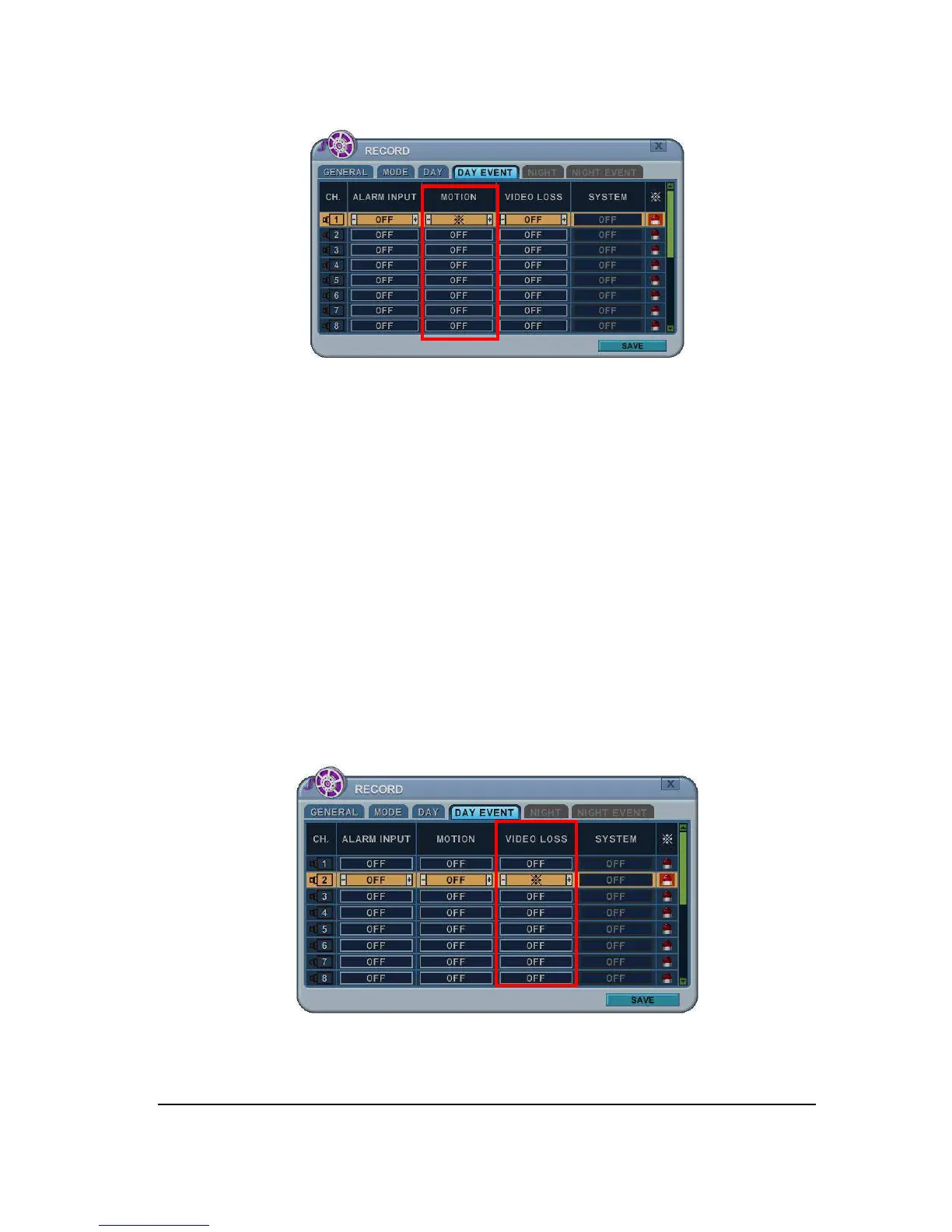
a. Press [-, +] button to change the value or select options. By mouse, using
Wheel.
b. [
※
] indicate multiple alarm sources are selected.
c. Please refer to [CAMERA] menu for Motion setup.
<Note> There may be cases when the recorder’s built-in motion detection function
does not operate properly due to the condition of the input video signal or other
factors.
3) Multi Event Recording.
a. Video Loss: When Video Loss occurs can be configured to one channel. One
camera channel can be assigned to multiple Video Loss



 To Next Page