button to change the values.
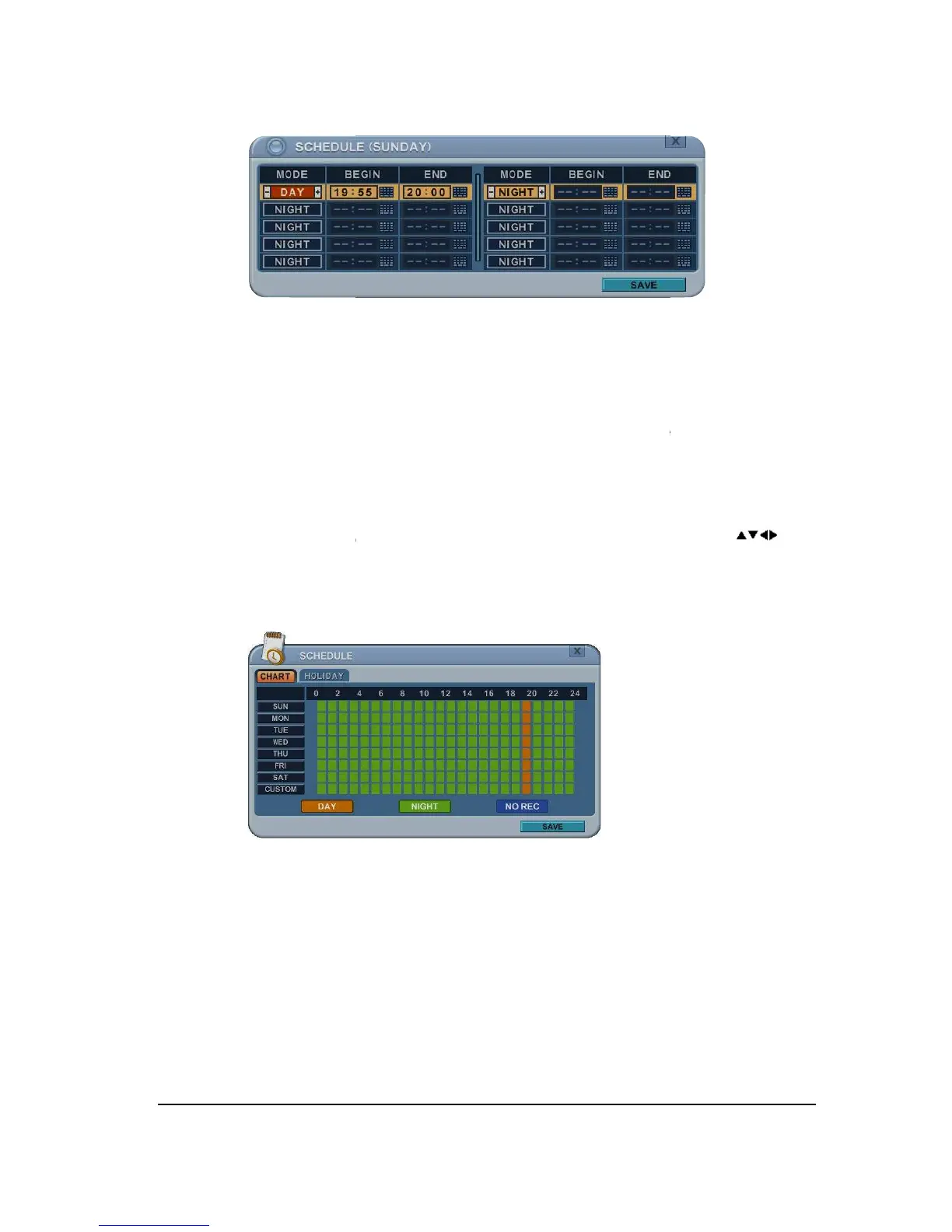
BEGIN: The time of recording start.
END: The time of recording end. The ending time must not be before the starting
time or the same as the starting time.
Save changes and exit the menu,
Exit the menu without making changes, press [CANCEL] button.
cursor (highlighted menu) can be moved using the D
ess [Display] button on desired setting.
button to change the values.
BEGIN: The time of recording start.
END: The time of recording end. The ending time must not be before the starting
time or the same as the starting time.
It must be any time over the starting time.
Save changes and exit the menu,
Exit the menu without making changes, press [CANCEL] button.
cursor (highlighted menu) can be moved using the D
ess [Display] button on desired setting.
END: The time of recording end. The ending time must not be before the starting
It must be any time over the starting time.
Exit the menu without making changes, press [CANCEL] button.



 To Next Page