How to control PTZ by mouse
PTZ camera by mouse controller.
instead of using direction button to move.
Press PTZ button on the virtual remote controller.
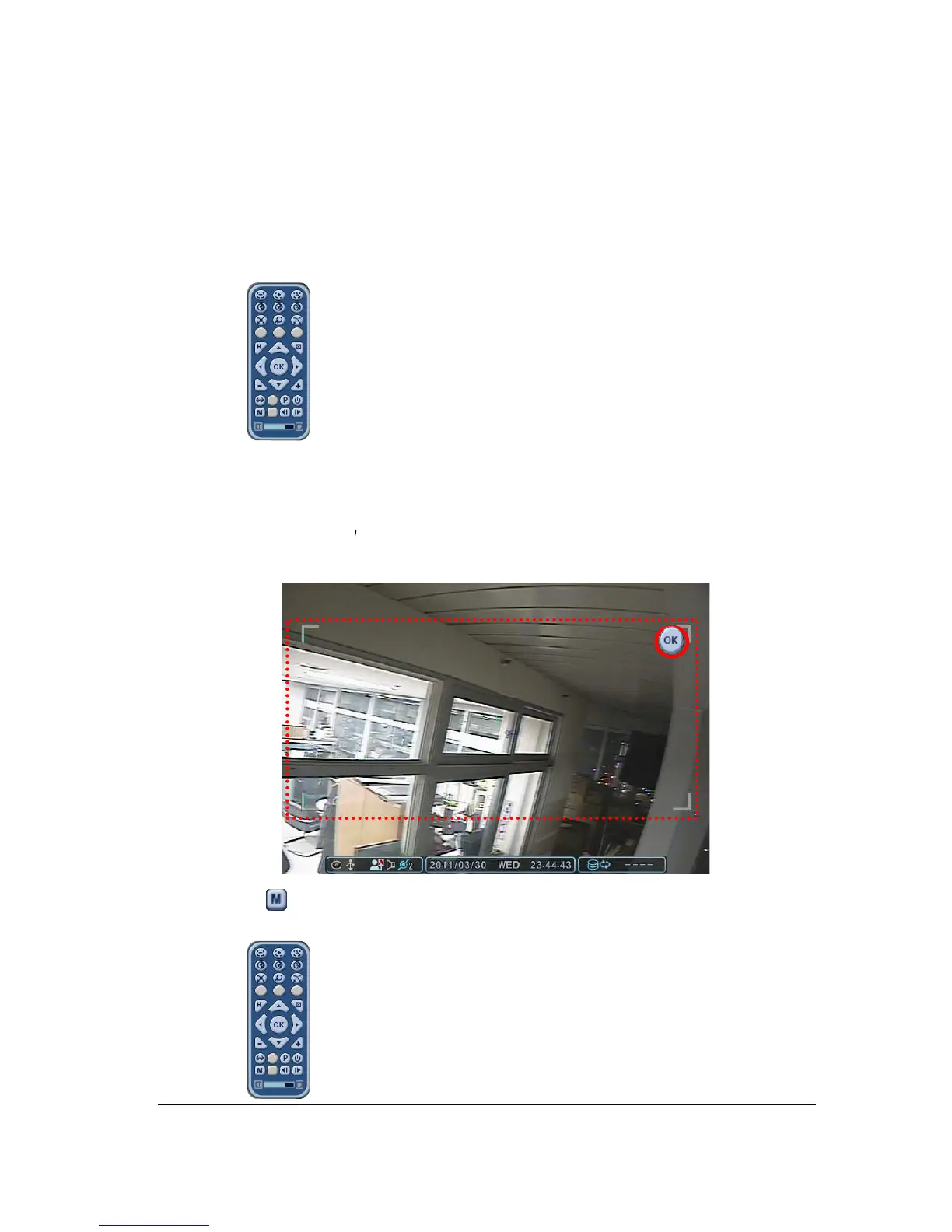
PTZ menu and control box is displayed like below picture.
Place the mouse cursor inside of rectangle boundary and move the mouse cursor
while pressing left mouse button to the direction you want.
cursor cannot get out of this rectangle
How to control PTZ by mouse
PTZ camera by mouse controller.
instead of using direction button to move.
Press PTZ button on the virtual remote controller.
PTZ menu and control box is displayed like below picture.
Place the mouse cursor inside of rectangle boundary and move the mouse cursor
while pressing left mouse button to the direction you want.
cursor cannot get out of this rectangle
while pressing left mouse
can be controlled by using the virtual
Place the mouse cursor inside of rectangle boundary and move the mouse cursor
while pressing left mouse



 To Next Page