82 EV2 Series DVR
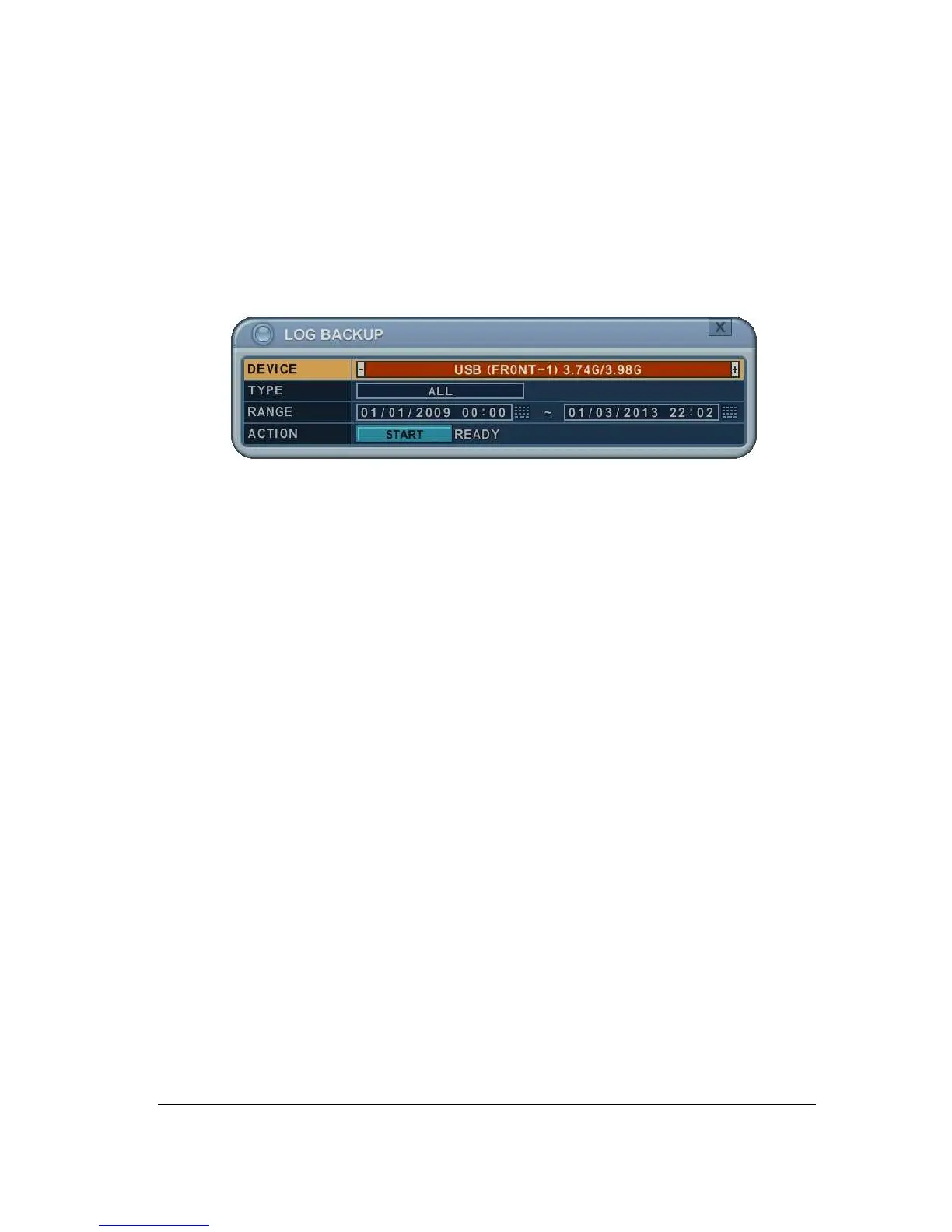
3. Press “backup” button to save log list to USB memory stick.
1) Use [-, +] button to select device.
2) Select type of log list among ALL, SYSTEM, NETWORK, EVENT and VLOSS.
3)
Select the time range starting time and ending time.
4) Press [+] button to start BACKUP.



 To Next Page