EasyManua.ls Logo

NVision NV5128 - User Manual

NVision NV5128
114 pages
Print Icon
To Next Page IconTo Next Page
Loading...
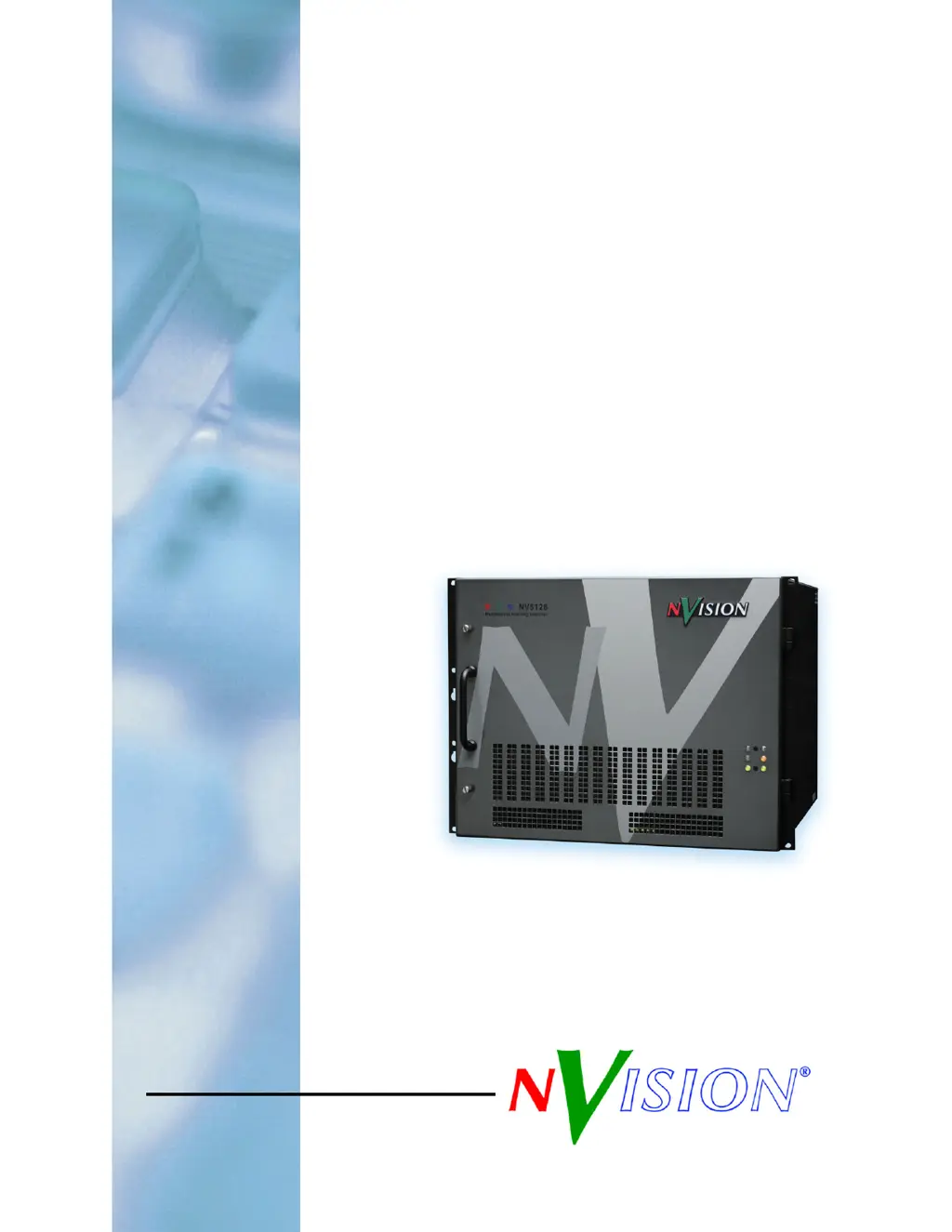
Users Guide
NV5128
Multi-Format Router

Table of Contents

Questions and Answers

  • J
    Jessica HickmanAug 5, 2025
    Why are signals intermittent or missing on all outputs of my NVision Switch?
    • M
      michaeltownsendAug 5, 2025
      If you're experiencing intermittent or missing signals on all outputs of your NVision Switch, the issue might stem from problems with the AES reference inputs. Check the quality and cable connections of your reference signals. Also, the control card, responsible for processing the references to produce sync, could be the cause. Remember that a synchronous system needs a working control card to pass signals. Try switching to the reserve control card to see if that resolves the problem. Low voltage on the power supply module can also cause this issue. Check the power test points on the power supply; replace the power supply if any test points indicate low voltage.
  • M
    Michael BrownAug 13, 2025
    What to do if PS6000 power supply modules are not powering up on my NVision Switch?
    • J
      James HillAug 13, 2025
      If one or more PS6000 power supply modules on your NVision Switch aren't powering up or operating correctly, ensure the PS6000 is fully seated in the frame. Try resetting the PS6000 by reseating it. Check that all five green LEDs on the front of the power supply modules are lit; if an LED is off, it might indicate a faulty branch circuit affecting those modules. Consider replacing the power supply. Also, check the PS6000 fuses.
  • L
    Luke WilsonAug 19, 2025
    How to troubleshoot NVision Switch when it is not powering up?
    • M
      Maxwell KingAug 19, 2025
      If your NVision Switch isn't powering up, first, verify that the power cords are securely plugged into both the frame and the AC power source. Use a voltmeter to confirm the presence of power. Also, check the AC line fuse on the power supply module.
  • R
    Raymond YatesAug 27, 2025
    What to do if NVision Switch has intermittent signal on one or two outputs?
    • R
      Rachael WiseAug 27, 2025
      If you're experiencing an intermittent signal on one or two outputs of your NVision Switch, begin by checking the input and output cable continuity, AES Reference, Video Reference, and cable terminations. A bad card might also be the issue. Try swapping each card in the signal path with another card to see if the problem moves with the card. If it does, replace the card.

Summary

Trademarks and Technical Support

Technical Support Contact Information

Contact details for NVISION technical support and sales.

Important Safety Information

General Warnings and Cautions

Key safety warnings and cautions for operating and servicing the router.

2. Introduction to the NV5128 Router

Module Slots and Rear Connectors

Description of the frame's internal slots and external rear connectors.

Active Cards

Overview of the different active cards (input, output, control) and their functions.

3. Installation Guide

Connecting Power

Procedure for connecting AC power to the NV5128 and its power supply modules.

Installing Backplanes

Steps for installing various types of backplanes into the router frame.

Installing Active Cards

Procedure for inserting input, output, and control cards into the router frame.

Making Signal Connections

Instructions for connecting incoming and outgoing signals to the router's I/O ports.

Making Reference Connections

How to connect AES and Video reference signals for proper timing.

Router Control System Connections

Connecting the router to its control system via Serial, Ethernet, or GSC Node Bus.

4. Configuration Procedures

Setting Jumpers and Switches

Instructions for setting jumpers and switches on various router cards.

7. Technical Details and Specifications

Appendix A: Part Numbers

Audio, Video, and Backplane Part Numbers

List of part numbers for audio, video, and backplane components.

NVision NV5128 Specifications

General IconGeneral
BrandNVision
ModelNV5128
CategorySwitch
LanguageEnglish