13 Working with the Corvis® ST program
46 / 80 Instruction Manual Corvis® ST (G/72100/XXXX/EN 1019 Rev01)
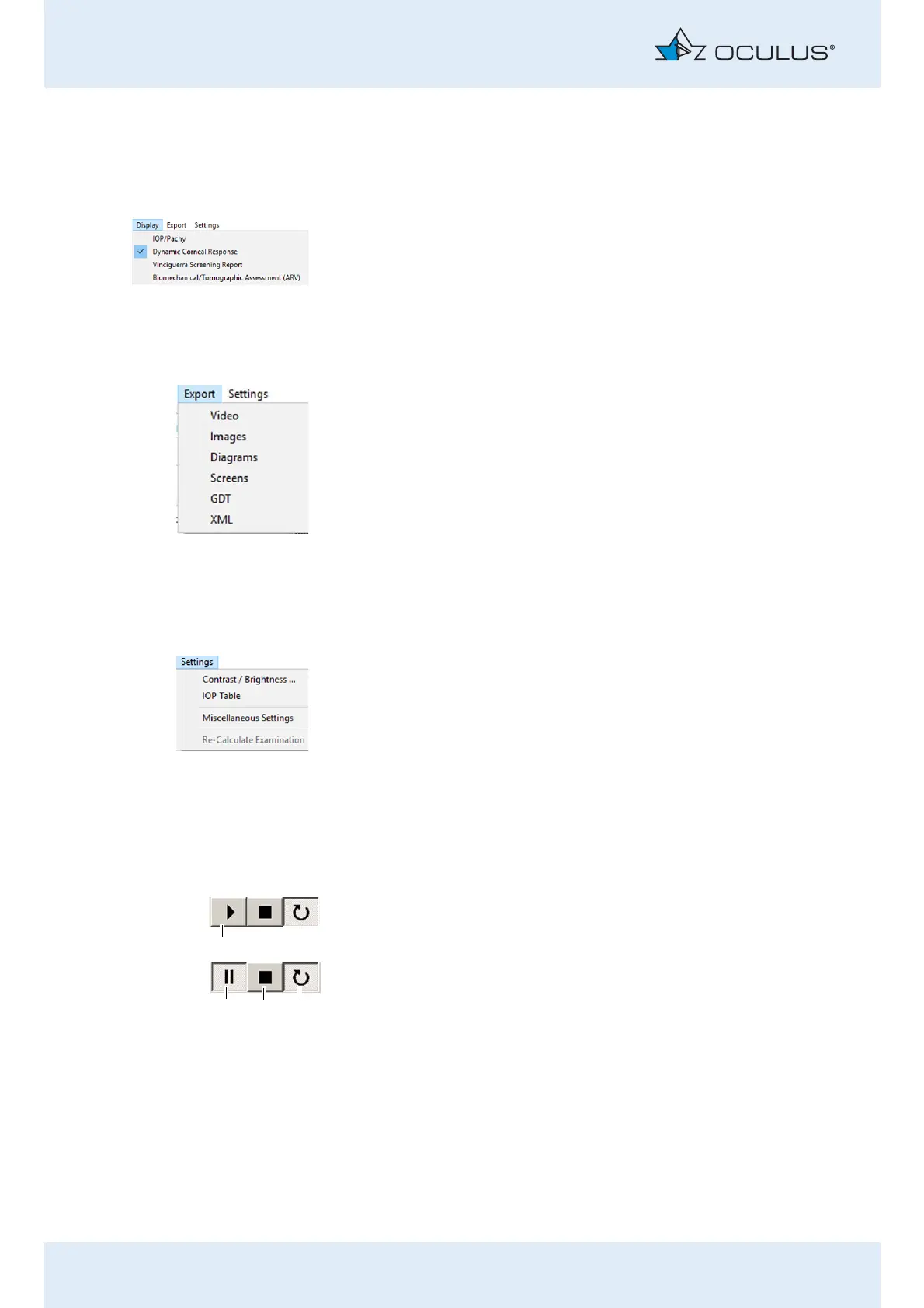
13.2.3 Menu item "Display"
Display different presentations
You can display different presentations of an examination.
Press the appropriate button.
For more information about the menu item „Display“, refer to the User
Guide
13.2.4 Menu item "Export“
You can export different data relating to the examinations, e.g. individual
videos, images, or screenshots.
Press the appropriate button.
For more information, refer to the User Guide.
13.2.5 Menu item "Settings“
Change settings
You can change some of the settings, e.g. contrast and brightness, to get
a better image quality.
Press the appropriate button.
For more information, refer to the User Guide.
Select the menu item [Miscellaneous Settings] and then click on the
desired item.
13.3 Use video function (4)
The video shows the entire deformation of the cornea.
Press this button (1) to start the video.
Press this button (2) to stop the video.
Press this button (3) to return to the start of the video.
Press this button (4) to repeat the video.



 To Next Page