14 Perform a measurement with the Corvis® ST unit
54 / 80 Instruction Manual Corvis® ST (G/72100/XXXX/EN 1019 Rev01)
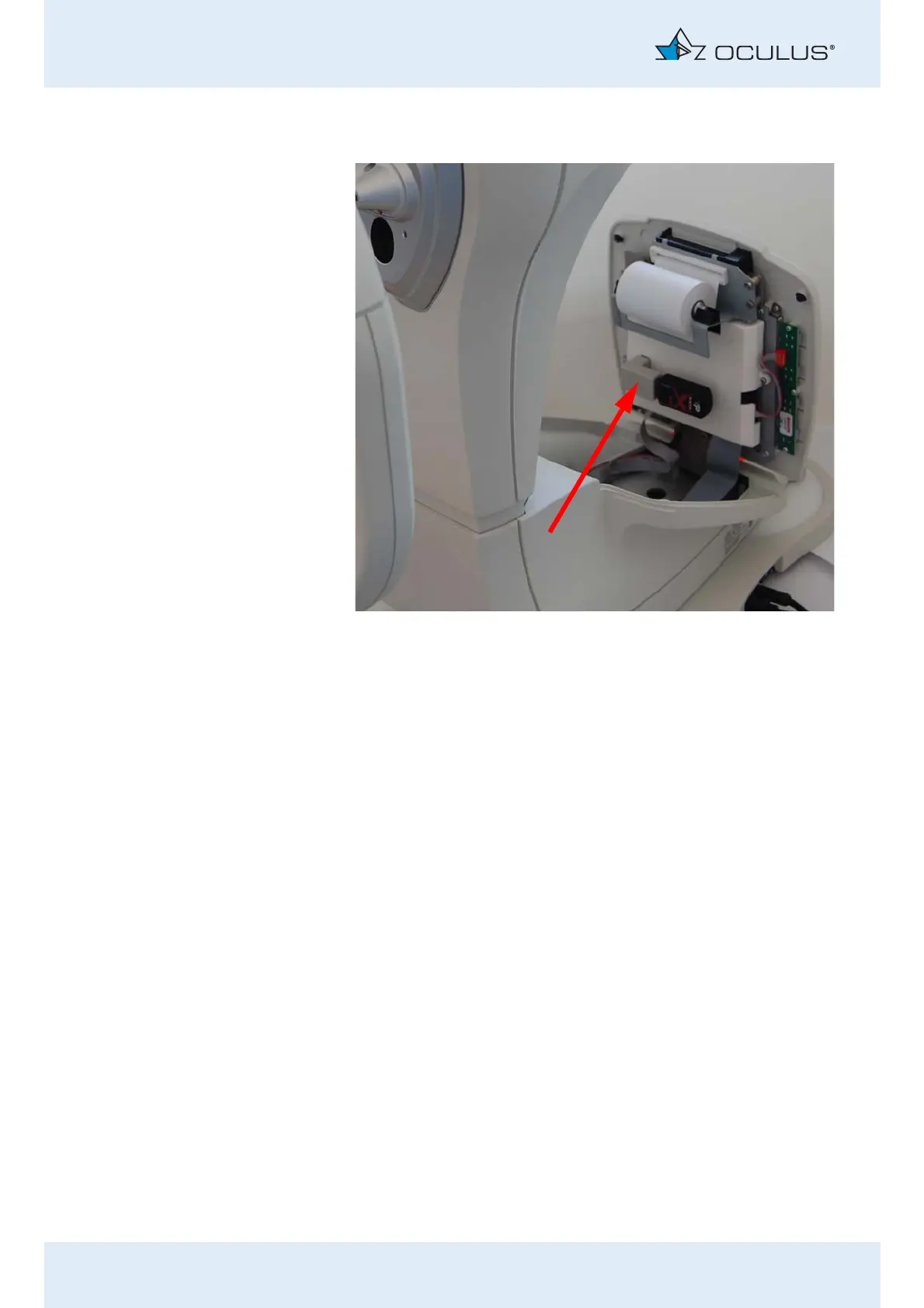
Open the cover with the display.
Pull out the USB flash drive.
Plug the USB flash drive into your computer.
Now you can import the data into the Patient Data Management
program, sec. 11.4, page 27.
Abb. 14-6: Open the cover with the display



 To Next Page