10 Conducting the Examination with a Computer/Laptop
Instruction Manual Mesotest II (G/62800/0715/en) 33 / 86
Activate myopia test
“Miscellaneous” box (fig. 10-7, page 32, item 9):
This test is useful for determining whether the patient suffers from night
myopia.
You can only use this test if your Mesotest II has this function (Mesotest
II konkav).
Activate the checkbox [Activate Myopiatest].
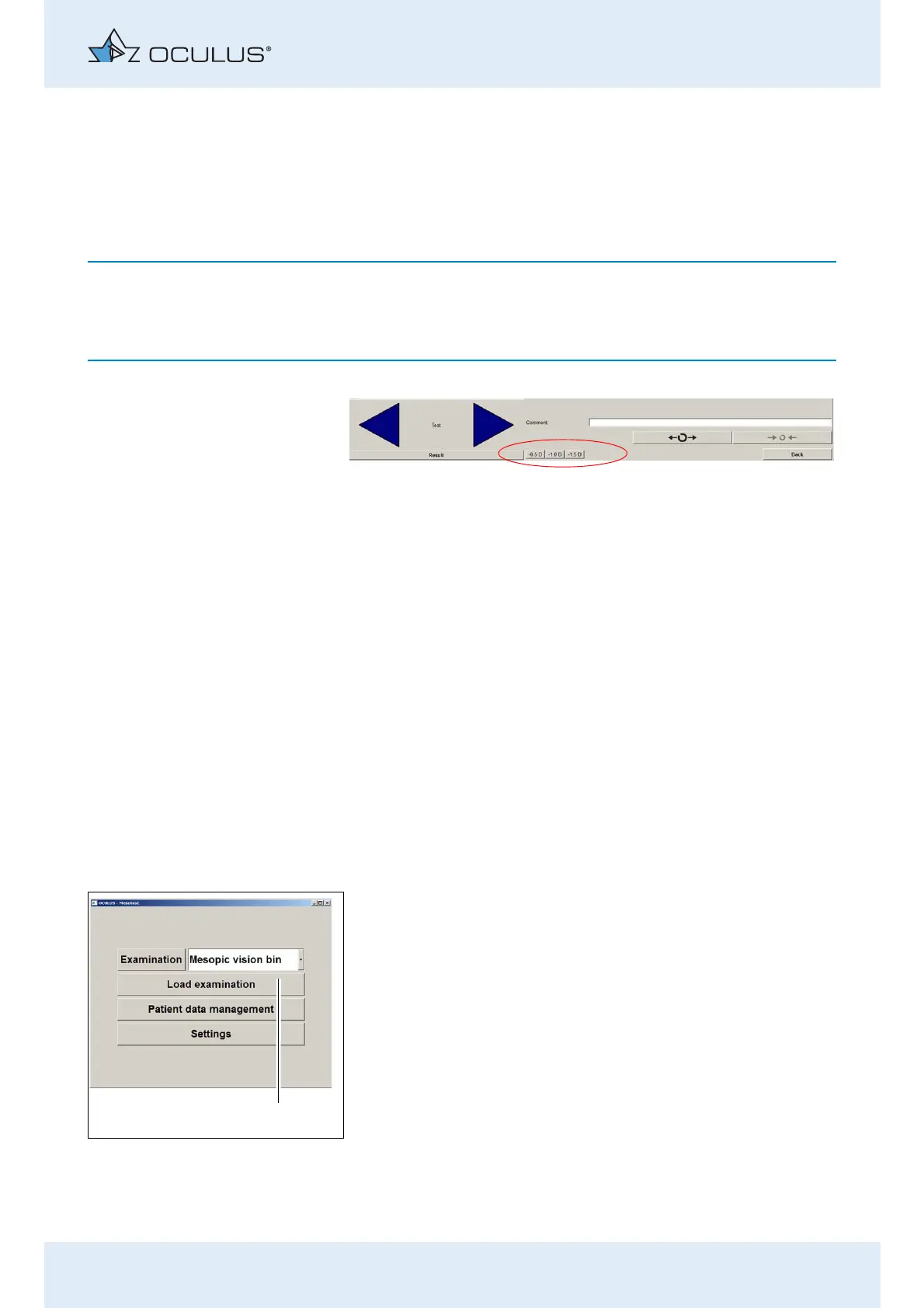
Three additional buttons,
-0,5 D / -1,0 D / -1,5 D, now appear on the user interface.
Show patients sex
“Miscellaneous” box (fig. 10-7, page 32, item 9):
Activate the [Show patients sex] checkbox.
The patient’s gender is displayed in the examination menu.
Prerequisite: The feature „Patient’s sex“ was entered and activated
in the Patient Data Management (sec. 12.5, page 57).
Display: Show „Load examination“
If you do not work with the OCULUS patient data management, you can
use this function to load an existing examination.
"Miscellaneous” box (fig. 10-7, page 32, item 9):
Enable the [Show "Load examination"] checkbox.
The according button (1) will added in the "Mesotest II" menu.
Fig. 10-8: The buttons for minus lenses are activated
Fig. 10-9: [Load examination] button



 To Next Page