9
OPERATION
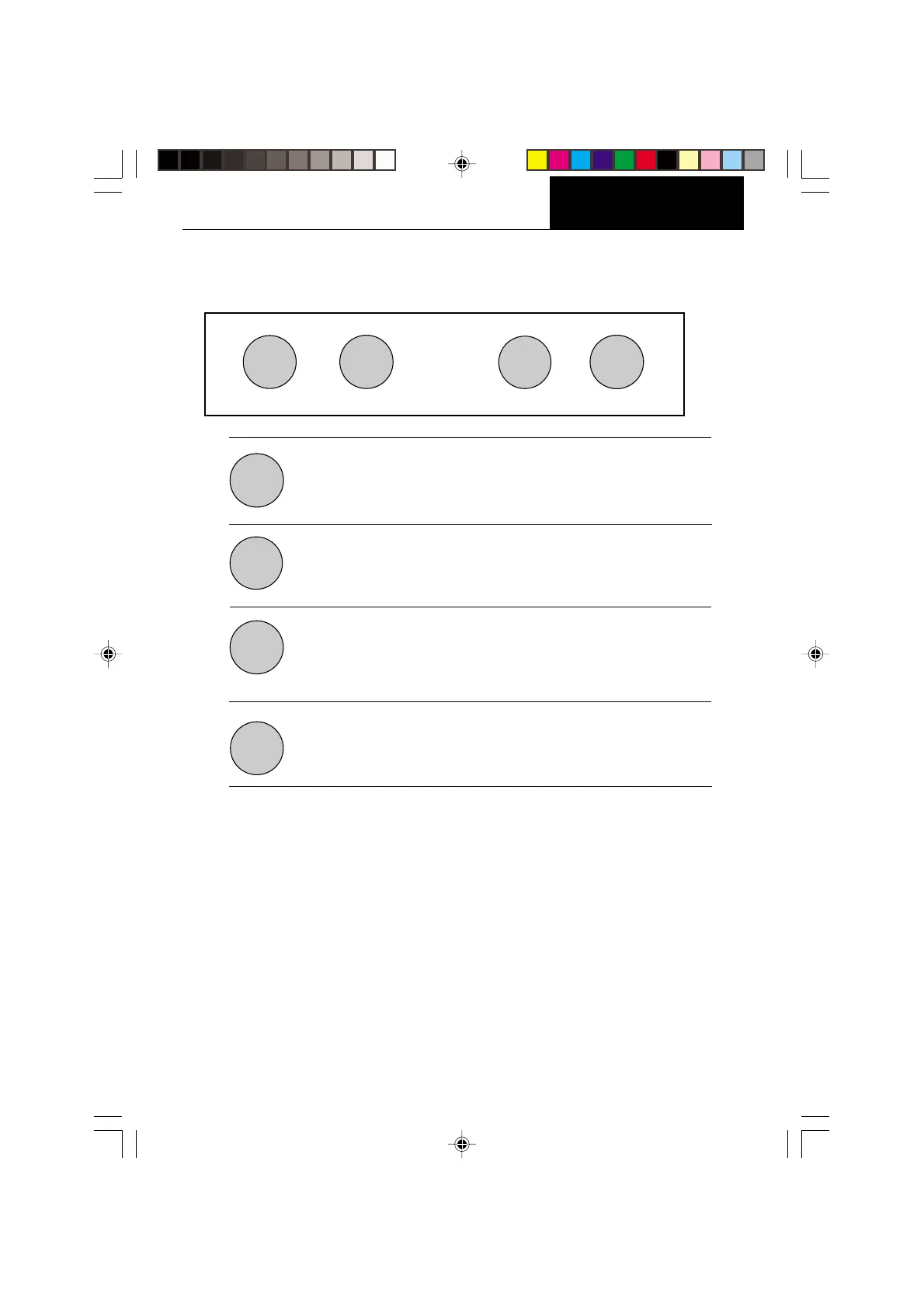
Press and Release:
Turns on the balance if it is off, zeros the balance. In the menu
system, this button is used to accept a choice or enter a submenu.
Press and Release:
Turns the balance off.
Press and Release:
Selects weighing units functions or options. In menus, changes to
next step or value.
Press and Release:
Sends weight data, statistical data, GLP data to computer/printer. In
menus, allows returning to a previous menu step.
Before using the balance, carefully review the Symbols Used for Operation of the Balance
shown on page 10, Navigating the Menus on page 11and Operational Guide/Index on page
12.
Please read the entire manual as there are many features which can be enabled. The
balance is shipped from the factory ready to operate with default settings as shown in the
menus.
The balance is a high precision instrument and will give you years of service if kept clean
and handled carefully. If you have any problems operating the instrument or require
additional information, please feel free to contact our Customer Service Department at
(800) 526-0659.
OPERATION
Switch Functions
PRINT
MODE
OFF
ON
TARE
OFF
ON
TARE
MODE
PRINT








 To Next Page