39
MENUS
Statistics
Statistics provides printed display data of: Standard Deviation either population or sample,
Mean, Sum, High, Low and Difference readings. Each can be individually set ON or OFF.
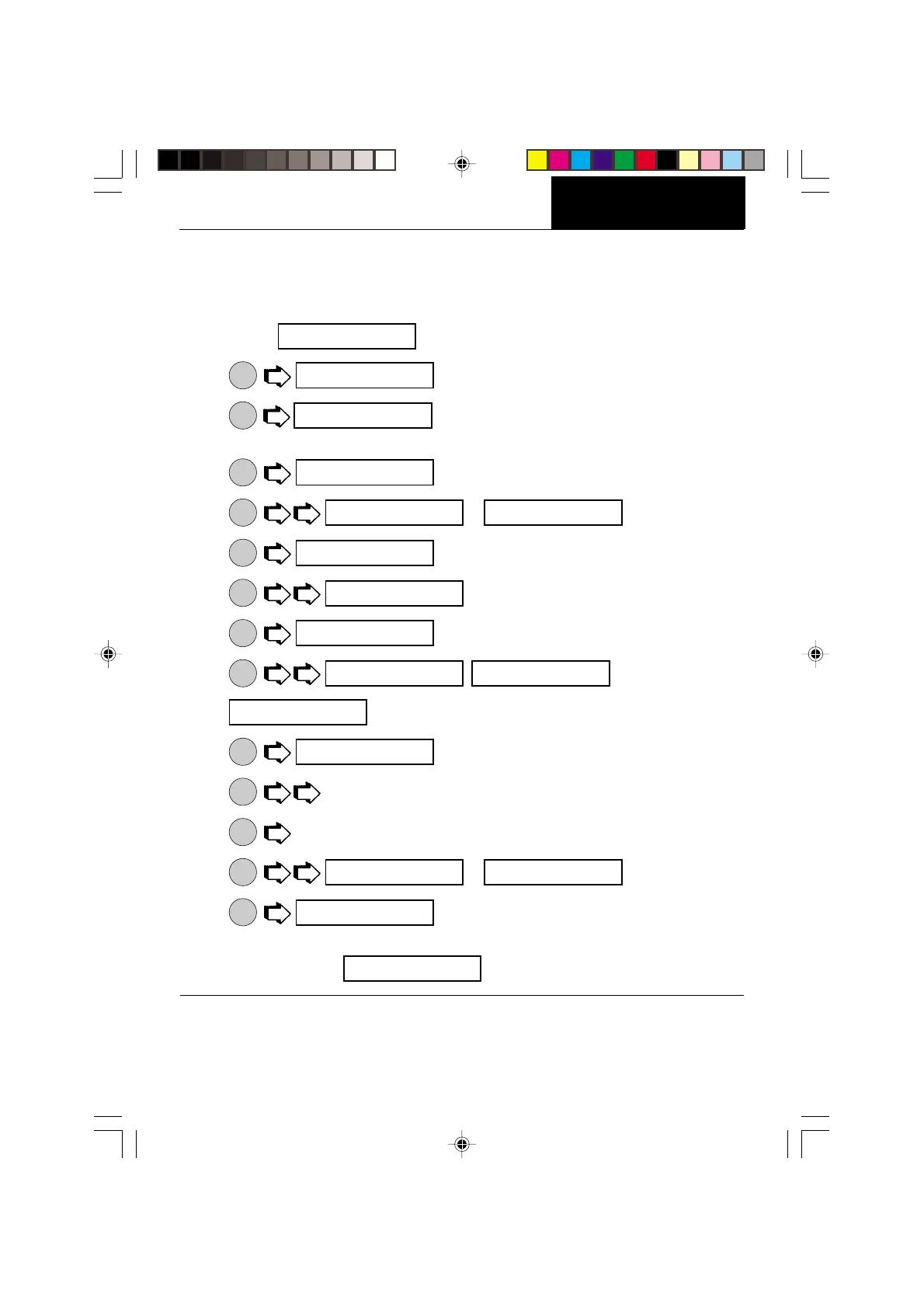
1. Access
menu.
2.
ON
TARE
.
3.
ON
TARE
. Enable allows the statistics feature to be turned off
without losing the individual settings programmed into memory.
4.
ON
TARE
.
5.
MODE
or .
6.
ON
TARE
.
7.
MODE
.
8.
ON
TARE
.
9.
MODE
, ,
.
10.
ON
TARE
.
11.
MODE
to select other parameters.
12.
ON
TARE
to accept.
13.
MODE
or .
14.
ON
TARE
.
15. Continue the same procedure to set Sum, High, Low and Difference parameters and
finish by selecting .
opT ION5
sTaT5
emaBle
SETUP
oN
oN off
emaBle
sTD D
sa^]ple
sa^]ple off
pop.
sTD D
oN off
^]eam
eND








 To Next Page