29
MENUS
Calibration Menu Protection
NOTES: 1. Calibration may be locked out to prevent unauthorized personnel from
changing calibration. If calibration has been locked out, you can only access
Test.
2. To lock out calibration menu, after calibration, refer to the section titled
Menu Lock-Out Protection.
Auto Calibration
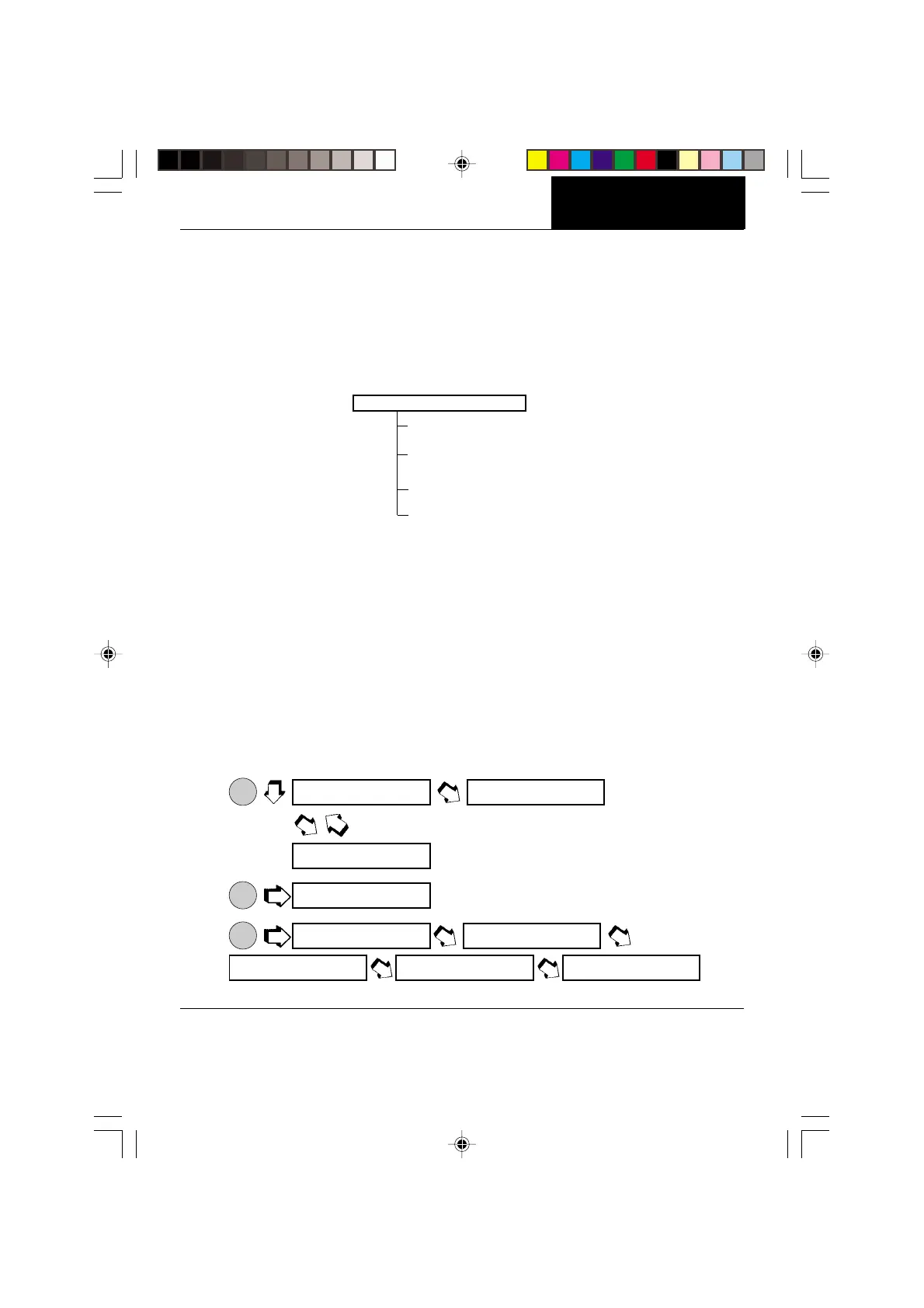
Auto calibration is used when it is desired to calibrate the balance automatically. Proceed
as follows:
1. Make sure there is no load on the pan and close the chamber doors.
2.
ON
TARE
.
3.
ON
TARE
.
4.
ON
TARE
.
CALIBRATION MENU
Analytical Plus balances features
Auto
,
USER
and
TEST
calibration methods.
Auto
is a
method where the balance calibrates itself using internal calibrated masses.
USER
is a
method where the balance can be calibrated using an external mass of known value by
entering that value into the balance.
Test
allows the stored calibration data to be tested
against the internal mass being used for the test. The following figure illustrates the
sequence in which submenus appear on the Calibration menu. Item shown bolded is a
default setting.
CALIBRATION MENU
AUTO
USR
Enter #
TEST
END, Calibration
NOTE: DO NOT DISTURB THE
BALANCE WHEN -C-
IS DISPLAYED.
g
s g
^]emu cal
.
auTo
-c-
CAL
-c-
-c-
-c-
0.00000
IIIIIIIIIIIIIIIIIIIIIIIIIIIIIIIIIIIIII I
IIIIIIIIIIIIIIIIIIIIIIIIIIIIIIIIIIIIII I
IIIIIIIIIIIIIIIIIIIIIIIIIIIIIIIIIIIIII I
IIIIIIIIIIIIIIIIIIIIIIIIIIIIIIIIIIIIII I
IIIIIIIIIIIIIIIIIIIIIIIIIIIIIIIIIIIIII I








 To Next Page