32
MENUS
USER MENU
The User menu is used to adapt the balance to environmental conditions. It contains sub-
menus which enable you to turn features on or off, and program balance parameters.
Reset
changes all submenus to original factory default settings.
Reset
does not appear if menu has
been locked out.
AL
specifies the averaging level.
STB
specifies the desired stability range.
Auto Zero
sets the automatic zero threshold.
Dual,
when set on, enables dual range function
on model AP250D.
End User
is used to exit the User menu and store the selections. The
following figure illustrates the sequence in which submenus appear on the User menu. Items
shown in bold type are the default settings.
USER MENU
RESET
YES/NO
AL
0, 1, 2
STABILITY
0, 1, 2, 3
AUTO ZERO
ON/OFF
-dUAL-
ON/OFF
END, User
User Menu Protection
The User menu may be locked out to prevent unauthorized personnel from changing the
settings. If -SAFE- is displayed, the User menu has been locked out. Settings may be viewed
but not changed. To lock out the User menu, refer to the section titled Menu Lock-Out
Protection.
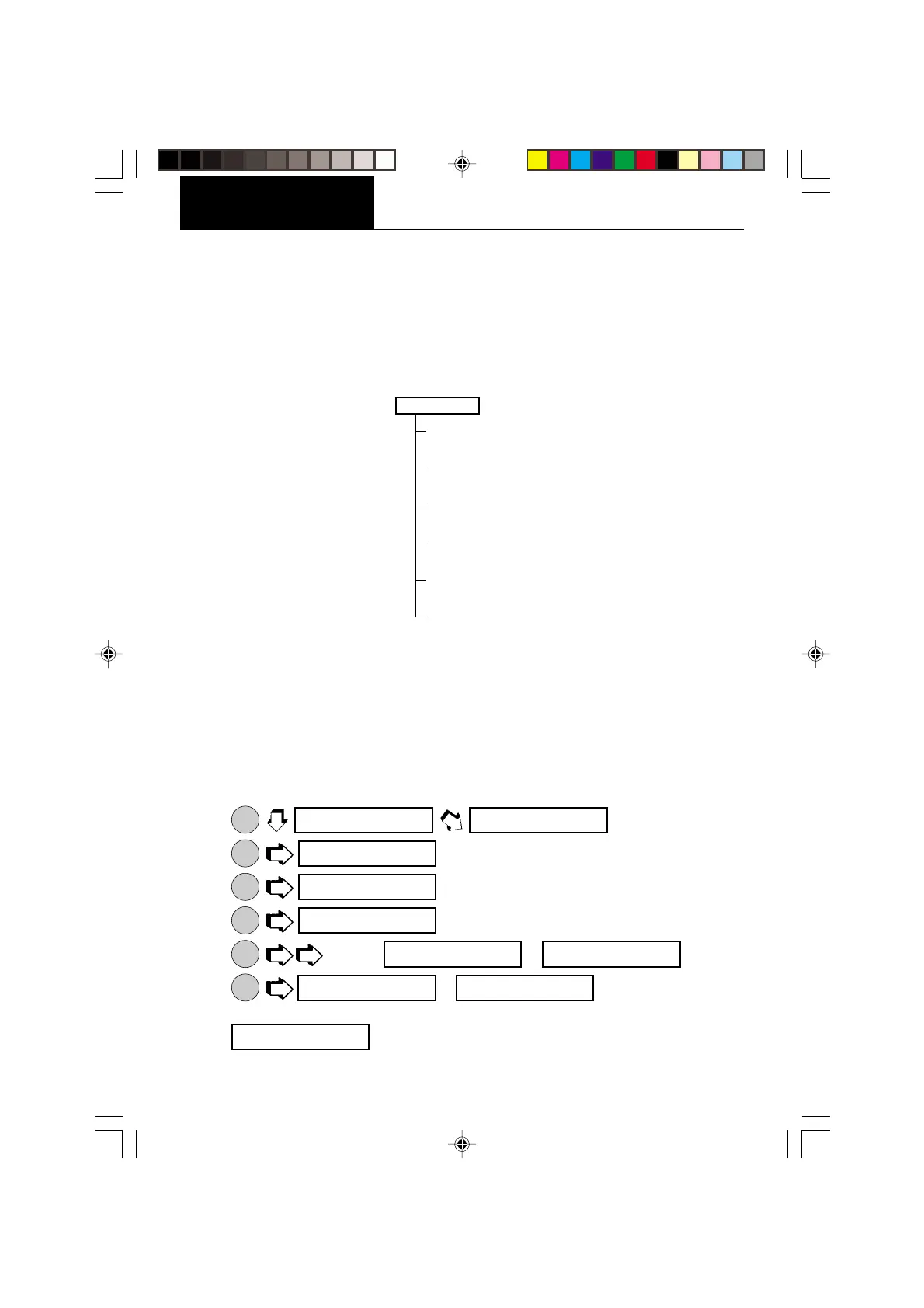
Reset
This submenu enables you to reset all User menu selections to the
factory default settings:
Averaging Level 1, Stability Range 1, Auto-Zero Tracking ON and Dual Range ON. Reset
does not appear if the menu has been locked out.
1.
ON
TARE
.
2.
MODE
.
3.
ON
TARE
.
4.
ON
TARE
.
5.
MODE
to select or .
6.
ON
TARE
. If is selected, the balance
signals a
long beep
. Reset values are stored only if exited through
.
^]emu
cal
useR
ReseT
yes
yes NO
ReseT yes
eND usR








 To Next Page