46
MENUS
Animal Weighing Options
Animal Weighing Options is enabled only when Animal Weighing Function is selected. The
balance samples the weight data for a variable sampling interval and processes the data to
filter out the instabilities by the live animal.
The strength of the filtering activity as well as the duration of the sampling period can be
adjusted by selecting one of four AW OPT levels, 0 through 3. 0 is the least amount of
processing, as well as the shortest sampling interval while level 3 is the maximum processing
amount and the longest sampling interval. AW3 should be used for an active subject. The
default setting is AW1.
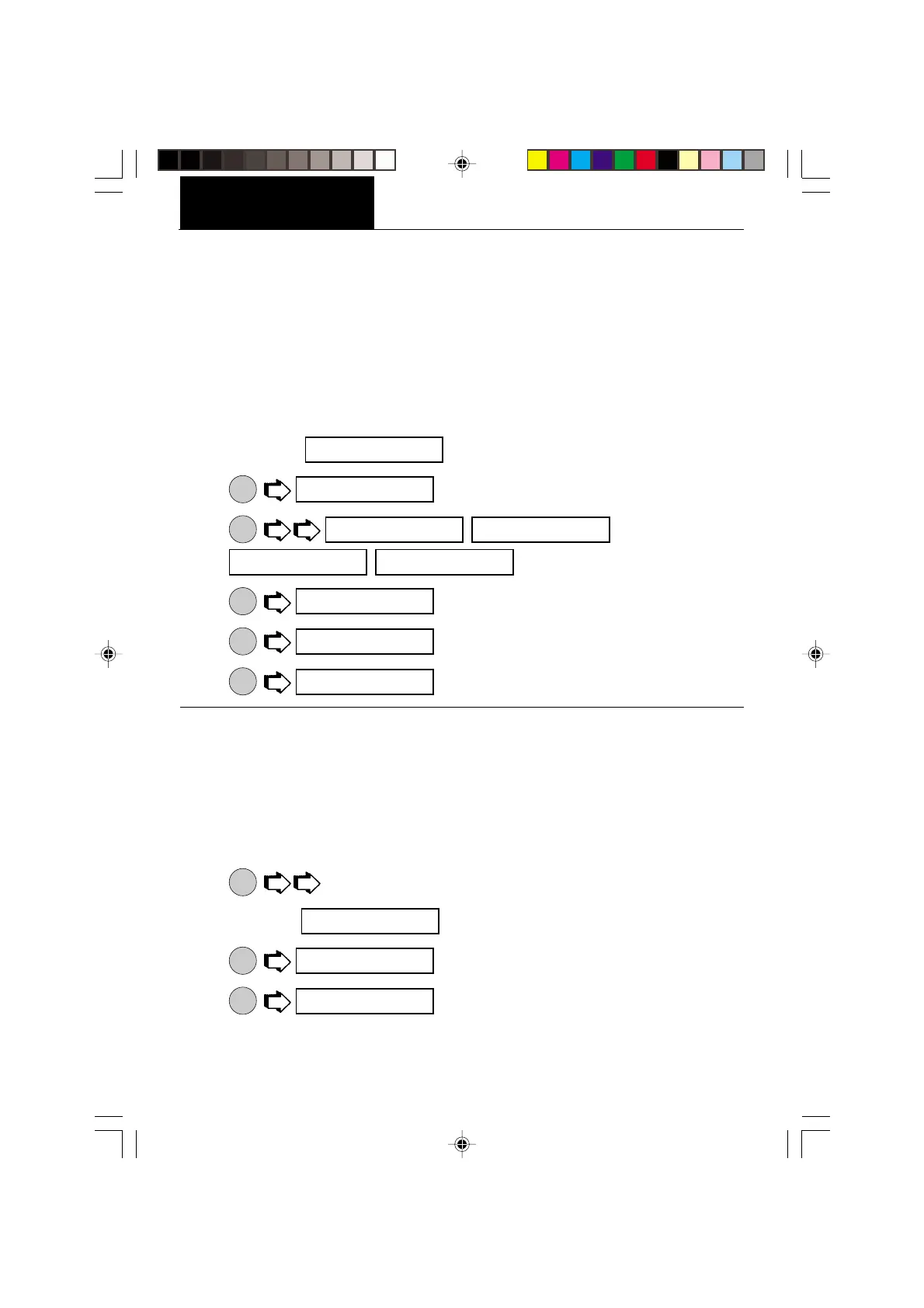
1. Access the submenu under the Setup Option submenu.
2.
ON
TARE
.
3.
MODE
, ,
, for desired sensitivity.
4.
ON
TARE
.
5.
MODE
.
6.
ON
TARE
.
Fill Option
Fill Option provides two choices for a reference weight (similar to check weighing). Either a
mass can be placed on the pan and used as a reference weight or a number can be entered
to establish the weight value. Both methods are used to establish a reference for a 100% bar
graph reading. Target parameter provides two choices, one is fill to the reference, the other
to zero. The following procedure describes how to set up the balance for all choices. Before
starting, the Fill Function must have been selected.
1.
MODE
to select the desired weighing unit, g, dwt, oz, etc.
2. Access the
submenu under the Setup Options submenu.
3.
ON
TARE
(reference).
4.
ON
TARE
(reference weight).
SETUP
a_ı opT
a_ı 1
a_ı 1 a_ı 2
a_ı 3 a_ı 0
a_ı opT
eND
opT ION5
f IllopT
Ref
Ref _ıT








 To Next Page