15
OPERATION
Percent Weighing
Percent Weighing is
enabled only
when the
Percent Function is selected under the Setup
menu. Refer to page 38. Percent weighing
permits you to place a reference load on the
balance, then view other loads as a percent-
age of the reference. The load you place on the
platform as a reference may be displayed as
any percentage you select from 5% to 100%
(in 1% increments). One hundred percent does
EXAMPLE
A 10g reference load is set for 20%:
• A subsequent load of 100 g will be
displayed as 200%.
• A subsequent load of 200 g will be
displayed as 400%.
not necessarily have to represent the reference load. Subsequent loads, displayed as a
percentage of the reference are limited only by the capacity of the balance. The default
setting is Reference 100%.
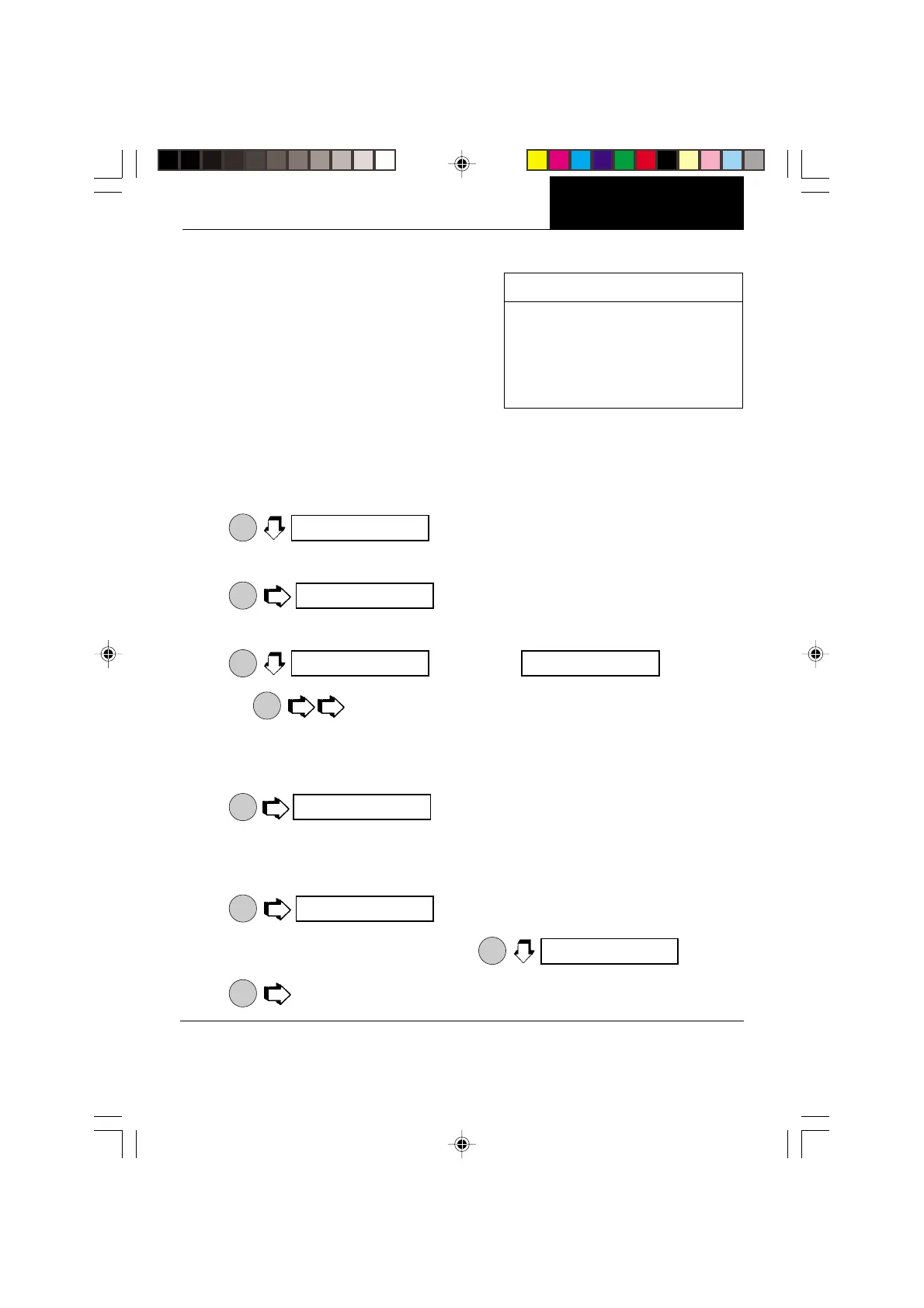
To perform percent weighing when in a weighing mode, use the following procedure:
1.
ON
TARE
.
2. Place an empty container on the pan (if one will be used).
3.
ON
TARE
. This is the current reference percentage.
NOTE: The reference percentage can be changed to any value from 5 to 100.
4.
MODE
increments to .
NOTE:
PRINT
does not return to a lower number. Instead, it sends Set x%
command through the RS232 Interface, where x = 5 to 100.
5. When the selected reference value appears on the display, place the reference load
in the container (or directly on the pan if no container is used).
8.
ON
TARE
, display indicates the reference load as the percent-
age entered. The bar graph indicates the load relative to the capacity of the balance.
9. Remove the reference load from the balance and replace it with another load. The
second load is displayed as a percentage of the reference.
10.
MODE
to view alternate display in units.
11. To restart percent weighing at any time,
ON
TARE
.
12.
ON
TARE
to exit to a weighing mode.
IIIIIIIIIIIIIIIIIIIIIIIIIIIIIIIIIIIIIIII I
IIIIIIIIIIIIIIIIIIIIIIIIIIIIIIIIIIIIIIII I
IIIIIIIIIIIIIIIIIIIIIIIIIIIIIIIIIIIIIIII I
IIIIIIIIIIIIIIIIIIIIIIIIIIIIIIIIIIIIIIII I
IIIIIIIIIIIIIIIIIIIIIIIIIIIIII II I
IIIIIIIIIIIIIIIIIIIIIIIIIIII I
IIIIIIIIIIIIIIIIIIIIIIIIIIIIIIIIIIIIIIII I
%
pCT cON
%
seT 100
%
seT 5
%
seT 100
%s
100.0
%s
100.0000
g
%
pCT cON








 To Next Page