14
OPERATION
Stabilization
Before initally using the balance, allow time for it to adjust to its new environment. The
balance only requires to be plugged in to warm up. Recommended warm up period is twenty
(20) minutes. The balance is powered whenever it is plugged into a power source.
Auto Range (AP250D and E Only)
Modes AP250D and E offer both a fine range (0.01 mg readability from 0 to 52 g) and a coarse
range (0.1 mg over 52 g). When first turned on, the balance is in the fine range. It remains
in this range until the weight on the pan exceeds 52 g. When weight on the pan is greater
than 52 g, the balance switches to the coarse range.
If weight on the pan falls below 52 g, it automatically switches back to the fine range.
Weighing
1.
ON
TARE
to rezero the display.
2. Place the object(s) or material to be weighed on the pan.
3. Wait for the stability indicator to appear before reading the weight.
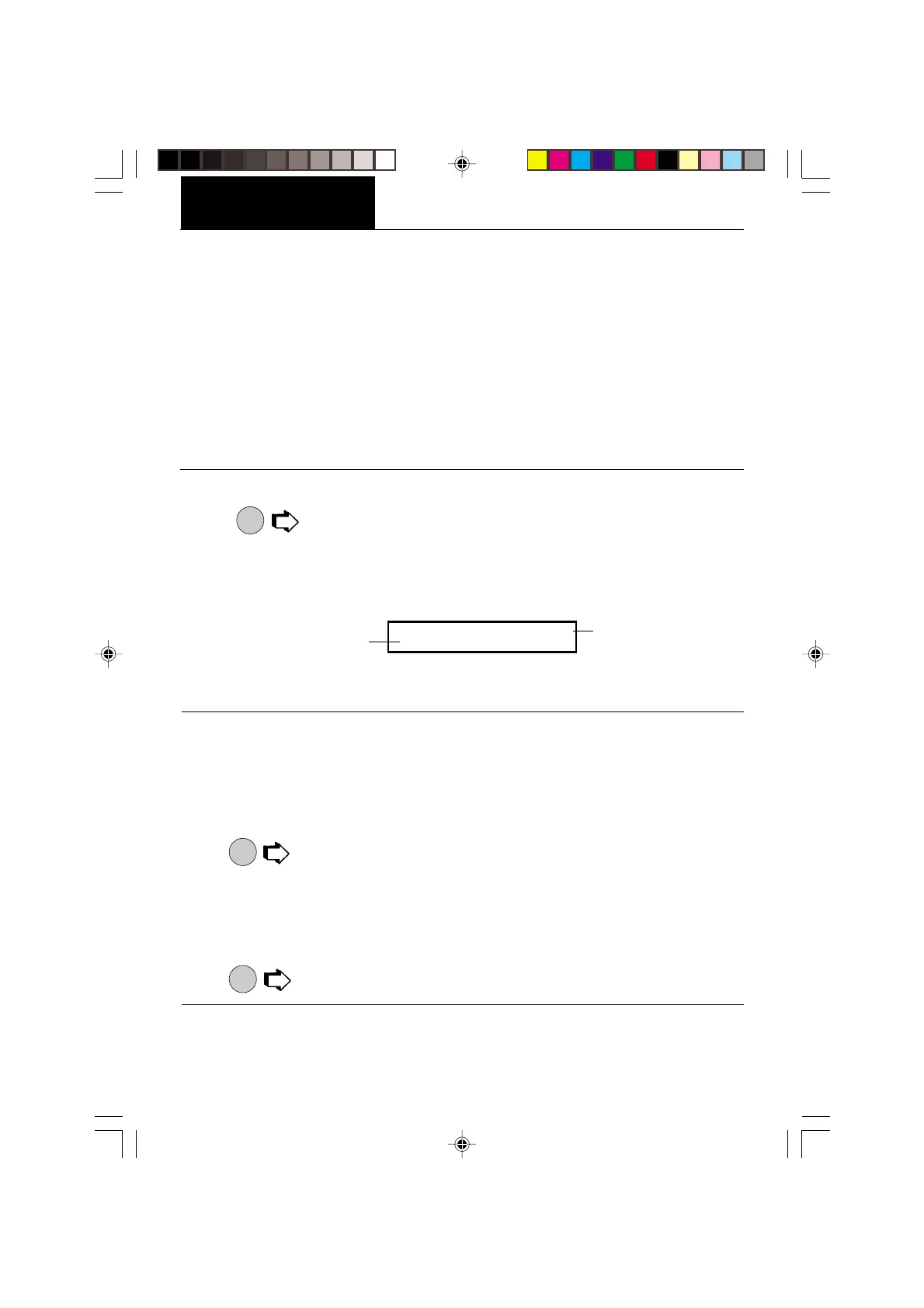
STABILITY INDICATOR
CAPACITY GUIDE
NOTE: The capacity guide (bars) indicates the percentage of the current weight to the
balance capacity. The example above illustrates a 200 gram weight, (balance full capacity
210 grams).
Taring
When weighing material or objects that must be held in a container, taring stores the
container weight in the balance’s memory, separate from the weight of the material in the
container.
1. Place an empty container on the pan. Its weight is displayed.
2.
ON
TARE
, the display blanks until stable weight readings are received, then indicates
zero. The container’s weight is stored in memory.
3. Add material to the container. As material is added, its net weight is displayed.
4. Removing the container and material from the pan will cause the balance to display the
container’s weight as a negative number.
5.
ON
TARE
resets the balance to zero.
IIIIIIIIIIIIIIIIIIIIIIIIIIIIIIIIIIIIIIII I
s
200.0000
g








 To Next Page