56
MENUS
To exclude data
WITHIN SELECTED RANGE:
SET non-PL < non-PH
Example: non-PL=7g, non-PH=11g
Values <7 OR >11 will be output.
To exclude data
OUTSIDE SELECTED RANGE:
Set non-PL > non-PH
Example: non-PL=11g, non-PH=7g
Values >7 AND <11 will be output.
Initialize
This submenu allows you to:
• Specify a time interval (in seconds) for automatic output.
• Exclude a range of weights from being output, or specify a range for output, by the Auto
Print feature.
It does not appear on the Print menu if Auto Print is set to OFF. Use the following procedure
to set these features:
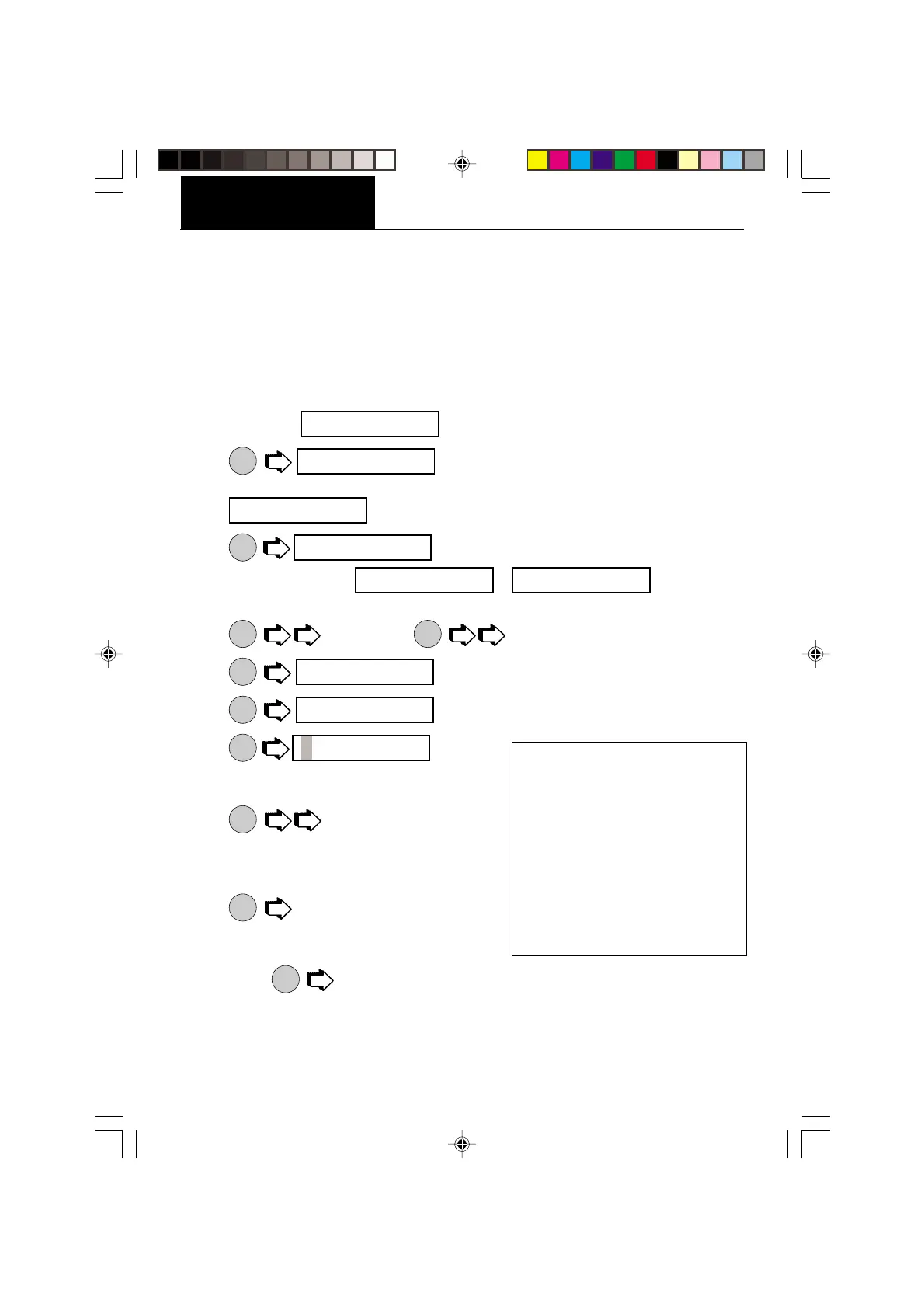
1. Access the
submenu under the Print Options submenu.
2.
ON
TARE
displays if Interval was selected in the Auto Print
submenu and you may continue with step 3. If interval was not selected,
is displayed. Proceed to step 7.
3.
ON
TARE
to enter time interval for automatic data output. The
current interval from to (in seconds) is
displayed.
4.
MODE
to increase or
PRINT
to decrease the interval number.
5.
ON
TARE
.
6.
MODE
to enter a range of non printing values.
7.
ON
TARE
, the current
value for the low end of the range is displayed
with the first digit flashing.
8.
MODE
to change the number, start
with the first digit (flashing). Change the value
to any number from -9 to +9. A minus sign will
light to indicate a negative value.
9.
ON
TARE
to accept it and the next digit will
begin flashing.
10. Set all digits in the same manner. If an error is
made,
PRINT
to backup to the desired digit and change it.
iN IT
iNTeR
NON-pl
iNT 1
iNT 1 iNT 256
iNTeR
NON-pl
000.0000








 To Next Page