60
MAINTENANCE
CARE AND MAINTENANCE
To keep the balance operating properly, the housing and platform should be kept clean and
free from foreign material. If necessary, a cloth dampened with a mild detergent may be
used. Keep calibration masses in a safe dry place.
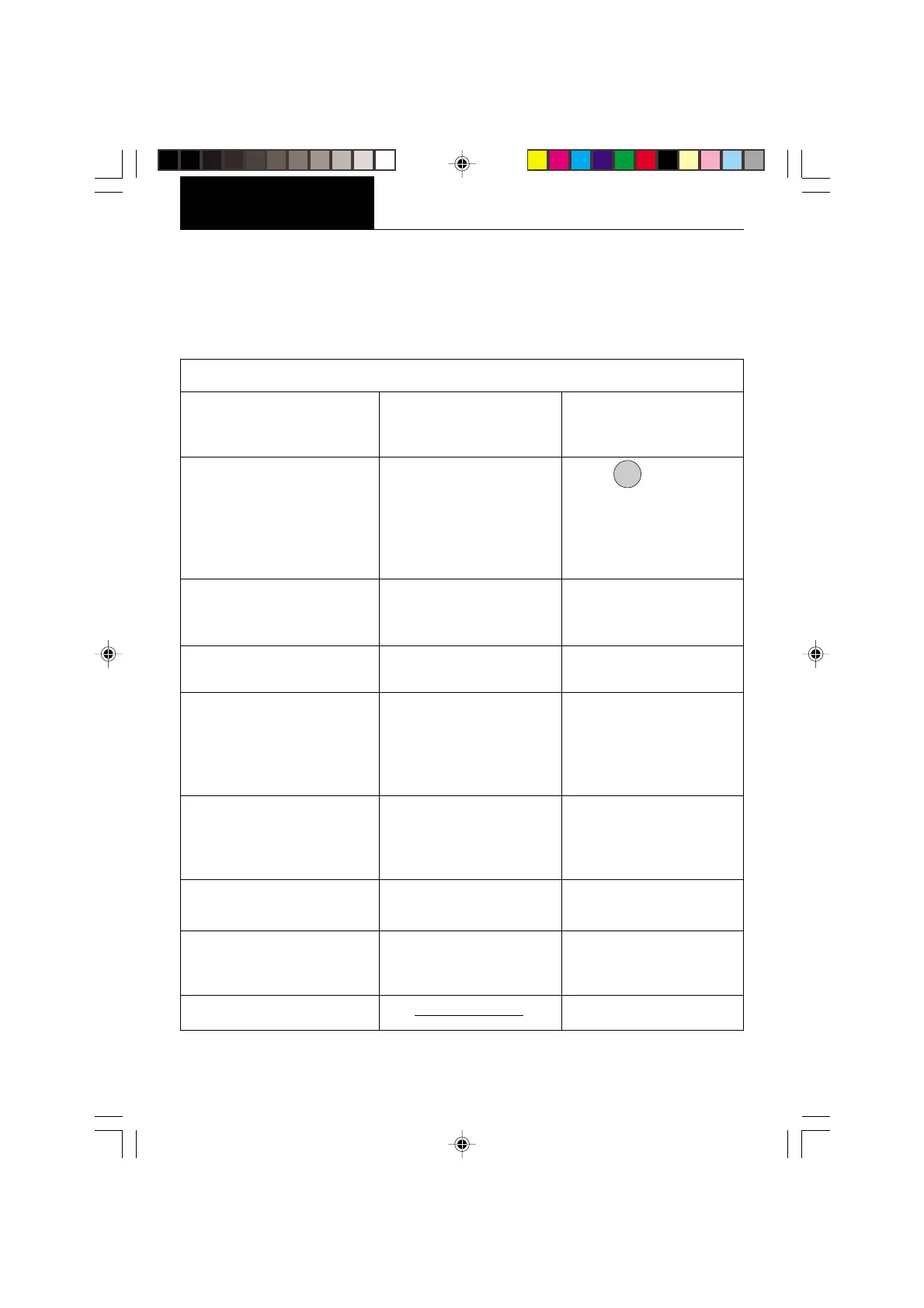
PROBABLE CAUSE(S)
Power cord not plugged in
or properly connected to
balance.
Balance was not re-zeroed
before weighing.
Balance not properly
calibrated.
Desired unit/mode not
set to ON in Unit Selection
of Setup menu.
End not being used to exit
menus.
Print menu settings not
properly set up.
Cable connections.
Microprocessor locks up.
Lock set ON.
(LFT set ON)
Vibration on table surface.
SYMPTOM
Unit will not turn on.
Incorrect weight reading.
Cannot display weight in
desired unit or cannot access
desired weighing mode.
Unable to store menu
settings/changes.
RS232 interface not working.
Random segments displayed
or display
locks up.
Unable to change
settings.
Unstable readings.
Error message display.
TROUBLESHOOTING
REMEDY
Check power cord
connections.
Press
ON
TARE
with no weight
on the pan, then weigh
item.
Recalibrate correctly.
See Unit Selection section
of Setup menu.
You MUST use End to exit
menus and save settings.
Verify interface settings in
Print menu correspond to
those of peripheral device.
Check cable connections.
Turn power off, then turn
on again. If condition
persists, unit must be
serviced.
Set Lock switch to OFF.
Place balance on a stable
surface or change
averaging level.
See Error Codes list.








 To Next Page