Getting Started
1.2
Playing Songs
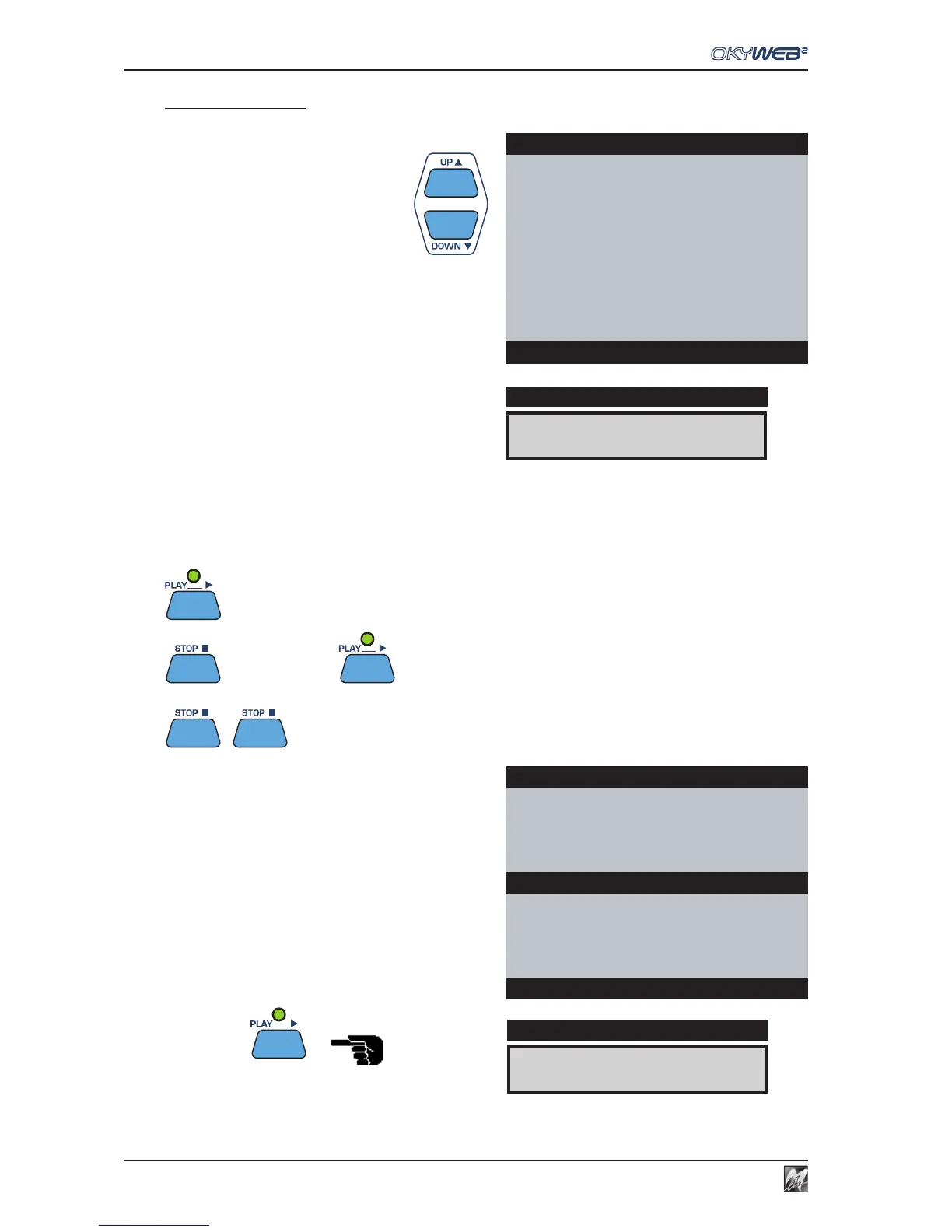
SELECTING A SONG: use the UP and DOWN keys to
scroll the list of songs.
The arrow
→→
→→
→ on the left points to the currently selected
song.
The currently selected song appears on the OkyWeb2
display.
The arrow on the right indicates the possible search
directions.
PLAY: press the PLAY button. OkyWeb2 will start playing the selected song.
STOP/PAUSE: press STOP and the player will pause.
Press PLAY to restart the song from where it was stopped.
Press STOP again to go back to the beginning of the song where you can start it again or scroll the list to select
a new song.
= PLAY
= PAUSE = CONTINUE from the PAUSE point
= STOP
While the song is playing the TV screen window will split
into two.
The top half shows the song details: Title, Performer, Lyrics
and Chords.
The bottom half keeps displaying the Song List, which
you can scroll with the UP and DOWN keys to select a
new song while the current one is playing.
Select a new song with the UP and DOWN keys.
Press PLAY
The new song will start playing straight away, replacing
the previous one.
YESTERDAY
DISPLAY
q 98
4/4
3/1
DISPLAY
OkyWeb2
THE CONTINENTAL
THE HOKEY COKEY
WATERLOO
WE WILL ROCK YOU
WHEN THE SAINTS
WHEN YOUR SMILING
ÆYESTERDAY
YOUR SONG
Select Song
Yesterday-Beatles
YESTERDAY
ALL MY TROUBLES
FEmA
WHEN THE SAINTS
WHEN YOUR SMILING
ÆYESTERDAY
YOUR SONG
Select Song



 To Next Page