Playlist
5.2
Running a Playlist
To run a Playlist
Press the PLAY key
You can choose whether you want the OkyWeb2 to run the Playlist without stopping or wait for a new Play
command to start each song.
Follow the path OPTIONS / GENERAL OPTIONS / PLAYLIST and set the required function:
AUTO Songs follow on automatically.
MANUAL The Playlist stops at the end of each song and waits for a Play command
before running the next song.
To stop a Playlist
Press the STOP key
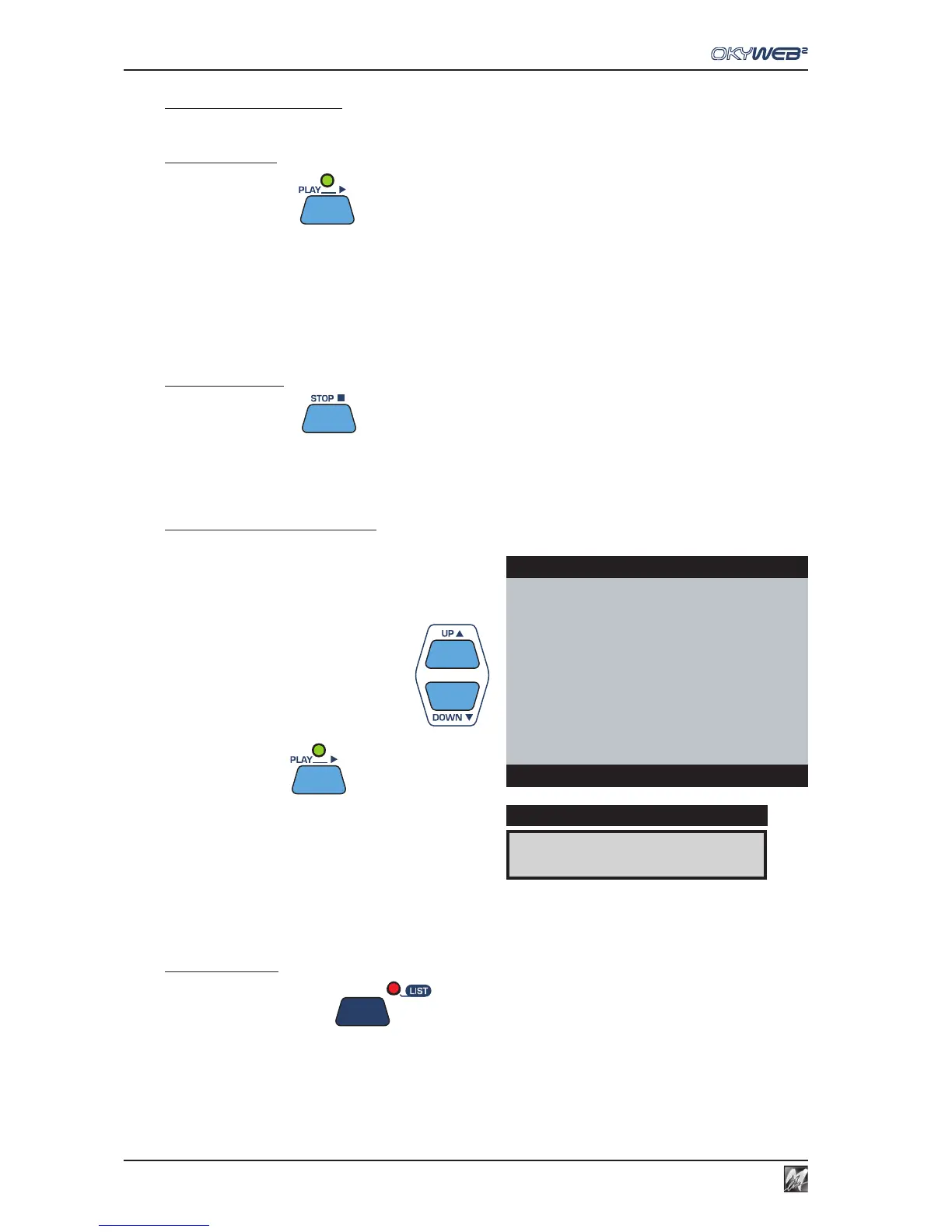
To select a song in the Playlist
You can also scroll the Playlist normally, select the songs
in the list one by one or start the Playlist from any song.
Select a song with UP and DOWN
Press the PLAY key
To exit a Playlist
Press the LIST key TWICE
RED RED WINE
DISPLAY
OkyWeb2
I WANT LOVE
FEVER
ONE MORE NIGHT
SATISFACTION
→RED RED WINE
MY LIFE
**end list**
List:CLUBs and PUBs



 To Next Page