Playlist
5.4
Add Song
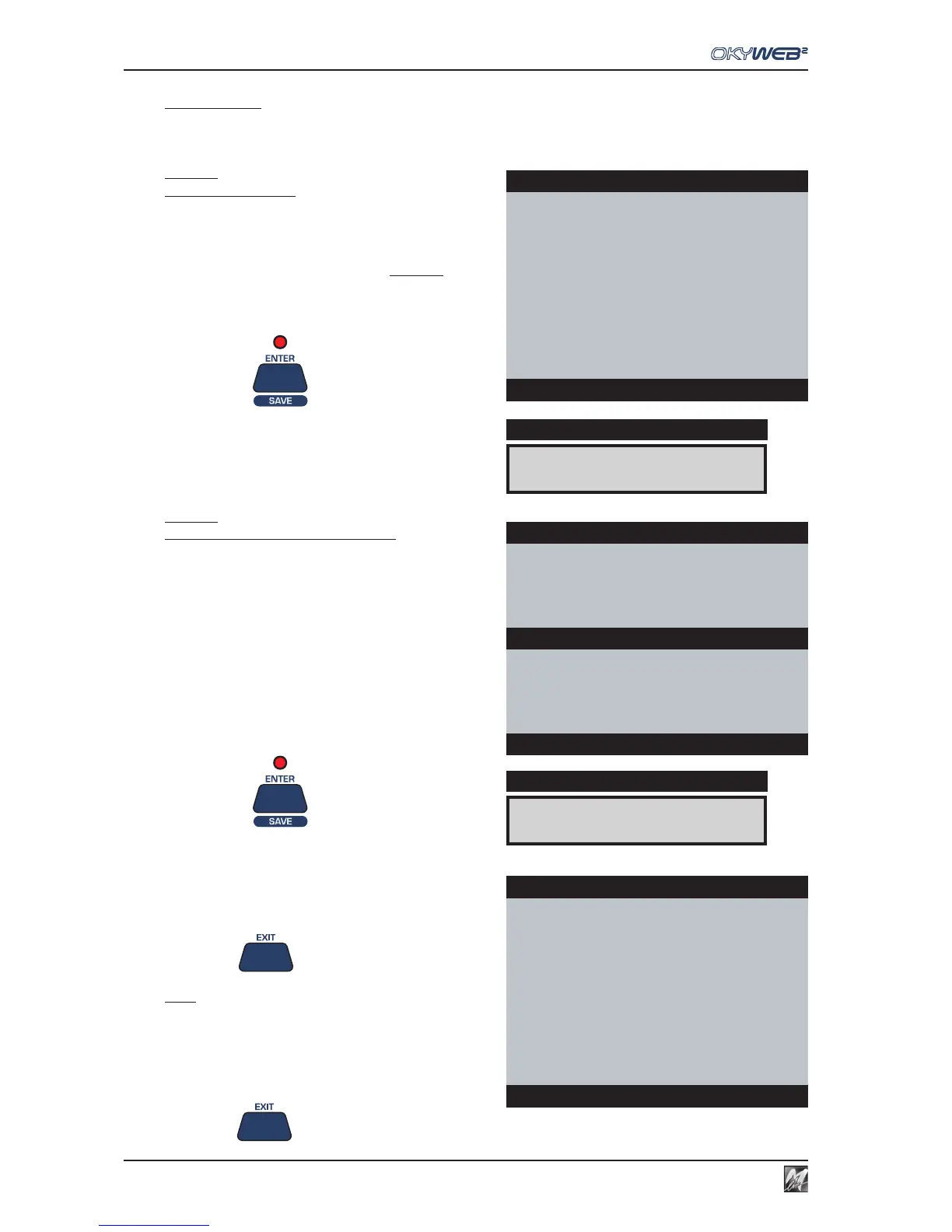
By selecting ADD SONG, one or more songs can be added to the Playlist.
Adding a new song to a Playlist is done in two stages: selecting the position and then entering the song.
PAGE 1
New song position
You can scroll the list with the UP and DOWN keys
and select where to enter the new song.
The new song will be entered in the list BEFORE the one
indicated with the arrow cursor.
To add a song to the end of the Playlist position the cursor
on **end list**.
Press ENTER
The “select and add song” page will appear
PAGE 2
Selecting and adding a new song
The video screen splits into two:
The top half shows the Playlists.
The bottom half shows the Song list. Here you can search
a song in the usual ways.
(See Ch. ‘Searching Songs’ for more information).
Select the song to be entered with the UP and DOWN
keys.
Press ENTER
The new song is added in the chosen position and then
PAGE 1 reappears, from where you can add more songs
to the Playlist.
Press Exit
to exit PAGE 2 without adding
any songs to the current Playlist.
NOTE: entered songs can be deleted from a Playlist with the “Delete
Song” function.
Press EXIT to exit the ADD SONG function.
SATISFACTION
DISPLAY
LIST:CLUBs and PUBs
I WANT LOVE
FEVER
ONE MORE NIGHT
→SATISFACTION
RED RED WINE
MY LIFE
**end list**
Add song: select position
LIST:CLUBs and PUBs
I WANT LOVE
FEVER
ONE MORE NIGHT
SATISFACTION
IT’S RAINING MEN
LIKE A VIRGIN
→MILLENIUM
MY GIRL
Add song: select song
MILLENIUM
DISPLAY
LIST:CLUBs and PUBs
I WANT LOVE
FEVER
ONE MORE NIGHT
→MILLENIUM
SATISFACTION
RED RED WINE
MY LIFE
**end list**
Add song: select position



 To Next Page