Connections & Controls
2.4
Function keys
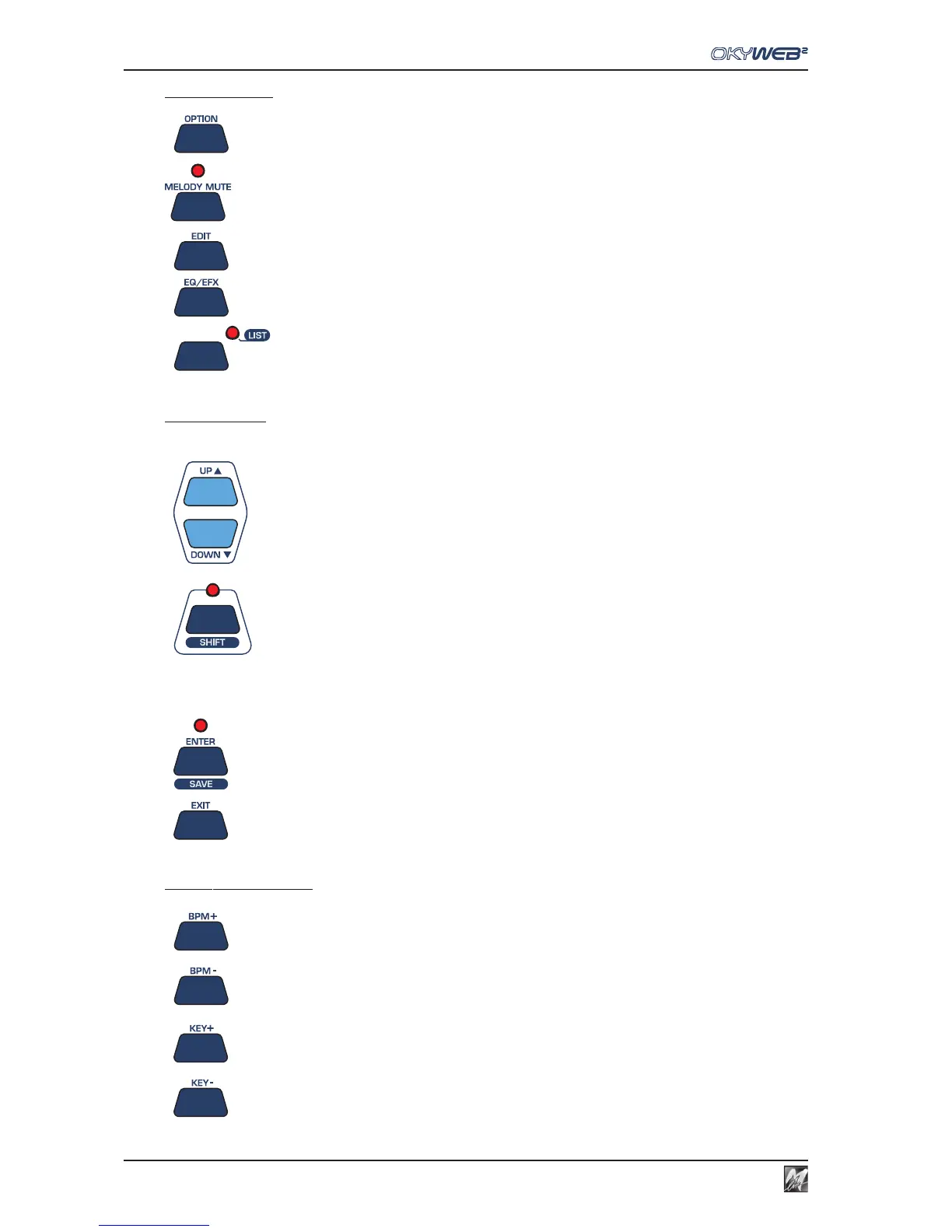
OPTION Key for access to optional functions.
MELODY MUTE Key for excluding or lowering the volume of the melody track.
EDIT Key for access to song track editing functions.
EQ/EFX Key for access to the page for selecting and controlling EQ and Effects.
LIST Key for access to Playlist management pages.
Browse Keys
These keys are used for browsing the OkyWeb2 menus.
UP/DOWN Scroll the lists, parameters and settings.
SHIFT Speeds up the scrolling.
Press the SHIFT key and the LED lights up. The Up and DOWN keys will
now scroll a page at a time. Press SHIFT again to go back to normal
scrolling. The LED will switch off.
ENTER Key for selecting parameters and confirming changes.
EXIT For exiting from the parameters and functions and controls pages.
Real Time Changes
BPM+/BPM- For changing the playing tempo (Beat Per Minute) of a song.
KEY+/KEY- For changing the key of a song.



 To Next Page