Searching Songs
4.6
T9 Search
The T9 Search function is an additional Alphabetical Search method using a more intuitive algorithm to find a
song more quickly.
The T9 Search, like the other searches, can be enabled for each of the three lists: Title, Artist or Genre.
To enable the T9 Search
ATTENTION: the SHIFT LED must be off.
If the LED is lit (i.e. Alphabetical Search enabled) press the SHIFT key to switch it off.
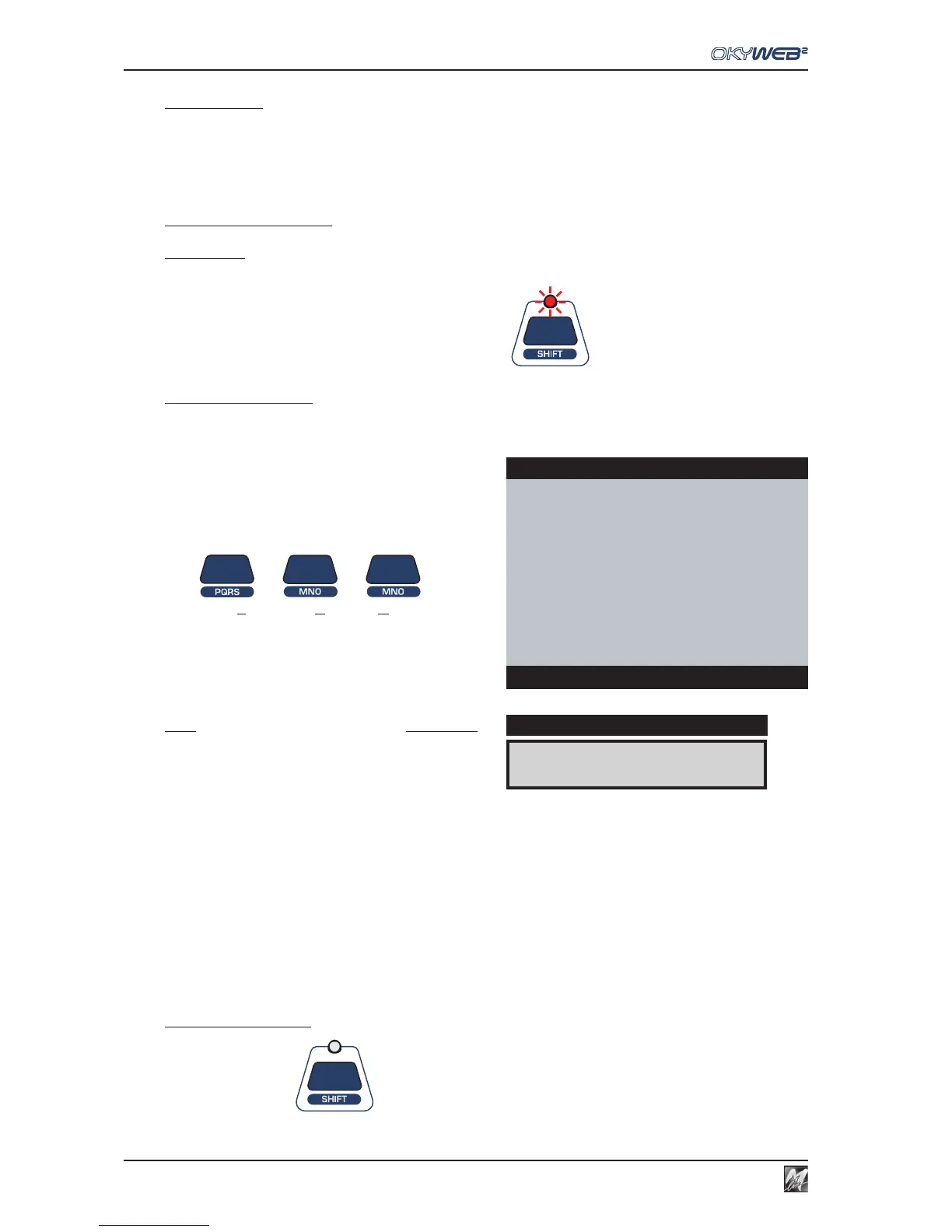
Press and hold down the SHIFT key for a few seconds:
The red LED will flash
Key in the first letter of the Title, Artist or Genre required, pressing the corresponding key on the keypad
just once for each letter.
The T9 Search is the easiest and fastest search method on the OkyWeb2. Type in at least three or four letters
and the item you’re looking for will be found almost every time.
EXAMPLE: to type the word “SOM” press the following
keys once each in order:
PQRS MNO MNO
OkyWeb2 will make an intelligent search for all the Titles,
Artists or Genres containing the selected letters.
NOTE: the Alphabetical Search and the T9 Search are not enabled in
the specific Artist or Genre filter windows. The Alphabetical and T9
Searches, therefore, cannot be done in the ‘by Artist’ or ‘by Genre’
song lists.
To exit the T9 Search
Press the SHIFT key The LED turns off.
ROMANTIC LOVE
È
DISPLAY
OkyWeb2
ÆROMANTIC LOVE
SMOKE GET IN YOUR EYES
SNOW ON THE SAHARA
SOMEDAY
SOMEWHERE
SONG FOR GUY
Select Song



 To Next Page