6.7
Editing
6
To exit the EDIT environment
Press EXIT to exit the EDIT environment
On re-entering the EDIT environment, you return directly to the last editing condition carried out (track and
parameter), jumping all the intermediate stages.
Saving changes
When a Song is changed, the ENTER/SAVE key’s LED lights up.
The changes can be saved in the Song on a Compact Flash card.
Saving can be done either directly in the EDIT environment, or after returning to the main environment (Song list).
In any case, saving must be carried out
before selecting a new Song.
Selecting a new Song, all the changes that have not been saved will be irreparably lost.
N.B.: changes that are not saved produce temporary effects, useful for example for carrying out impromptu changes required during live
performances: at the next performance, the Song will have the values saved before the editing just carried out.
Saving an edited Song
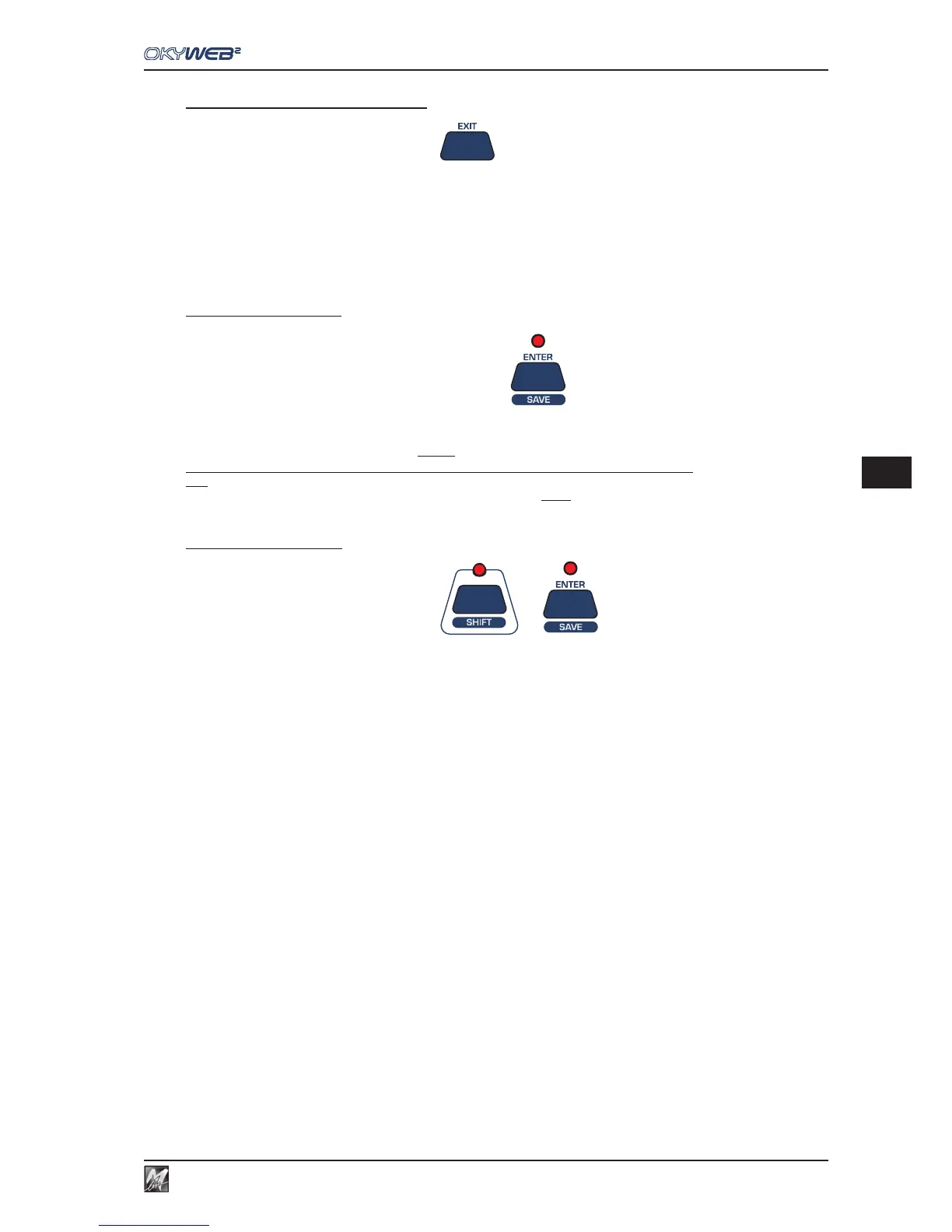
Use the key combination SHIFT (LED lit) + ENTER/SAVE.
- the song and relative changes will be saved on the Compact Flash card;
- the ENTER/SAVE key’s LED goes off.



 To Next Page