3.1
3
Playing Songs
3 - Playing Songs
When you switch the OkyWeb2 on the video display goes
straight to the list of songs stored on the Compact Flash
card.
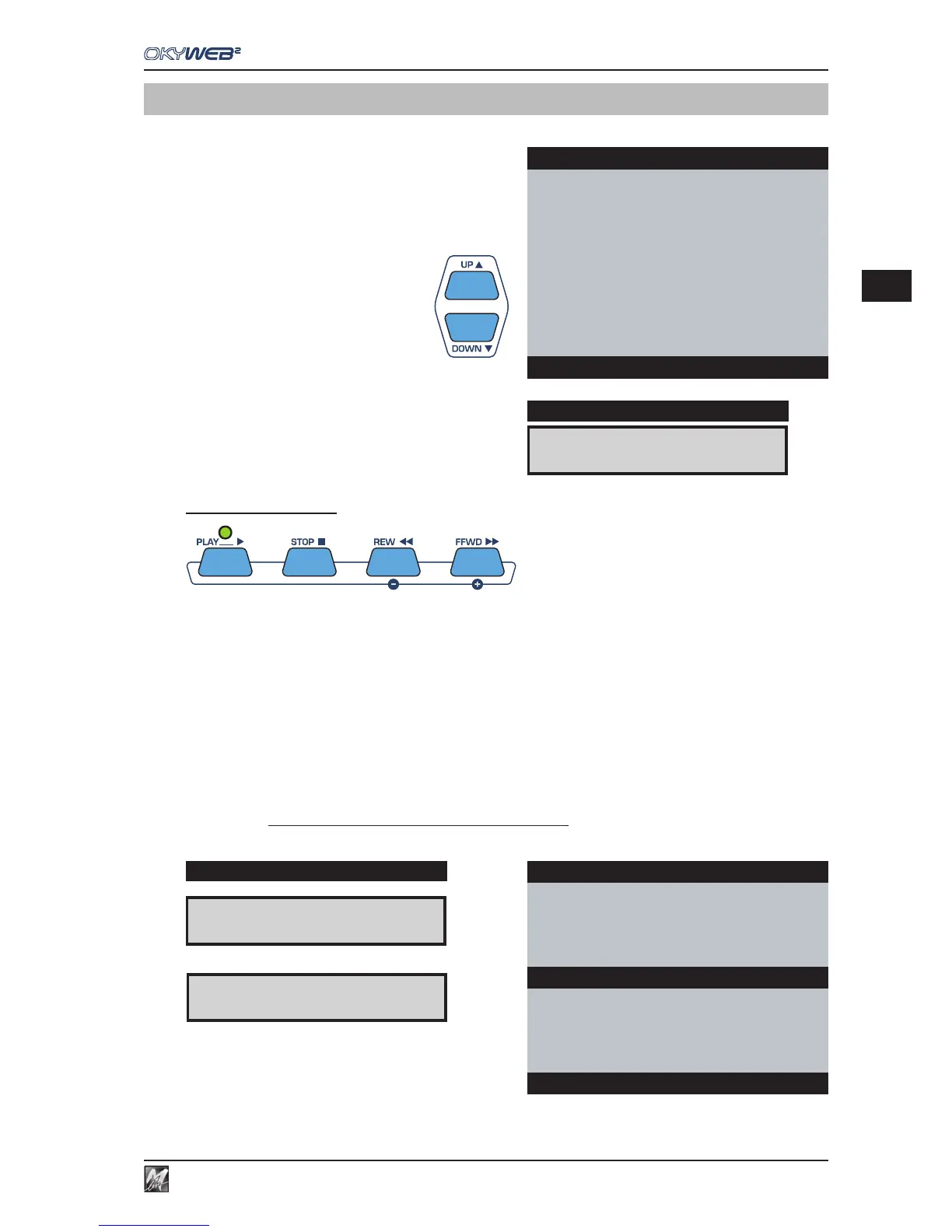
Scroll the list with the UP and DOWN keys to select the
song you want.
OkyWeb2 has a number of sophisticated search methods for finding
songs quickly.
(See Ch. ‘Searching Songs’ for more information).
The panel display shows the first song in the list.
Player Controls
PLAY Plays the selected song.
When the Play key is pressed:
- The monitor displays the lyrics and chords of the song.
- The LED above the PLAY key flashes to mark the tempo of the song.
- The display shows: BPM and Transpose (alternately), Metric Division and Beat Counter.
STOP STOP/PAUSE button.
Press once to pause during a song. PLAY restarts the song from where it was stopped.
Press STOP twice to stop the song. The video display goes back to the song list.
REW/FFWD REWIND and FAST FORWARD buttons.
Press these buttons to go forwards or backwards quickly in a song.
The video display scrolls through the lyrics and the corresponding number of beats.
The REW and FFWD are enabled only during PLAY.
(1)
qq
qq
q
BPM (Beat Per Minute or Tempo)
(1)
&&
&&
&Transpose (in semitones)
(2) Time (Metric Division)
(3) Bar/Beat counter
A FOGGY DAY È
DISPLAY
OkyWeb2
ÆA FOGGY DAY
AIN’T SHE SWEET
ALWAYS ON MY MIND
BLANKET ON THE GROUND
DANCE THE NIGHT AWAY
ESCAPE
FEVER
GREENSLEEVES
Select Song
Yesterday-Beatles
I’M NOT HALF THE MAN I USED
TO BE
THERE’S A
Dm Dm/C Bbmaj7
WHEN THE SAINTS
WHEN YOUR SMILING
ÆYESTERDAY
YOUR SONG
BPM 98 KEY 0 BAR 11
(1) (2) (3)
DISPLAY
& &
& &
&
0
4/4
11/1
qq
qq
q
98
4/4
11/1



 To Next Page