Playlist
5.6
Rename Playlist
By selecting RENAME PLAYLIST, the name of a Playlist can be
edited.
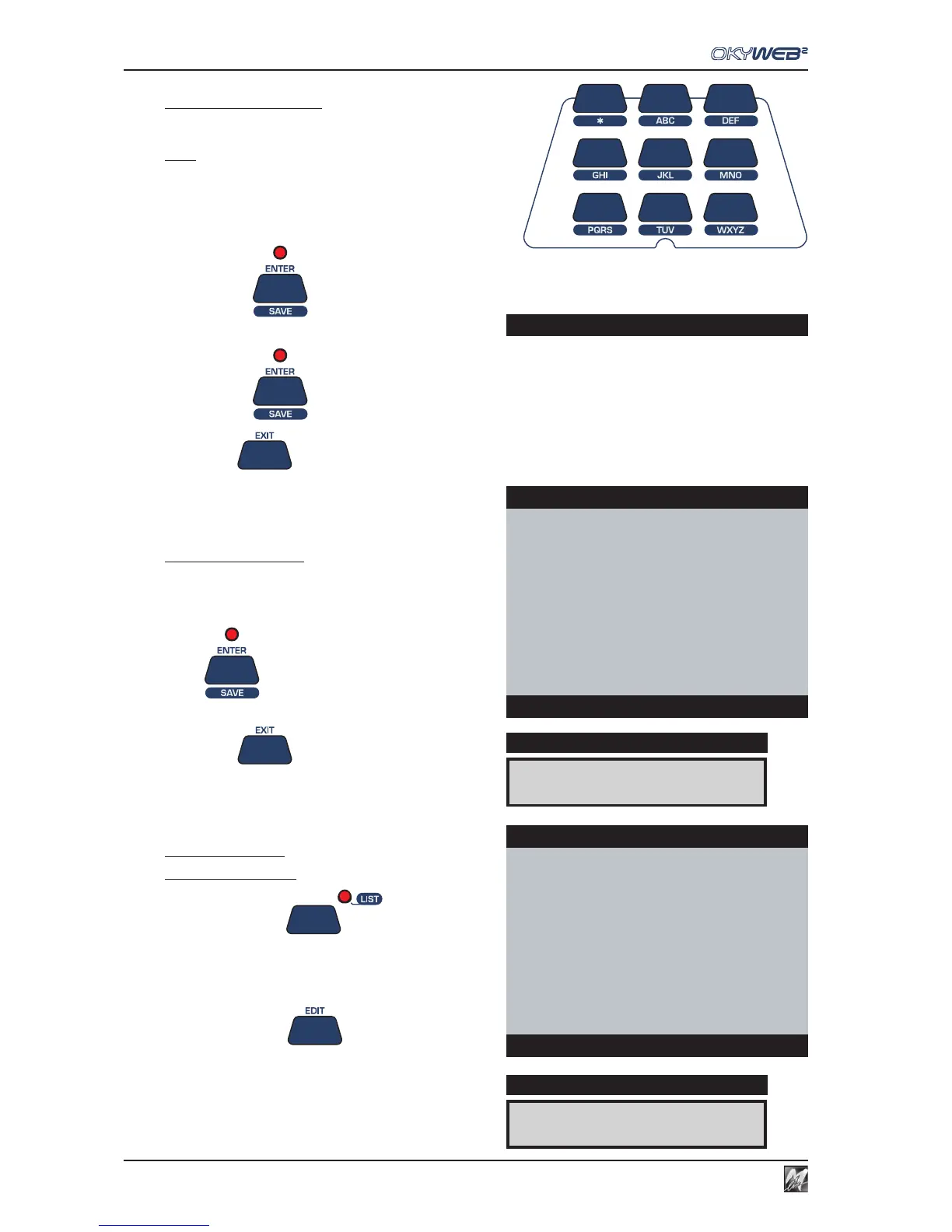
NOTE: the letter keypad is automatically enabled (SHIFT key LED lights up).
The keypad is similar to a mobile phone keypad. Press a key repeatedly to
show its letters in sequence. To input two letters on the same key one after the
other, wait a few seconds between the first and second letter.
Enter the new Playlist name.
Press ENTER
OkyWeb2 asks for the change to be confirmed.
Press ENTER
again to confirm the new Playlist name.
Press EXIT to exit the RENAME PLAYLIST function.
Delete Playlist
By selecting DELETE PLAYLIST, a Playlist can be
deleted.
An alert message appears asking for confirmation.
Press
ENTER to delete the Playlist
or
Press EXIT to abort the deletion.
New Playlist
To create a Playlist
Press the LIST key
Select one of the Playlists marked *New playlist x*
with the UP and DOWN keys
Press the EDIT key
In the EDIT window, use the functions:
RENAME PLAYLIST for giving a name to the new Playlist.
ADD SONG for entering songs in the new Playlist.
DELETE LIST
DISPLAY
OkyWeb2
Do you really want
to erase ‘CLUBs AND PUBs’
Press ENTER to confirm
Delete Playlist
New Playlist 07
DISPLAY
OkyWeb2
EASY LISTENING
MEDLEY 60s-70s-80s
LATIN
DISCO-BAR
DANCE
HIT
→New Playlist 07
New Playlist 08
Select Playlist
Press ENTER to confirm



 To Next Page