Options
8.2
General Options
PEDAL This parameter allows you to decide which functions to assign to the pedal connected to
the OkyWeb2. The following functions can be set:
DISABLED Pedal disabled.
PLAY/PAUSE Starts the song and puts it in pause.
EFX ON/OFF Enables or excludes the effects on the microphone.
MIC ON/OFF Enables or disables the microphone.
NEXT SONG Starts the next song on a Playlist.
PLAYLIST Sets the Playlist play mode:
AUTO Songs follow on automatically.
MANUAL the Playlist stops at the end of each song and waits for a Play command
before starting the next one.
Music Options
MELODY TRACK This option is linked to the Melody Mute function. It allows you to set which of the MIDI file
tracks must be assumed as the track that contains the song melody. The selected track will
be cut out or lowered when the MELODY MUTE key is pressed.
N.B.: therefore, this function can also be profitably used to mute any track (containing the song melody or not);
e.g. that of an instrument you want to play live or that of a part on which you are rehearsing.
EQ/3D TRACK This Option allows to enable or exclude the performance of the track reserved for the
Equalizer of the music section saved in the File.
DISABLED Playback of the disabled track.
Only manual control works.
ENABLED Playback of the enabled track.
Works along with the manual control.
CHORDS Sets the chord notation mode on the monitor:
DISABLED Chord display disabled.
INTERNAT. International notation (C, D, ...).
ITALIAN Italian notation (Do, Re, ...).
NOTE: in the chord notation the sharp (#) is shown with the ‘*’ character.
N.B.: chord display is not available in Rolling mode, which is conceived for Karaoke use.
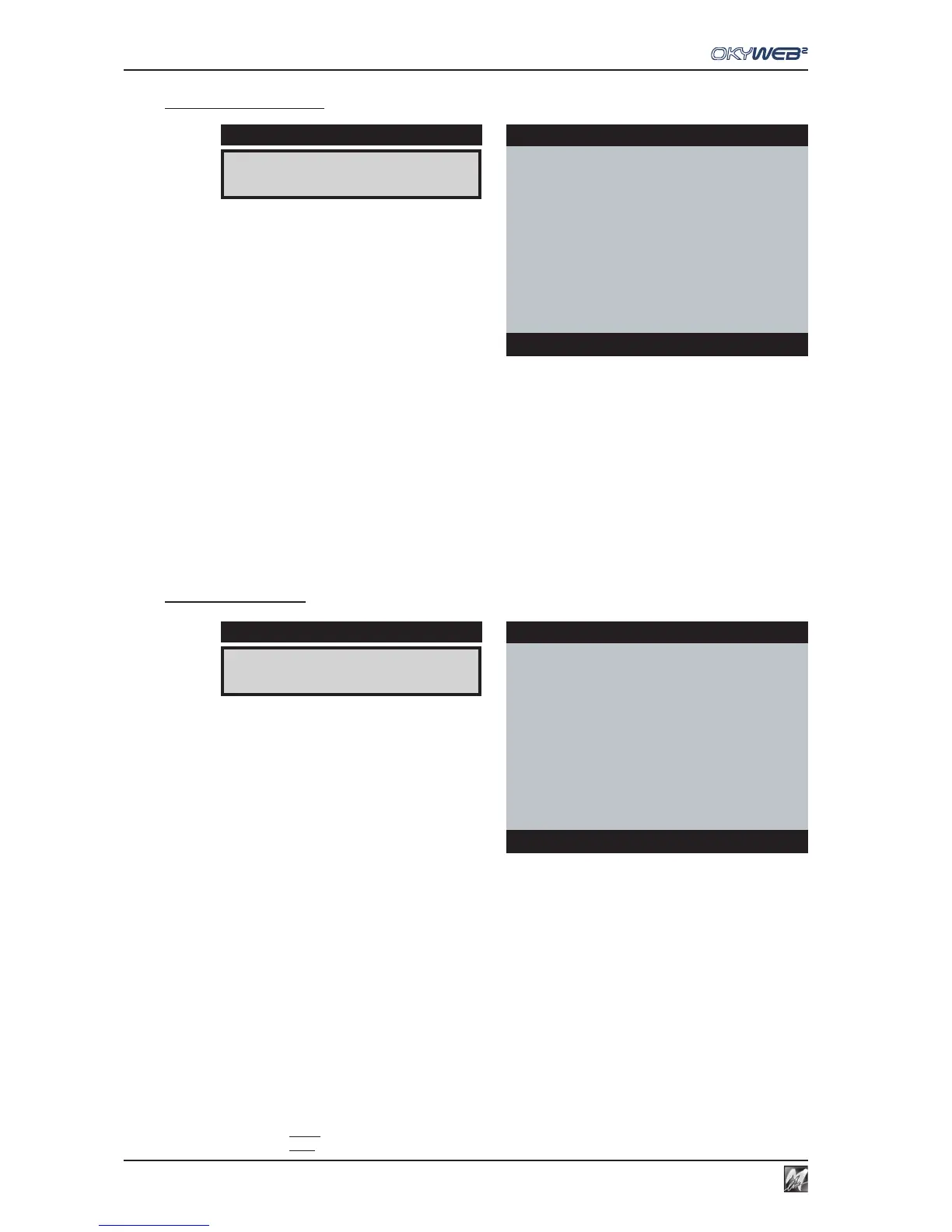
PEDAL:PLAY/PAUSE
DISPLAY
GENERAL OPTIONS
ÆPEDAL : PLAY/PAUSE
PLAYLIST : AUTO
Options
MELODY TRACK:4
DISPLAY
MUSIC OPTIONS
ÆMELODY TRACK: 4
EQ/3D TRACK :DISABLED
CHORDS : INTERNAT.
Options



 To Next Page