Playing Songs
3.6
Search during Play
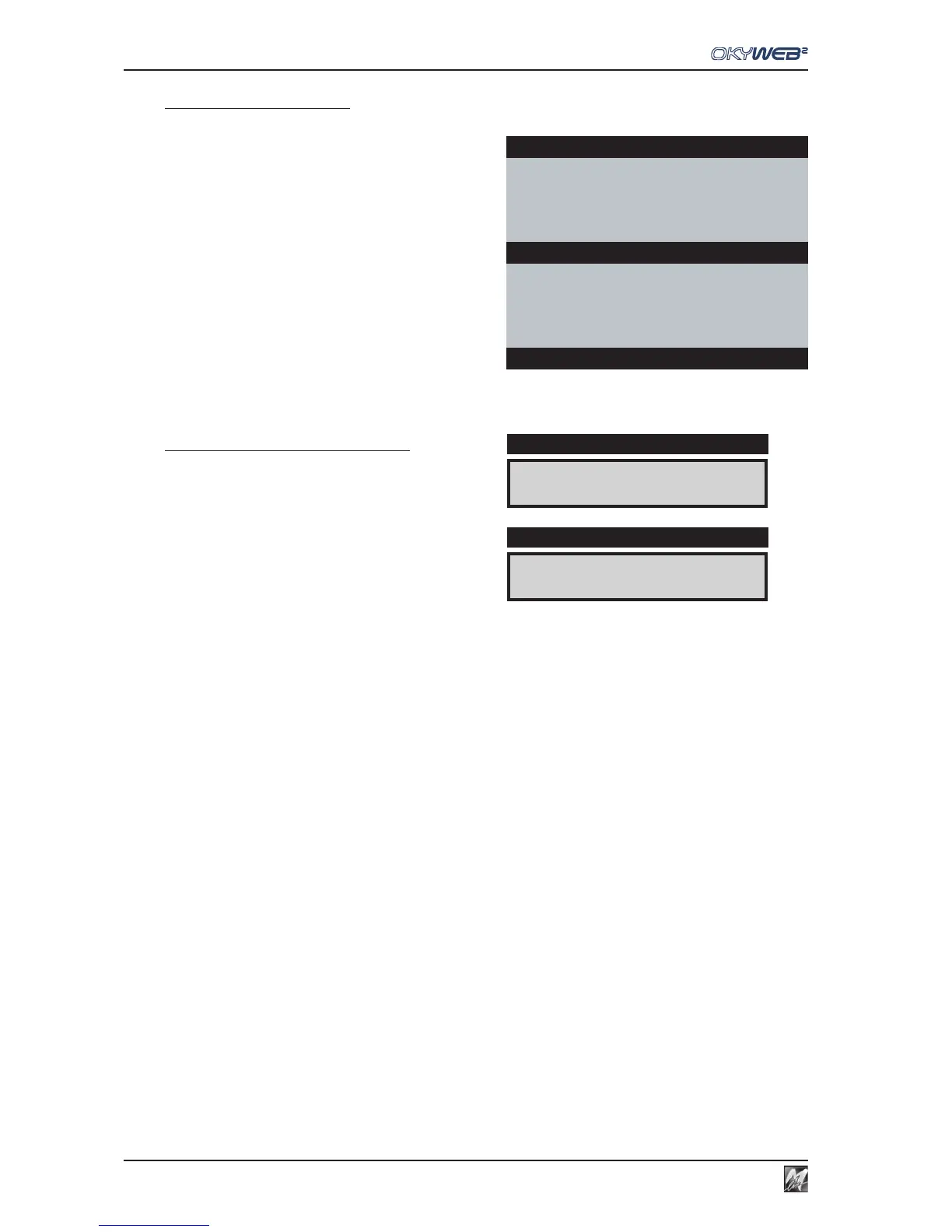
When the OkyWeb2 is in standard TEXT+SEARCH mode,
the bottom half of the video screen shows the list of songs
stored on the OkyFlash card.
With the UP and DOWN keys, you can scroll the list and
select a new song.
Press the PLAY key to play the new song immediately,
replacing the previous one.
Searching on the OkyWeb2 Display
While a song is playing, the OkyWeb2 display normally shows
music informations: BPM/Key, Time and Bar/Beat Counter.
Press UP or DOWN to display the song currently selected
from the list.
The UP and DOWN keys can then be used for scrolling
the list and selecting a new song.
Yesterday-Beatles
SHADOW HANGING OVER ME
OH YESTERDAY CAME SUDDENLY
F F/E Dm
BLANKET ON THE GROUND
DANCE THE NIGHT AWAY
ESCAPE
ÆFEVER
Select Song
qq
qq
q
98
4/4
14/1
DISPLAY
FEVER
DISPLAY



 To Next Page