3.3
3
Playing Songs
Muting the melody track
One of the song’s tracks (normally track 4) contains the song’s melody.
It may be useful to listen to the melody at first, or to study it if you don’t know it very well. But when you want to
sing or play the song this track has to be either cut out or played at lower volume.
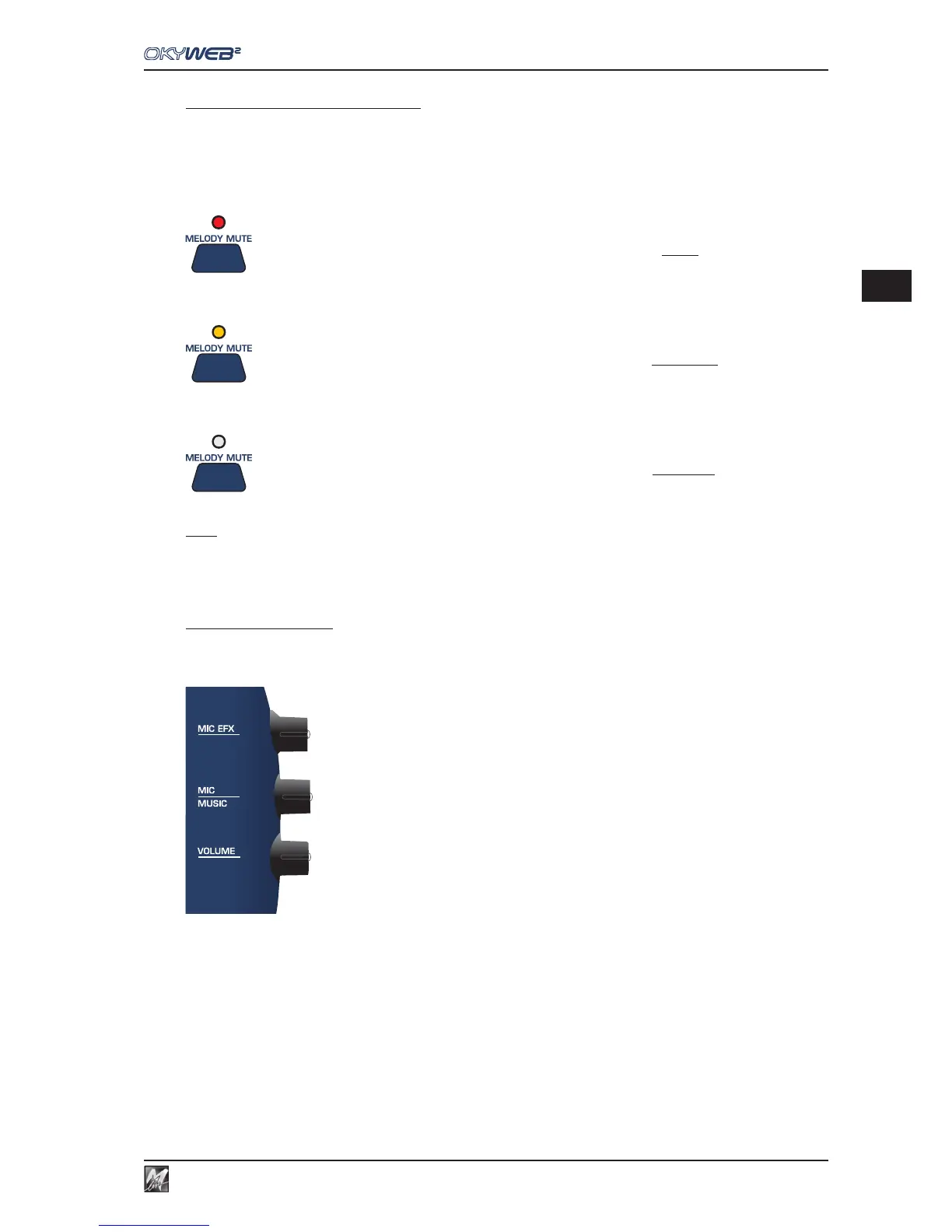
Press the MELODY MUTE key
The LED turns RED: the melody track will be completely muted.
Press the MELODY MUTE key again
The LED turns ORANGE: the melody track will be played at low volume.
Press the MELODY MUTE key again
The LED goes OUT: the melody track will be played at full volume.
NOTE: in some MIDI files the melody may be on a track other than track 4. The OkyWeb2 allows you to change the track number for the
melody mute. The MELODY TRACK function is in the OPTIONS / MUSIC OPTIONS menu. (See Ch. ‘Options’ for more information).
Audio Controls
The OkyWeb2 has three controls for making easy, real-time adjustments to the main audio parameters, i.e. the
ones essential for performing the song.
The three potentiometers on the right side of the unit control the following parameters:
MIC EFX: amount of Echo and Reverb effect applied to the microphone.
The effects and relative parameters can be adjusted in the EQ/EFX environment.
(See Ch. ‘EQ/EFX’ for more information).
MIC/MUSIC: balance between the microphone and the music volumes.
VOLUME: general output volume.
N.B.: OkyWeb2 output level is 0dB. If necessary, adjust the sensitivity of the input of the unit to which
you’re connecting it (mixer, amplification system, etc.).



 To Next Page