2.3
2
Connections & Controls
Controls
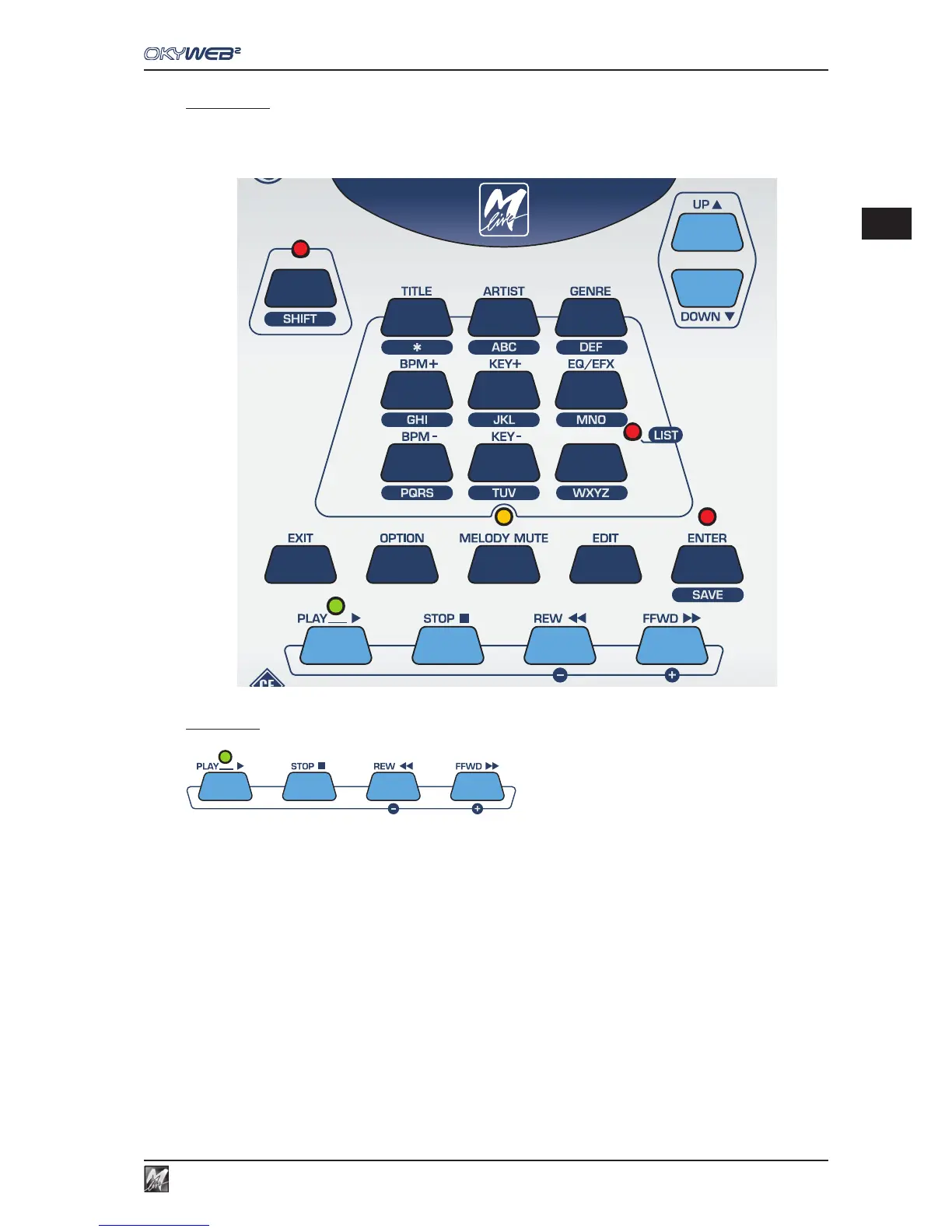
The top panel offers the keys for controlling all the OkyWeb2 functions: song playback, menu browsing, song
search, option setting, effects choice and settings, editing.
Transport
Song control keys.
PLAY Play key.
STOP PAUSE/STOP. Press once to pause during a song.
Press twice to go back to the beginning of a song.
The STOP key is also used for switching off the OkyWeb2: press and hold down for a few seconds
to turn the unit off.
REW Fast rewind. Enabled only during play.
FFWD Fast forward. Enabled only during play.



 To Next Page