5.1
5
Playlist
5 - Playlist
With OkyWeb2, looking for a song is extremely easy and fast even in a huge archive. Situations may arise,
however, when you have to perform your songs in quick succession without a pause, or when you simply prefer
to set the order beforehand without having to worry about searches so that you can concentrate on performing.
The OkyWeb2’s Playlist function meets all these needs.
With the Playlist function, you will be able to create up to 16 performance lists and store them permanently on a
Compact Flash card. When you select a Playlist and press Play the songs will be run in the set order without
having to stop and search for the next songs.
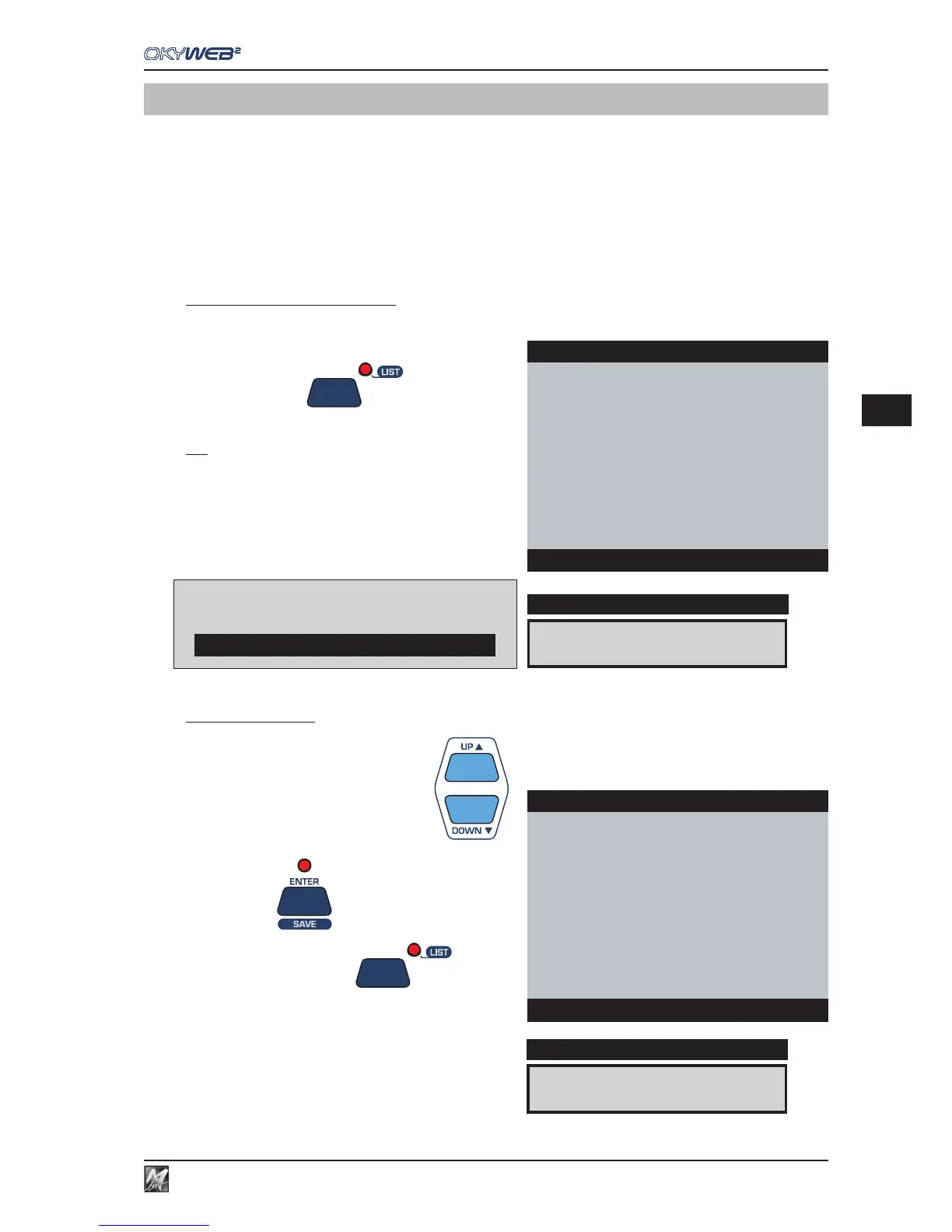
To enable the Playlist function
Press the LIST key
The Playlist selection window will appear.
N.B.: The Alphabetical and T9 Search functions are disabled while the
Playlist is being displayed.
To select a Playlist
Select a Playlist with UP and DOWN
Press ENTER
The LIST LED will light up
The page with the list of songs in the Playlist will appear.
CLUBs and PUBs
DISPLAY
OkyWeb2
EASY LISTENING
MEDLEY 60s-70s-80s
LATIN
→CLUBs and PUBs
DANCE
HIT
New Playlist 07
New Playlist 08
Select Playlist
Error: playlist not present
If there are no Playlists stored in the card
OkyWeb2 will display an alert message
I WANT LOVE
DISPLAY
OkyWeb2
→I WANT LOVE
FEVER
ONE MORE NIGHT
SATISFACTION
RED RED WINE
MY LIFE
**end list**
List:CLUBs and PUBs



 To Next Page