1.3
1
Getting Started
Audio controls
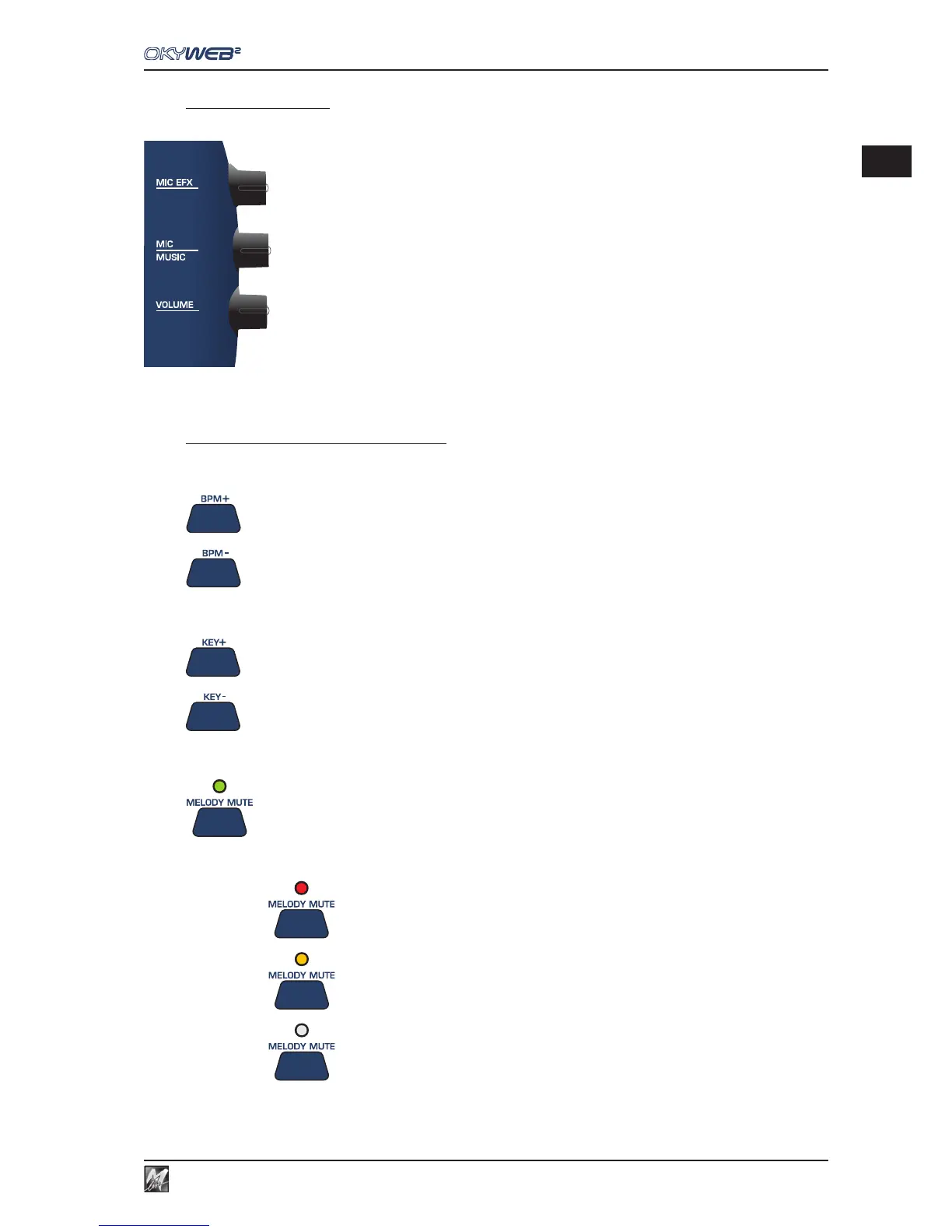
The three potentiometers on the right side of the OkyWeb2 have real-time control over:
MIC EFX: amount of Echo and Reverb effect applied to the microphone.
MIC/MUSIC: balance between the microphone and the music volumes.
VOLUME: general output volume.
Tempo / Key / Melody Mute
These keys allow to control the following functions:
= TEMPO: change the playing speed.
= KEY: change the key allowing to find quickly the most suited to your voice.
= MELODY MUTE: to lower or mute the melody track.
The MELODY MUTE function has three modes, which can be selected by repeatedly pressing the key.
The MELODY MUTE LED shows the state of the function and hence the volume of the melody track:
RED LED = MELODY MUTE
ORANGE LED = MINIMUM MELODY VOLUME
LED OFF = NORMAL MELODY VOLUME



 To Next Page