5.3
5
Playlist
Creating and Editing Playlists
When a Compact Flash card is formatted it is assigned 16 empty Playlists named ‘New playlist 01’...’New playlist 16’.
To create a new Playlist select one of these empty Playlists and edit it with the EDIT function options.
Each of the 16 Playlists in a Compact Flash card can contain up to 250 songs, as if to say 4000 songs for each card !
Even the most demanding repertory needs can be satisfied.
NOTE: all the Playlist procedures are much easier if you connect your OkyWeb2 to a PC and use the OkySoft2 software supplied with the unit.
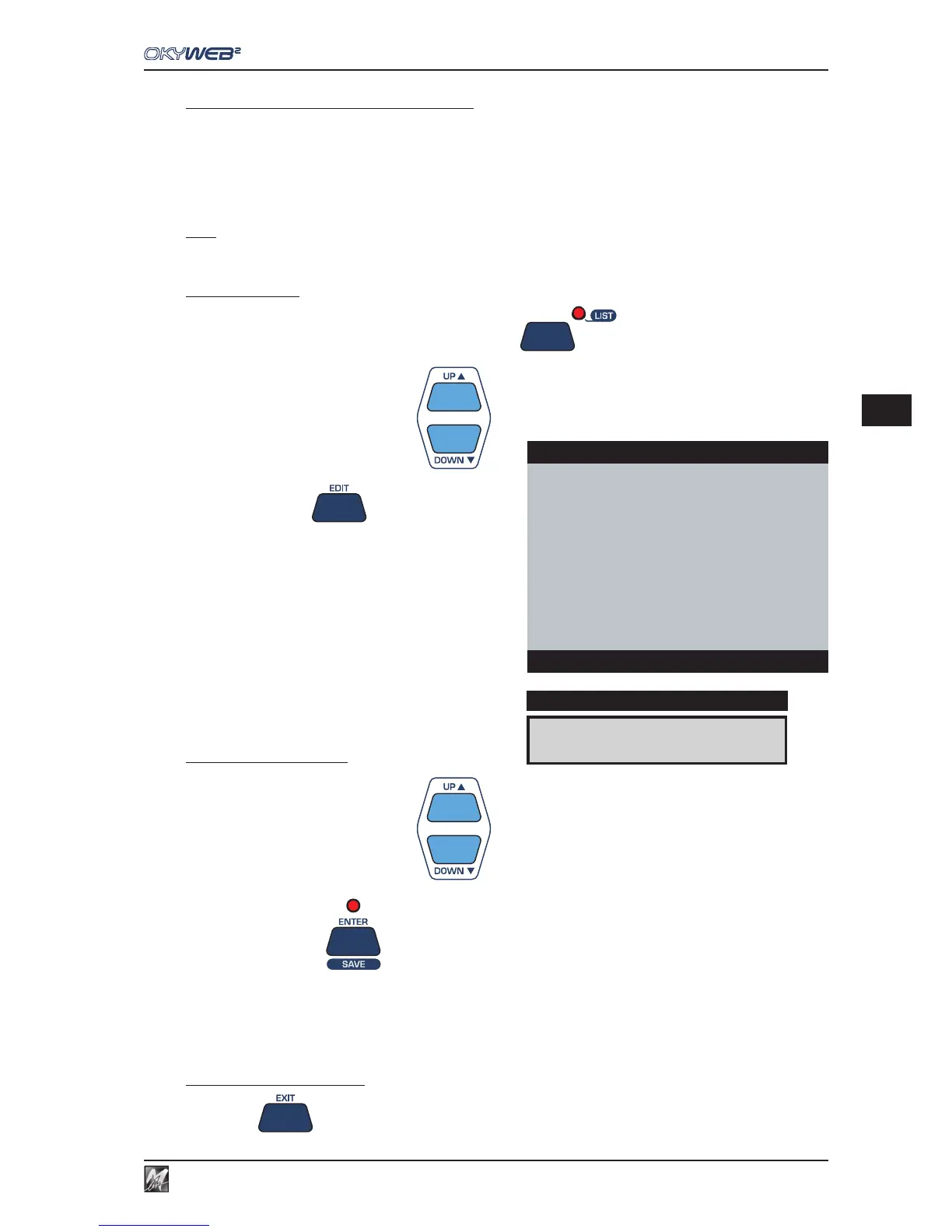
To edit a Playlist
Enable the Playlist function by pressing the LIST key
Select a Playlist with UP and DOWN
Press the EDIT key
The Edit Playlist window will appear with its options:
ADD SONG
DELETE SONG
RENAME PLAYLIST
DELETE PLAYLIST
To select an edit option
Select a Playlist with UP and DOWN
Press the ENTER key
To exit the Playlist editing
Press EXIT to exit the EDIT PLAYLIST function and go back to the LIST window.
ADD SONG
DISPLAY
LIST:CLUBs and PUBs
→ADD SONG
DELETE SONG
RENAME PLAYLIST
DELETE PLAYLIST
Select items



 To Next Page