Options
8.4
MIDI Options
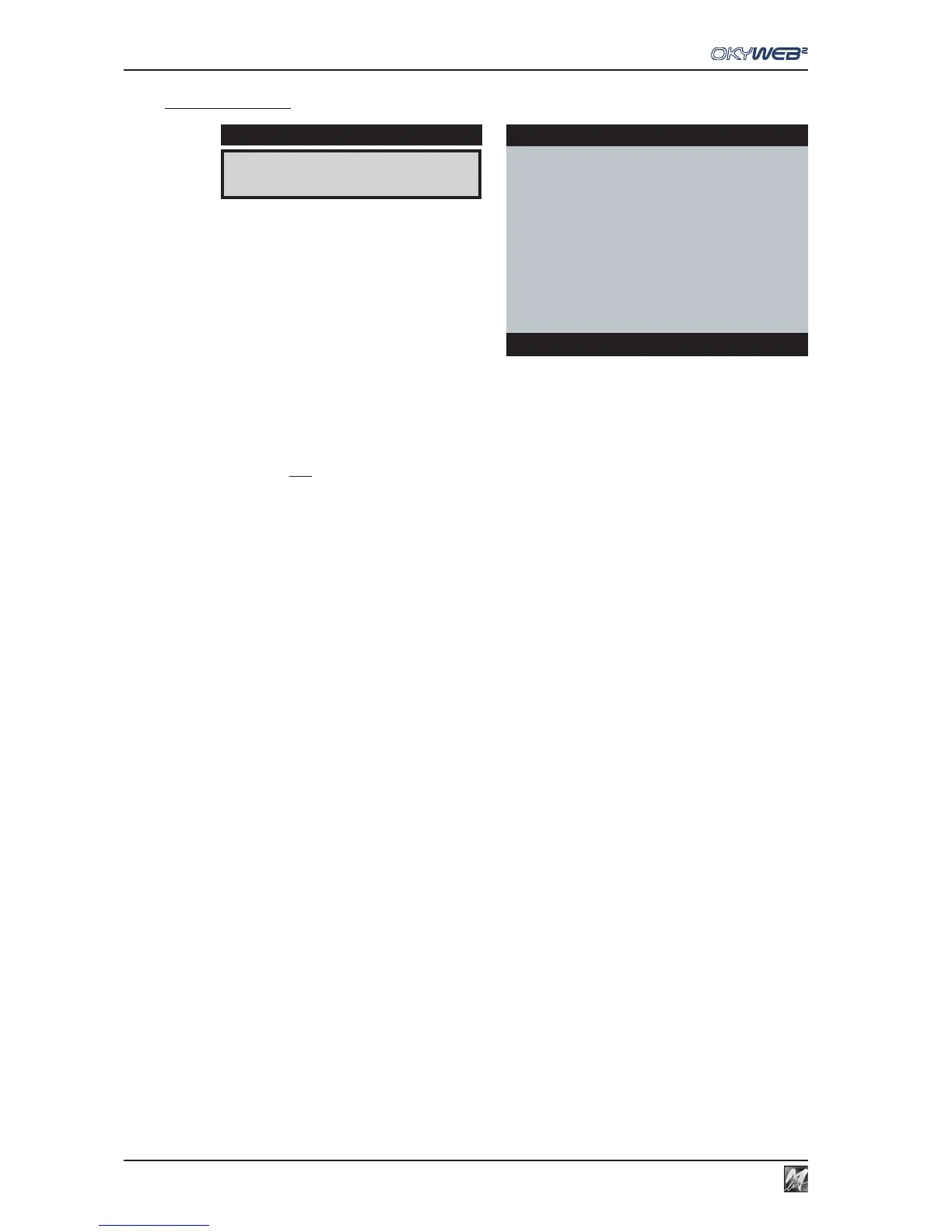
MIDI IN This Option allows to control the events sent to the OkyWeb2 MIDI IN port.
N.B.: This Option only regards the use of the MULTIPORT/MIDI cable supplied. In fact, the MULTIPORT/USB
cable supplied allows simultaneous access to all 32 MIDI channels.
DISABLED MIDI IN port disabled:
CH 1-16 Events sent to the MIDI IN port are normally fed to the OkyWeb2 MIDI
Channels between 1 and 16.
CH 17-32 Events sent to the MIDI IN port are repatched and sent to the OkyWeb2
MIDI Channels between 17 and 32 (1=17; 2=18; .. 16=32).
In fact, Ch 17-32 are the equivalent of a second MIDI module.
FAST RUN This Option allows to optimize the compatibility of OkyWeb2 with less recent generations
of keyboards. If, for example, an old keyboard connected to the MIDI OUT output of OkyWeb2
does not play back the song correctly, you can disable this function.
DISABLED Fast Run function disabled.
ENABLED Fast Run function enabled.
MIDI IN:CH 17-32
DISPLAY
MIDI OPTIONS
ÆMIDI IN : CH 17-32
FAST RUN : ENABLED
Options



 To Next Page