Searching Songs
4.2
Search by Title
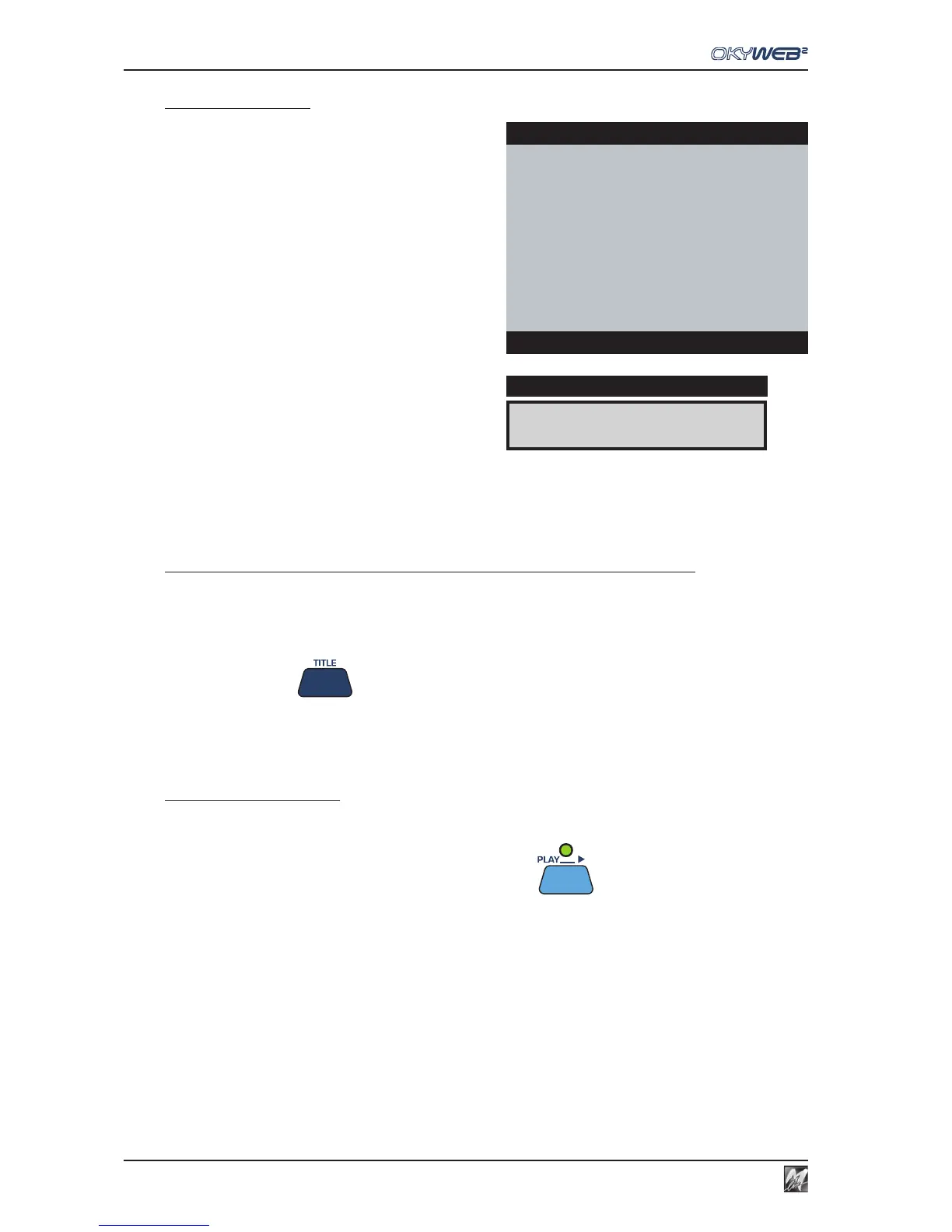
When you switch the OkyWeb2 on, the ‘Search by Title’
window is shown on the video screen.
All the MIDI files on the OkyFlash card are listed in
alphabetical order by title.
To access ‘Search by Title’ from another search window (ARTIST or GENRE)
The SHIFT LED must be OFF.
If the SHIFT LED is on or flashing you are in one of the Alphabetical Search functions.
Press the SHIFT key to exit and switch off the LED.
Press the TITLE key
To find the required song
Scroll the list with the UP and DOWN keys (SHIFT + UP/DOWN to move faster).
Position the arrow-cursor on the song title and press PLAY
You can search for a new song even while a song is playing: simply scroll the list in the lower part of the video
screen (TXT + SEARCH mode), select the new song and press PLAY again. The new song will replace the
previous one immediately.
A FOGGY DAY È
DISPLAY
OkyWeb2
ÆA FOGGY DAY
AIN’T SHE SWEET
ALWAYS ON MY MIND
BLANKET ON THE GROUND
DANCE THE NIGHT AWAY
ESCAPE
FEVER
GREENSLEEVES
Select Song



 To Next Page