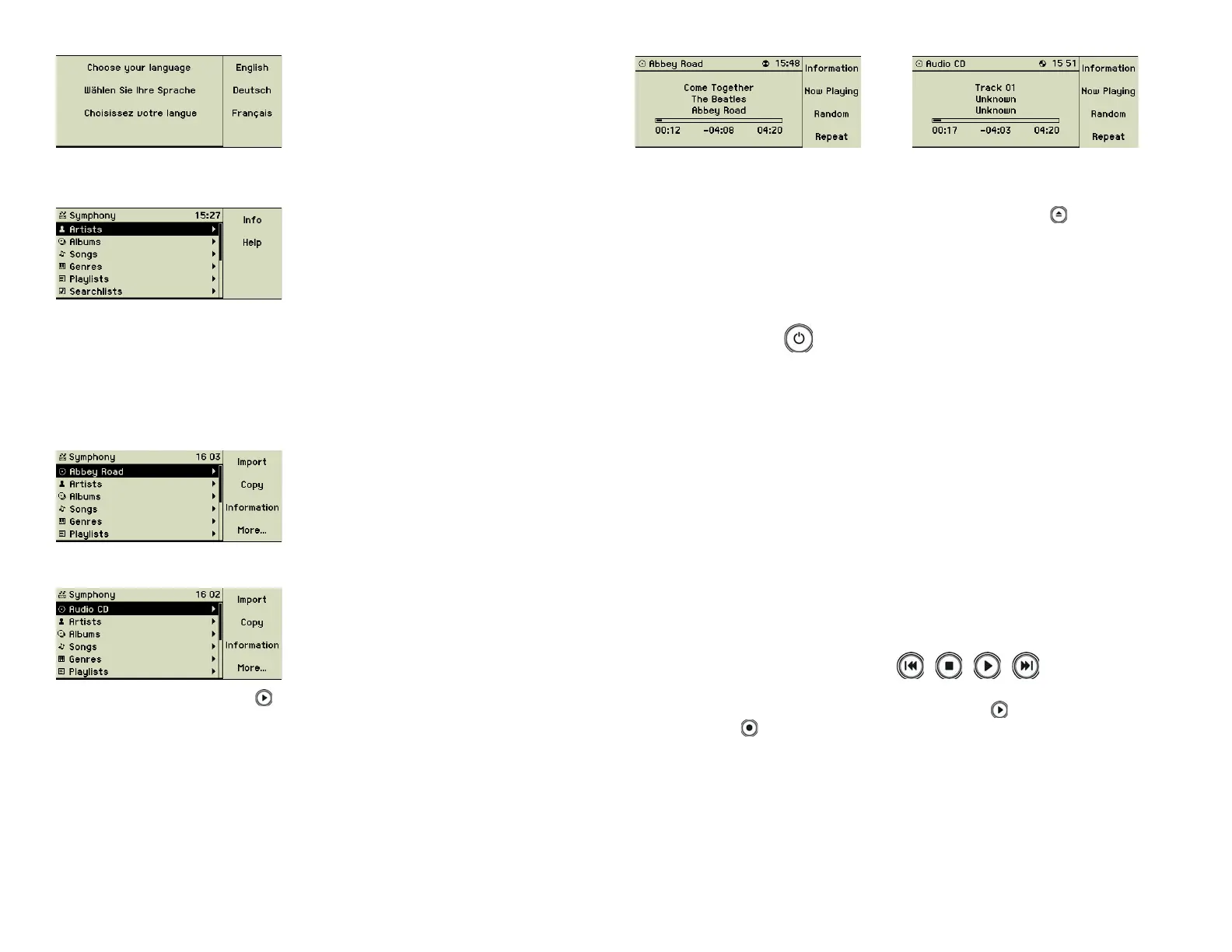
Select function key 1 “English” to switch to the English language. Immediately
the display shows everything in English.
For changing the language later on, please refer to chapter 4 «Settings» on
page 23.
1.3.4 Trying a music CD
For a fi rst test of your music center simply insert you favourite music CD into
the slot (2) at the front. If this CD is known already to the internal database its
title and artist are displayed on the screen:
Otherwise generic descriptions are displayed.
Just press the Play button (5 ) on the front. Your music center starts playing
the fi rst track of the CD and shows the current song info on the display:
The buttons beneath the CD slot look and operate identical to buttons on CD
players or similar equipment. You can skip tracks forward and backward,
pause and restart the playing or stop it. The Eject button (8 ) to the right of
the CD slot (2) returns the CD to you.
1.4 The operating keys
Please see the drawing representing the music centerʼs front and remote con-
trol. The bracketed numbers refer to the numbers in these drawings.
1.4.1 On/Off (1)
This button switches the music center on or off. Switching off whilst shortly
pressing this button puts the music center in a sleep mode with minimal power
consumption. Coming back into operation then is just a matter of a few sec-
onds.
To switch off the music center completely keep this button pressed for about
3 seconds and release it when the display shows a closing “curtain”. Holding
the button for a longer time yields to an internal hardware reset.
Any time you unplug the music center from the power supply, it needs the
initialisation time of about 40 seconds to become operational again.
1.4.2 CD slot (2)
Insert the music CD printed side up until the mechanism catches it.
Have a look at the main menu of the display to make sure that there is no CD
already inserted in the slot. Otherwise your CDs and device could be dam-
aged.
1.4.3 Control buttons (3) to (6)
These buttons control the playing of songs of music CDs or the tracks stored
inside the music center. The Play/Pause button (5 ) starts a song and the
Stop button (4 ) ends it.
Additionally, the Play/Pause button (5) pauses the playback and allows to
continue at the same position.
resp.
4



 To Next Page